Argo CD Instances don’t fall under the category of ‘Deployment Target’, and don’t support the idea of ‘Target Tags’, instead - Argo CD Applications are annotated with Scoping Annotations to provide a similar mapping between project/environment and an output location (in this case, an Argo Application’s repository).
As this data isn’t readily visible during the step - we’ve added a drawer so you can see what applications will be updated given current Argo CD Application annotations.
This data is also visible via the Octopus Infrastructure pages - but having it on hand can make the process simpler.
Argo App Configuration
When you create a new Argo step, you’ll see in the Output section, a field titled Argo CD Applications.
The content of this field is dependent on the state of your system:
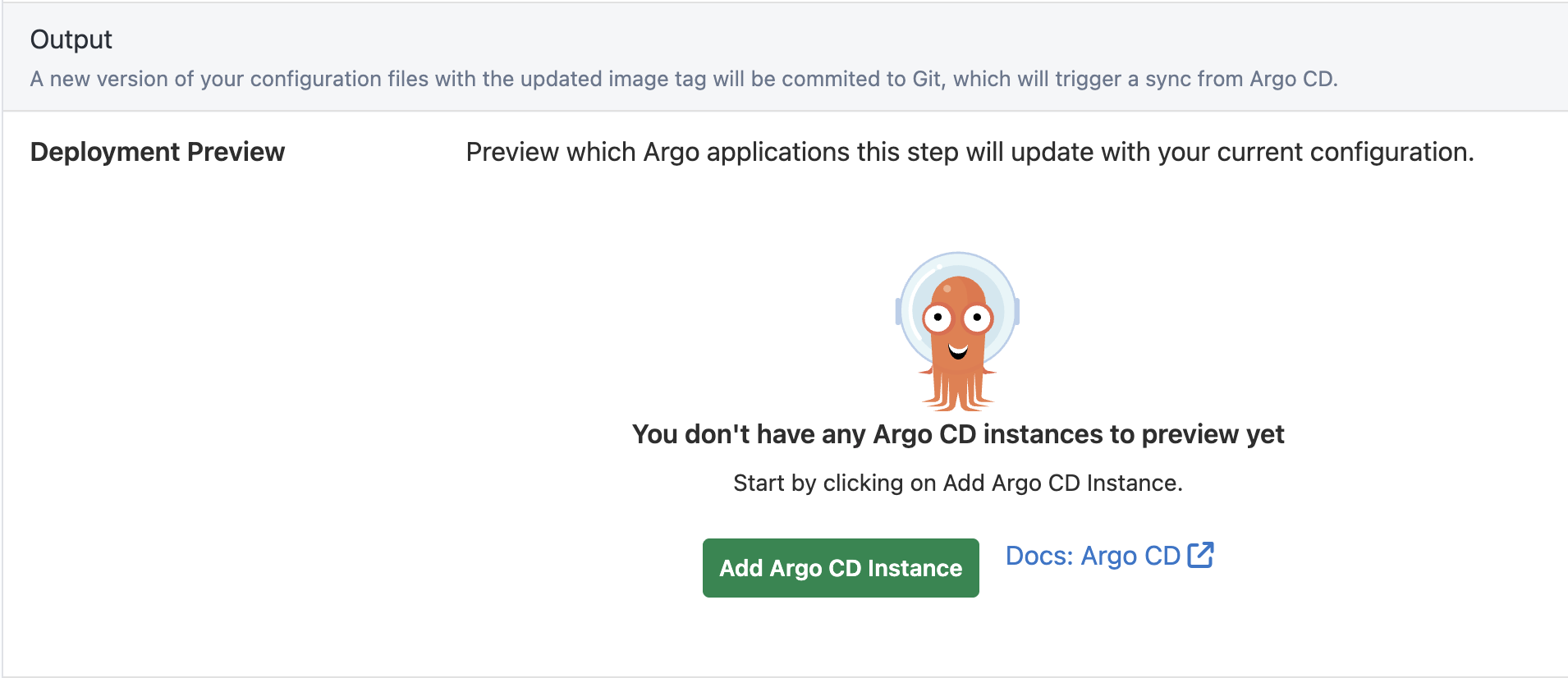
- Have you already registered a gateway and Argo CD Instance?
- If not, you will see the following - selecting the button will start the gateway registration process.
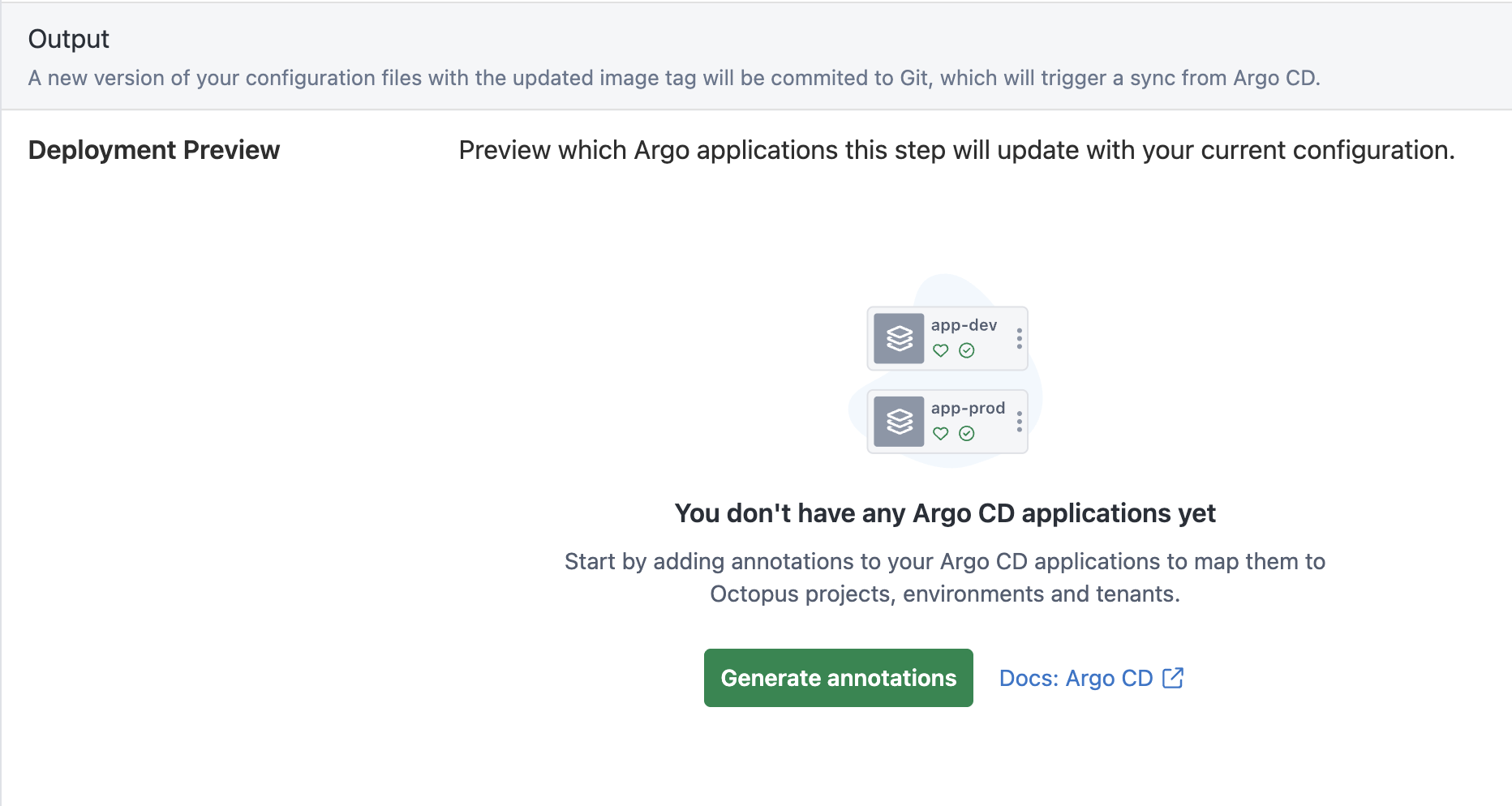
- Have you applied Scoping annotations to any applications?
-
If not, you will need to add scoping annotations to your application(s).
-
You will see the following - selecting the button will open a drawer to aid in the creation of necessary annotation text
-
If you do have the annotations - you’ll be presented a button which will open the ‘Deployment Preview’ drawer when selected

-
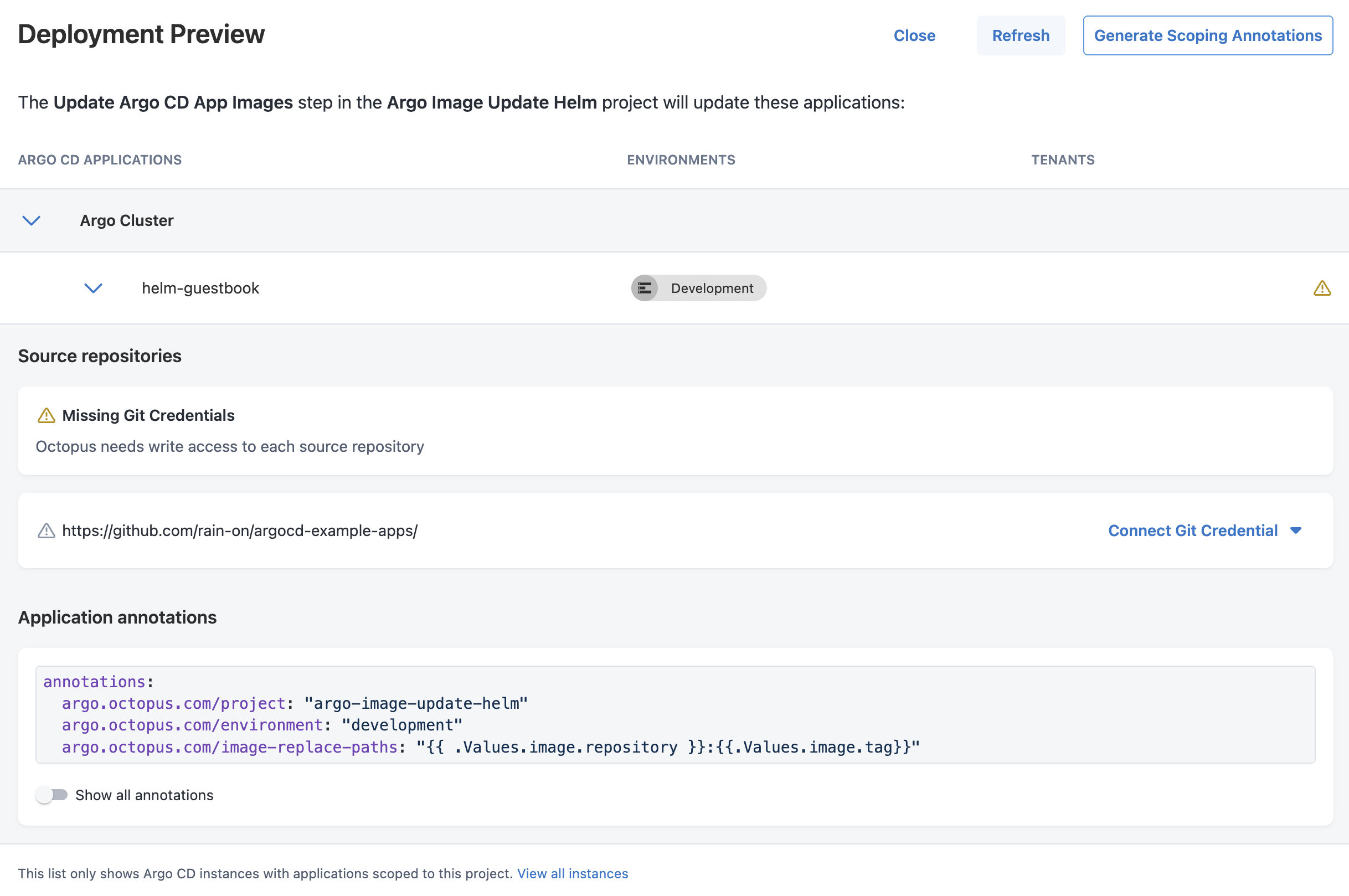
Are git credentials available for all detected git repositories?
- If not, you will see a warning triangle next to the application
- A “Connect Git Credential” will appear next to the repository lacking credentials
- Selecting this button will let you create a new git credential, or add this url to an existing credential
-
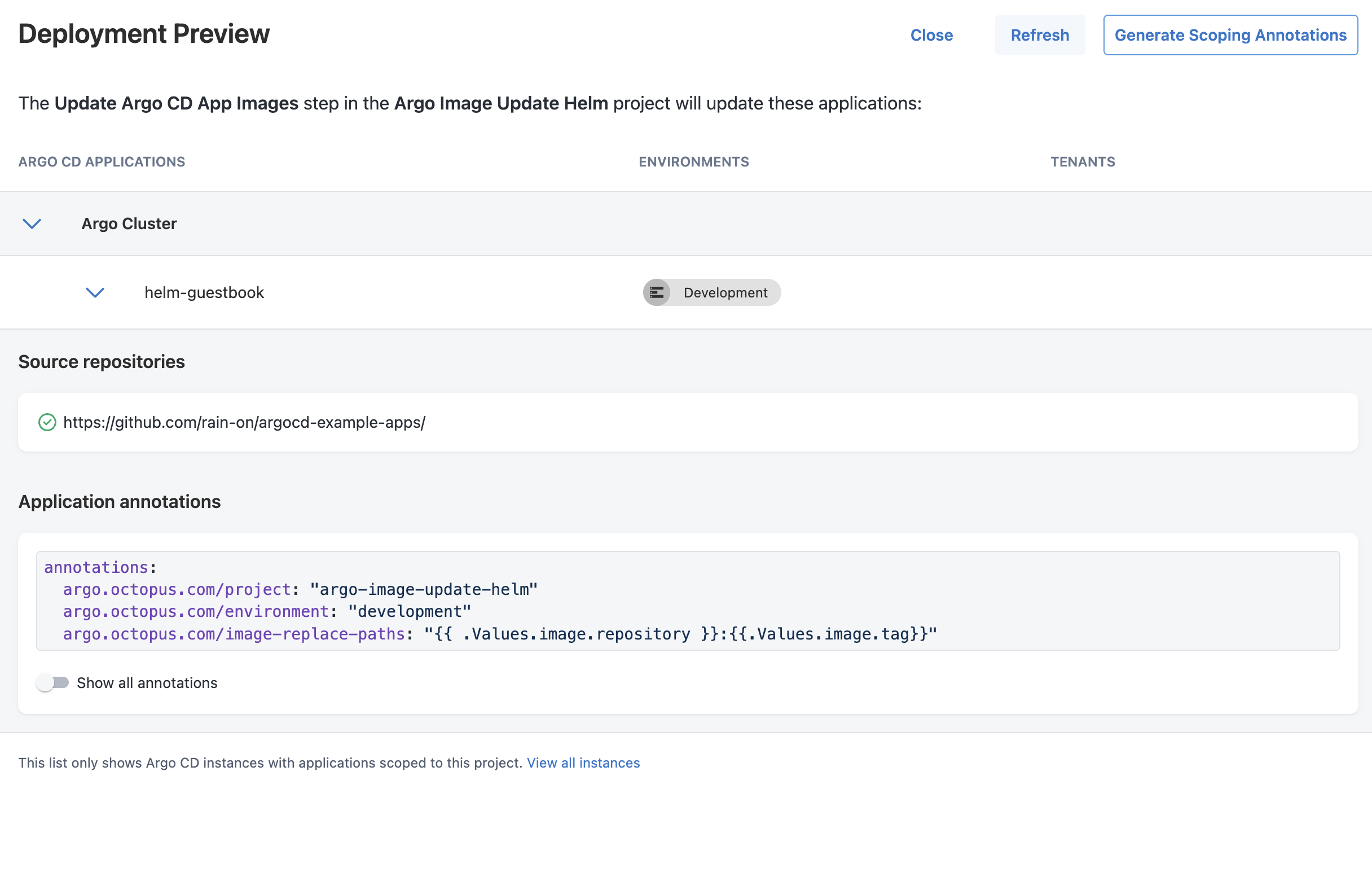
Once all preconditions are met, you’ll see a Deployment Preview drawer, with no errors/warnings.
-
You’re free to deploy (and you can be confident which Applications are going to be updated).
-