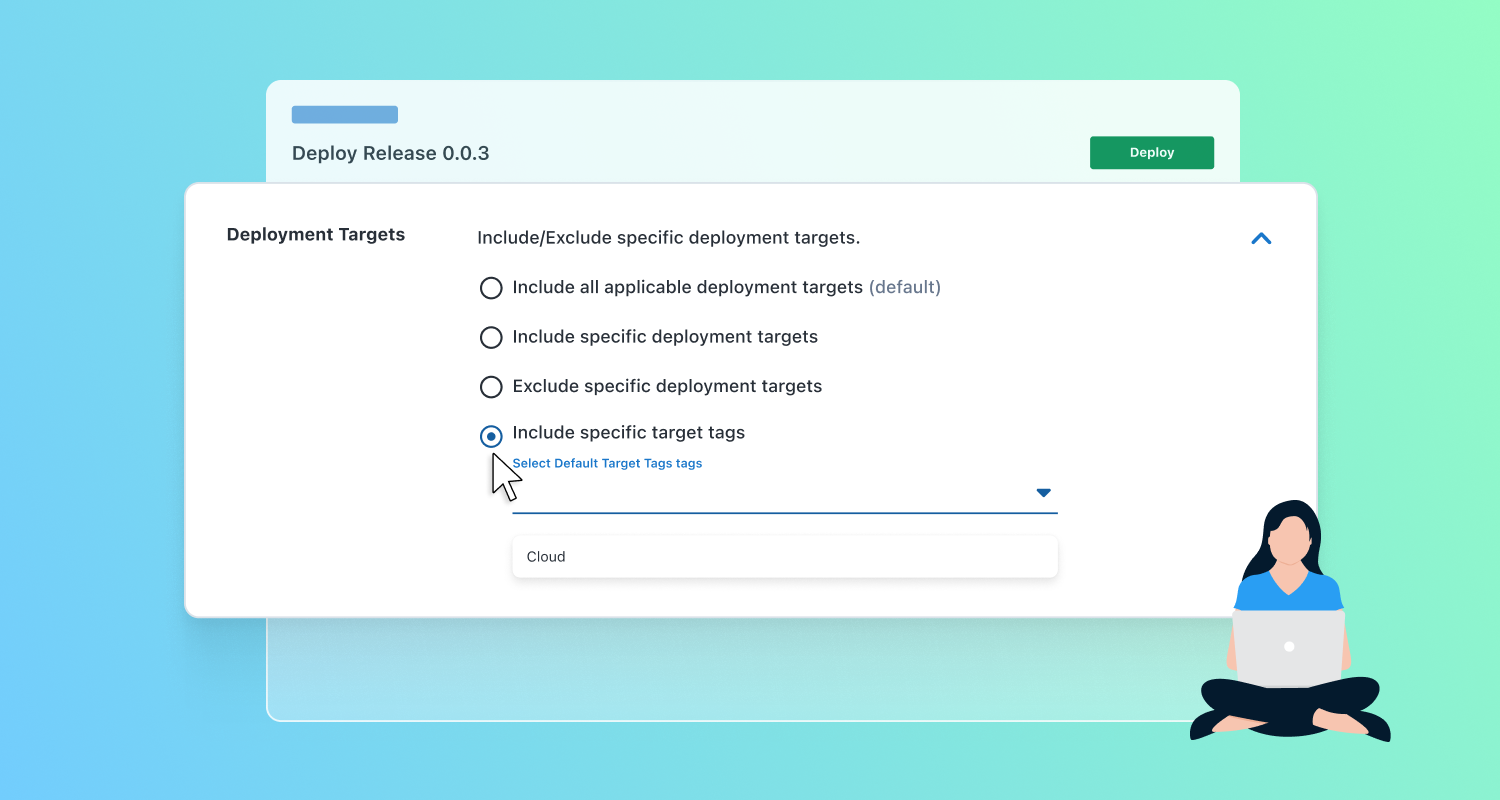

If you’ve been using target tags (the artist formerly known as target roles) in Octopus Deploy, you’ve probably run into the limitation that once a tag is created, there’s no way of maintaining it. It’s an all-or-nothing system; if you find a typo or need to update a team name, you either have to live with it or delete that tag and start again.
We’ve migrated target tags to be managed with tag sets, which means you can now create, edit, and delete tags on your deployment targets the same way you manage tag sets elsewhere in Octopus.
What this means for those already using target tags
Target tags still work the same way for filtering deployments and scoping steps to specific targets but they’re now backed by the tag set system, giving you improved tag maintenance. You can now:
- Rename a tag when your naming conventions change
- Use SingleSelect or MultiSelect tag set types to enforce data integrity.
- Improve the organization of target tags by splitting these out into different sets.
Use cases
Organize and provide context - for teams running multi-cloud infrastructure, it’s common to need both the provider and the workload type when targeting deployments. For example:
- Cloud Provider (SingleSelect):
aws, azure, gcp, on-premises - Workload (MultiSelect):
containerized, vm, serverless
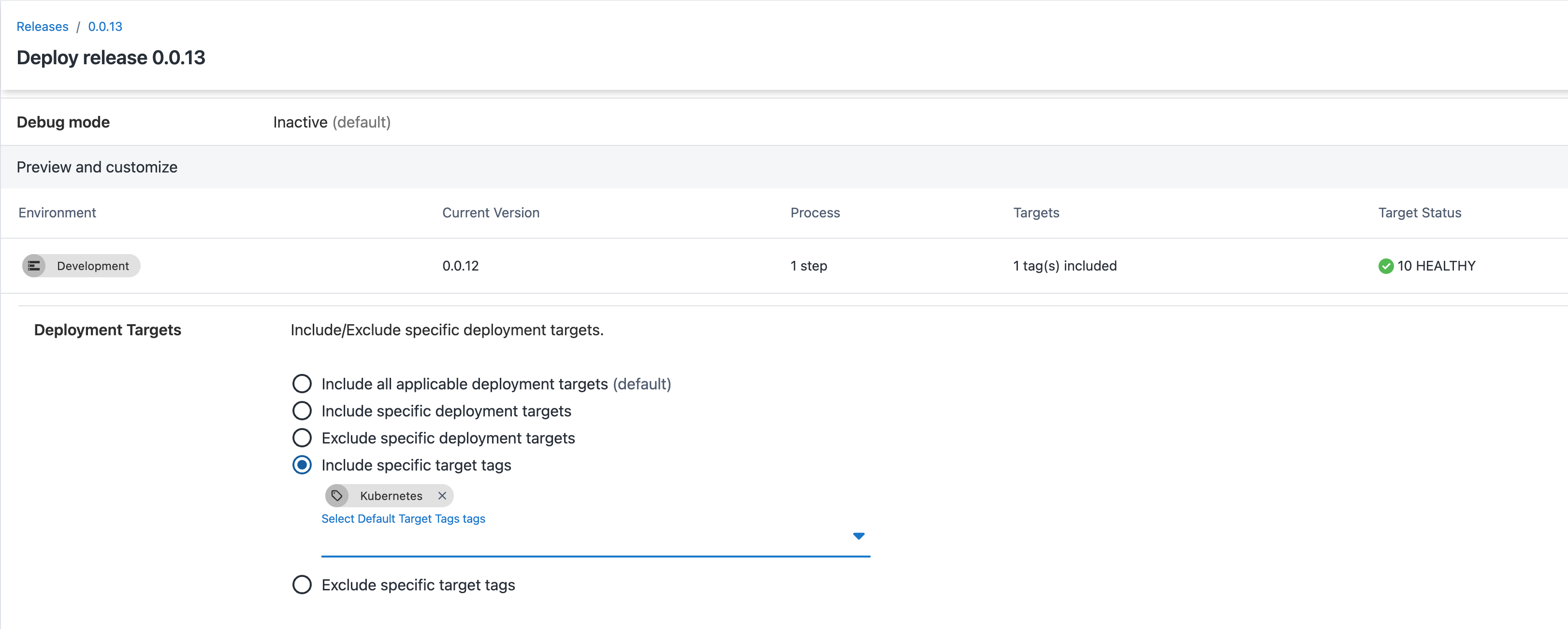
Deploy to specific tags - trigger a runbook that restarts services only on targets tagged containerized, leaving VM-based workloads alone during an incident.
Exclude specific tags - exclude targets that are currently in use to ensure deployments don’t result in downtime during high traffic periods
Deploy to tags across multiple tag sets - Deploy to targets tagged production (Tier) OR regulated (Compliance) to make sure a critical security patch reaches everything that’s either customer-facing or subject to compliance requirements.
Getting started
If you’re already using target tags, they’ve already been migrated to a new tag set ‘Default Target Tags’. Head to Library > Tag Sets to see them and start managing them alongside your other tag sets. If you’re setting up target tags for the first time, take a moment to think about what dimensions matter to your infrastructure; role, cloud provider, team ownership, compliance scope, and model those as separate tag sets rather than trying to pack everything into one.
Learn more
For guidance on designing tag sets, check out our documentation on tag set best practices.
For more information on deploying to, or excluding tags read more our docs.
Happy deployments!
Tags: