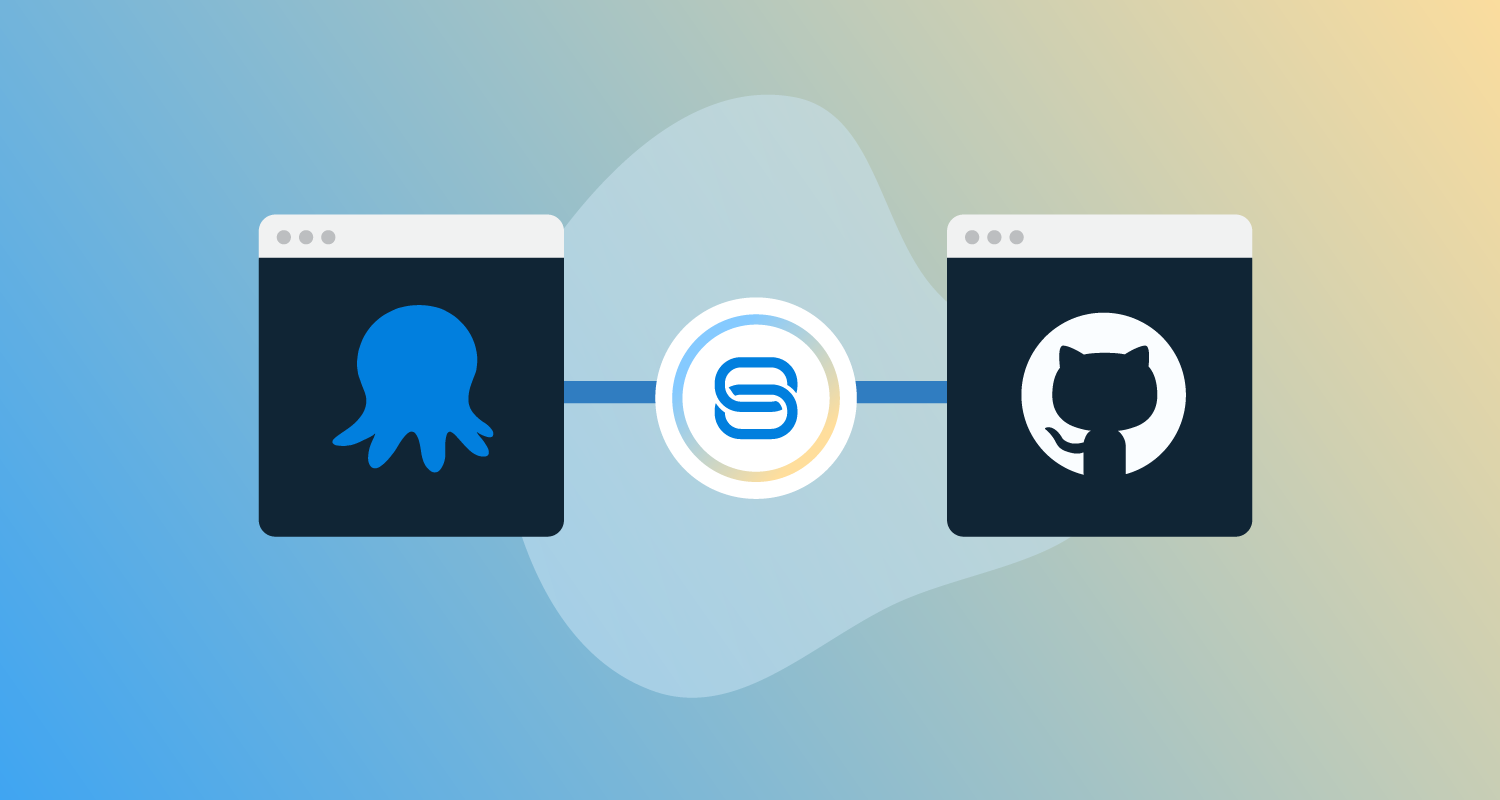

As of release 2026.2, GitHub Connections (via the Octopus Deploy App for GitHub) are available to self-hosted Octopus Server customers.
In 2024, we launched the Octopus Deploy App in the GitHub Marketplace. It has been widely adopted, unsurprisingly, as it is the most seamless way to connect Octopus Deploy and GitHub. At launch, however, it did not support self-hosted Octopus Server customers.
This means until now, if you self-host your Octopus instance and you integrate with GitHub, you’ve been doing it with Personal Access Tokens (PATs). PATs work, but they’ve never been ideal for a critical integration like this, suffering from a number of problems:
- Someone leaves the team and their PAT goes with them
- A token quietly expires at 2am and a deployment falls over
- PATs are user-scoped, long-lived, and often have more permissions than they strictly need
We’ve received plenty of feedback requesting support for the Octopus Deploy App for GitHub from our self-hosted customers, and we’re happy to say that as of release 2026.2 it’s available.
What’s shipping
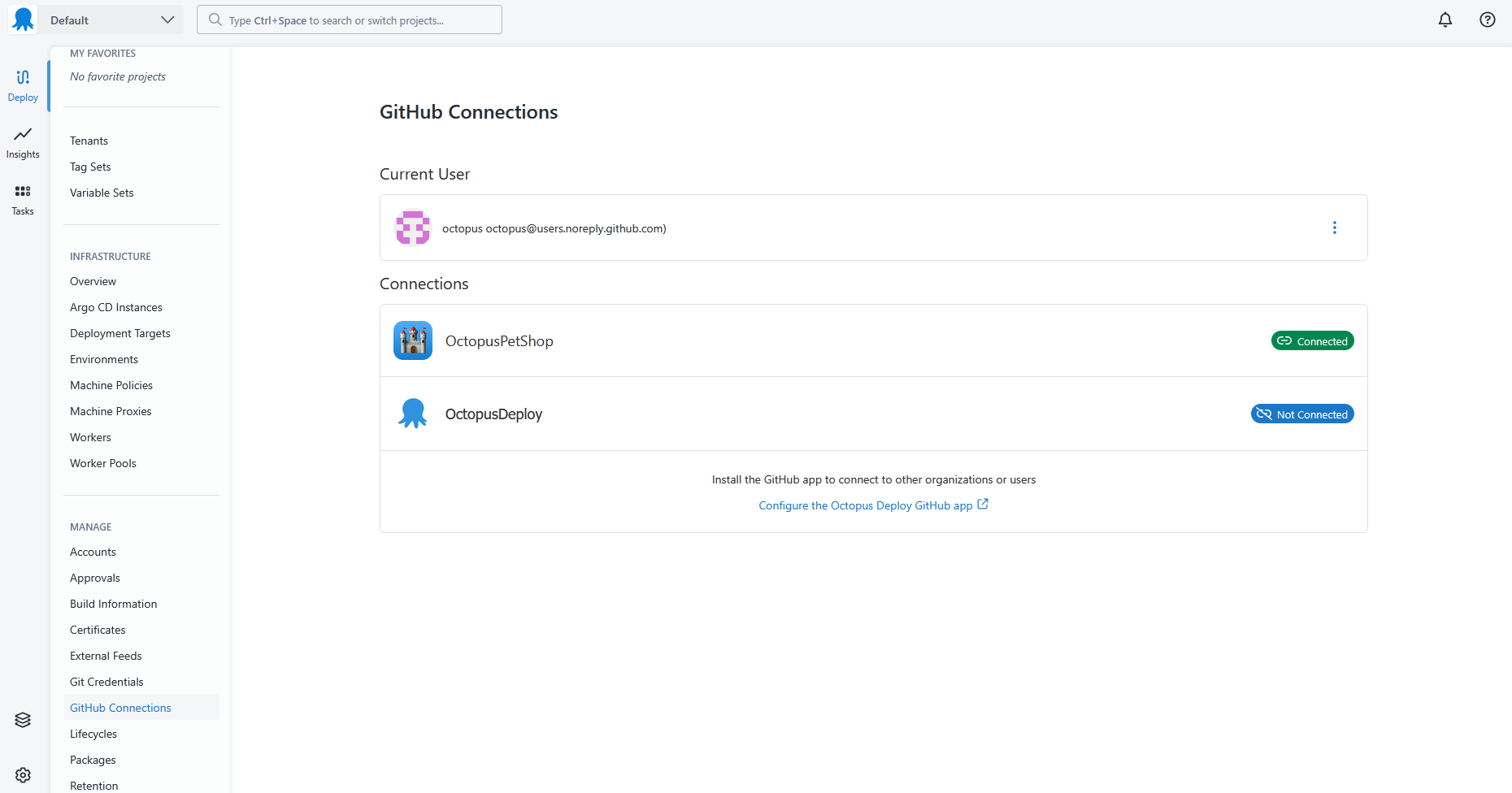
GitHub Connections are now available for self-hosted Octopus Deploy. You can install the Octopus Deploy App for GitHub, connect it to your self-hosted instance, and use it anywhere the product currently requires GitHub credentials.
Under the hood, GitHub Connections use OpenID Connect (OIDC) to exchange a signed token from your Octopus instance for a short-lived GitHub token, scoped to the repositories you’ve granted the app access to. There are no long-lived secrets to store, rotate, or leak. The permissions are managed in GitHub against the app installation, not against a user account. When someone leaves the team, nothing breaks.
What about Octopus instances behind a firewall?
This is the part that took the most thought.
OIDC requires GitHub to fetch the public signing keys from your Octopus instance to verify the tokens it issues. That works fine on Cloud, and it works fine on a self-hosted instance that’s reachable from the public internet. It doesn’t work if your instance lives behind a corporate firewall, on a private network, or otherwise isn’t reachable from github.com, and this is true for many self-hosted installs.
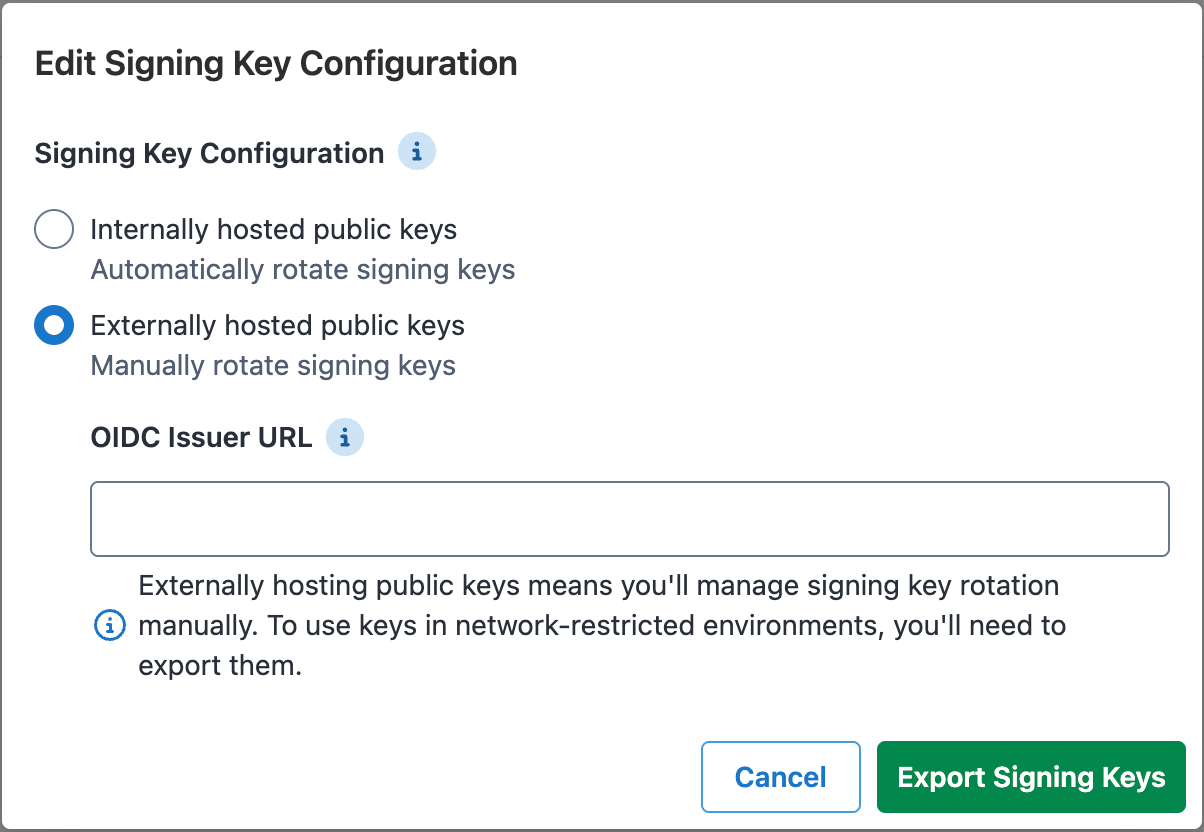
So we’ve added a second option. On the Signing Keys settings page, you’ll find a new Externally Hosted option. You generate your signing keys in Octopus as usual, then publish the public keys to any web host you like, such as an S3 bucket or Azure blob storage, whatever fits your infrastructure, and tell Octopus the OIDC issuer URL where GitHub can fetch them. Octopus signs tokens with that issuer URL, GitHub validates them against the published keys, and your private instance never has to take an inbound connection from the internet.
The signing keys docs walk through the options.
Getting started
GitHub Connections are available to all self-hosted customers from 2026.2. See the GitHub Connections docs for the details of how to configure the integration between Octopus Deploy and GitHub, without Personal Access Tokens.
Note: GitHub Connections work with repositories hosted on github.com. They don’t yet support GitHub Enterprise Server (self-hosted GitHub). If your repositories live on GitHub Enterprise Server, you’ll need to keep using Personal Access Tokens for now.
If you use GitHub Enterprise Server, and this is important to you, please register your interest on the roadmap card.
Happy deployments!