
Until now, connecting an agent to Octopus meant running our local Model Context Protocol (MCP) server on your machine. You had to install it on every machine, for every user, and keep every installation up to date.
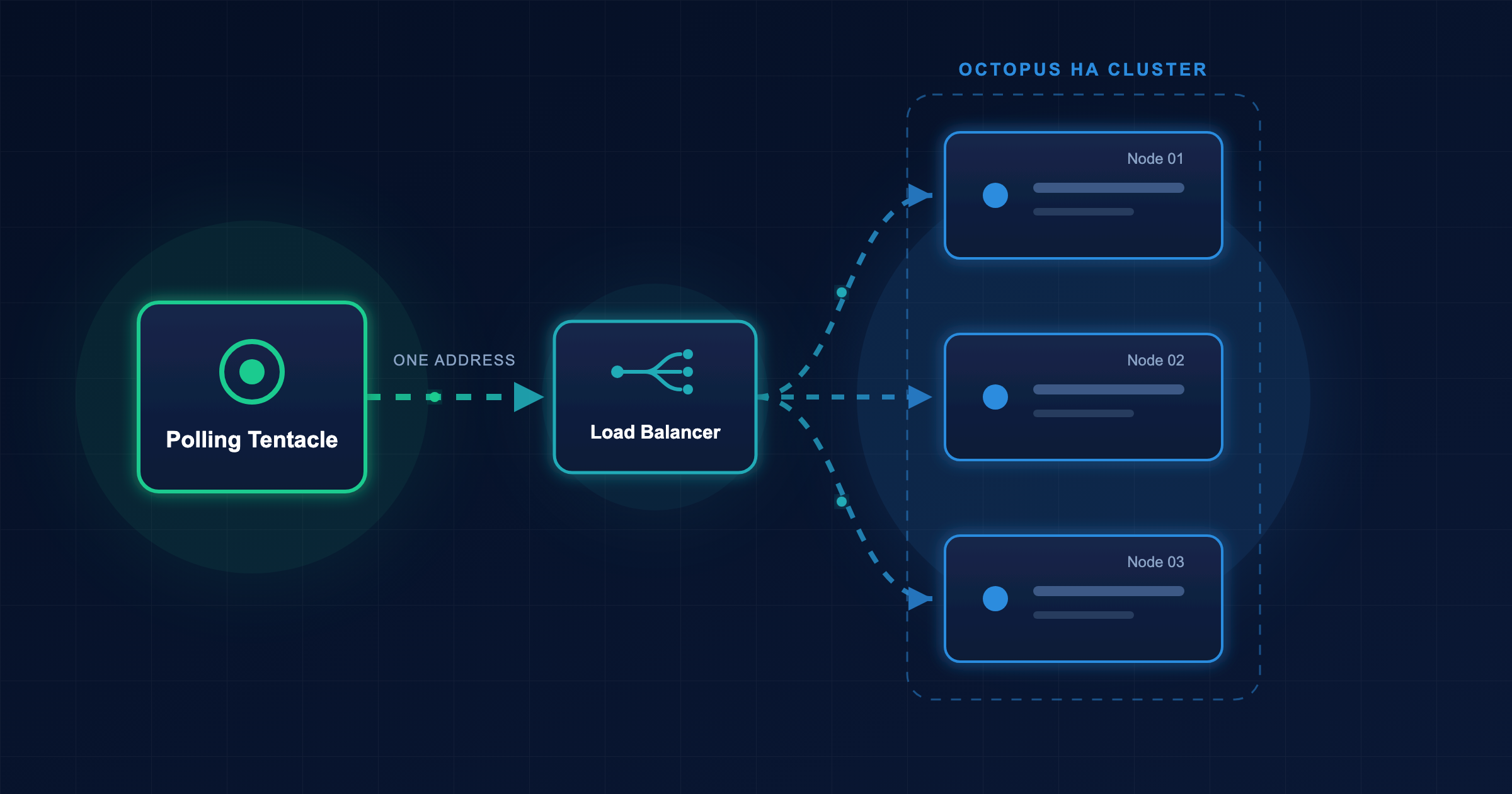
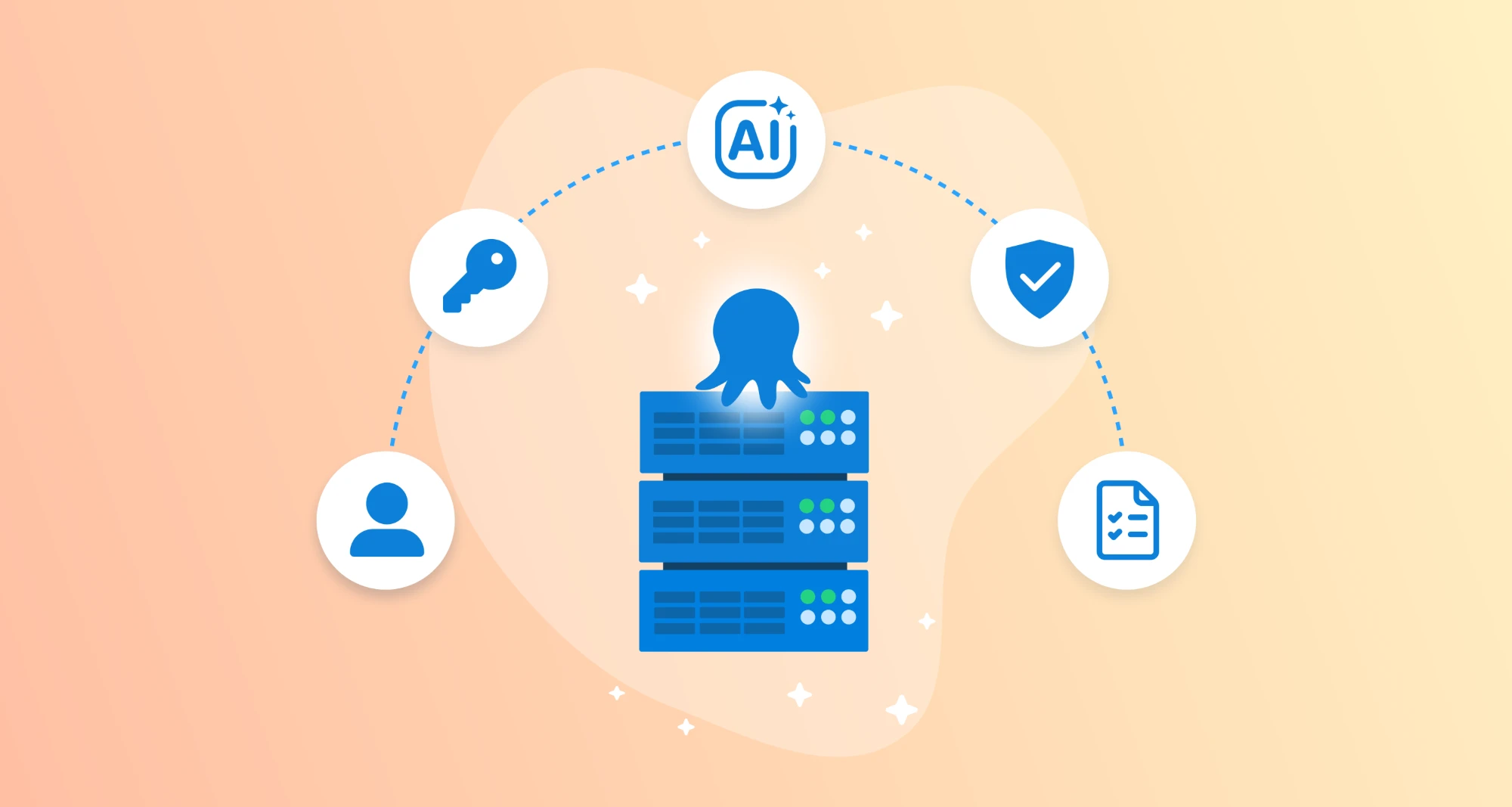
There’s an easier option now. Octopus includes a built-in remote MCP server, so there’s nothing to install or maintain. Point your agent at your instance’s /mcp endpoint, and it can talk to Octopus over HTTP.
What can the remote MCP do?
The remote MCP initially supports a selected set of core Octopus features, and we’ll add more over time. Share your feedback to help us decide what comes next.
Depending on the authentication mechanism and the permissions you grant, the remote MCP can:
-
Navigate and orient: Find and provide details on spaces, projects, tenants, and tenant tags.
List the projects in the Payments space and the tenants each one deploys to. -
Answer deployment questions: Show a pull request’s deployment status, including when it reached a tenant or environment, and describe the lifecycle phases and progression rules behind it.
When did PR #4821 reach the Brisbane Bank tenant, and which environment is it in now? -
Deploy and operate: Create and deploy a release, promote a release through its lifecycle, and run runbooks. Then generate and attach release notes to a release.
Create a release of Payments Service, deploy it to production, then draft and attach release notes. -
Investigate and diagnose: Search task logs, deployment processes, and variables to work out why something failed. List or filter running, queued, and failed tasks across the instance.
The last deployment of Payments Service to production failed. What was the error, and which step failed? -
Audit and report: Query audit events, report on deployment health, and triage incidents by tracing what was deployed to which targets and when.
What changed in the Payments space in the last hour? -
Check tenant configuration: Find variables with incomplete configuration across tenants.
Which tenants have missing variable values for the Payments project?
Get started
Octopus Cloud customers can use the remote MCP now. Point your agent at your instance’s /mcp endpoint to try it.
Octopus Server customers will get it in the upcoming 2026.3 release.
Read the remote MCP docs to learn how to connect your agent and set up authentication.
What’s next
We know that for many teams, easily connecting an agent to Octopus is only the first step. The next is governance.
The remote MCP is one part of our broader vision for agent governance. In the coming months, we’re launching:
- Scoped API keys: Tighter control over what an agent can reach
- OAuth for the remote MCP: A cleaner, more secure connection flow
- Agent-aware policies: Visibility into whether an agent initiated a deployment or runbook run, to inform Platform Hub policies
- Improved audit log: Easier filtering and viewing of audit events related to agent activity
Thank you to the 19 users who voted for and commented on remote MCP in our roadmap. You helped shape this feature.