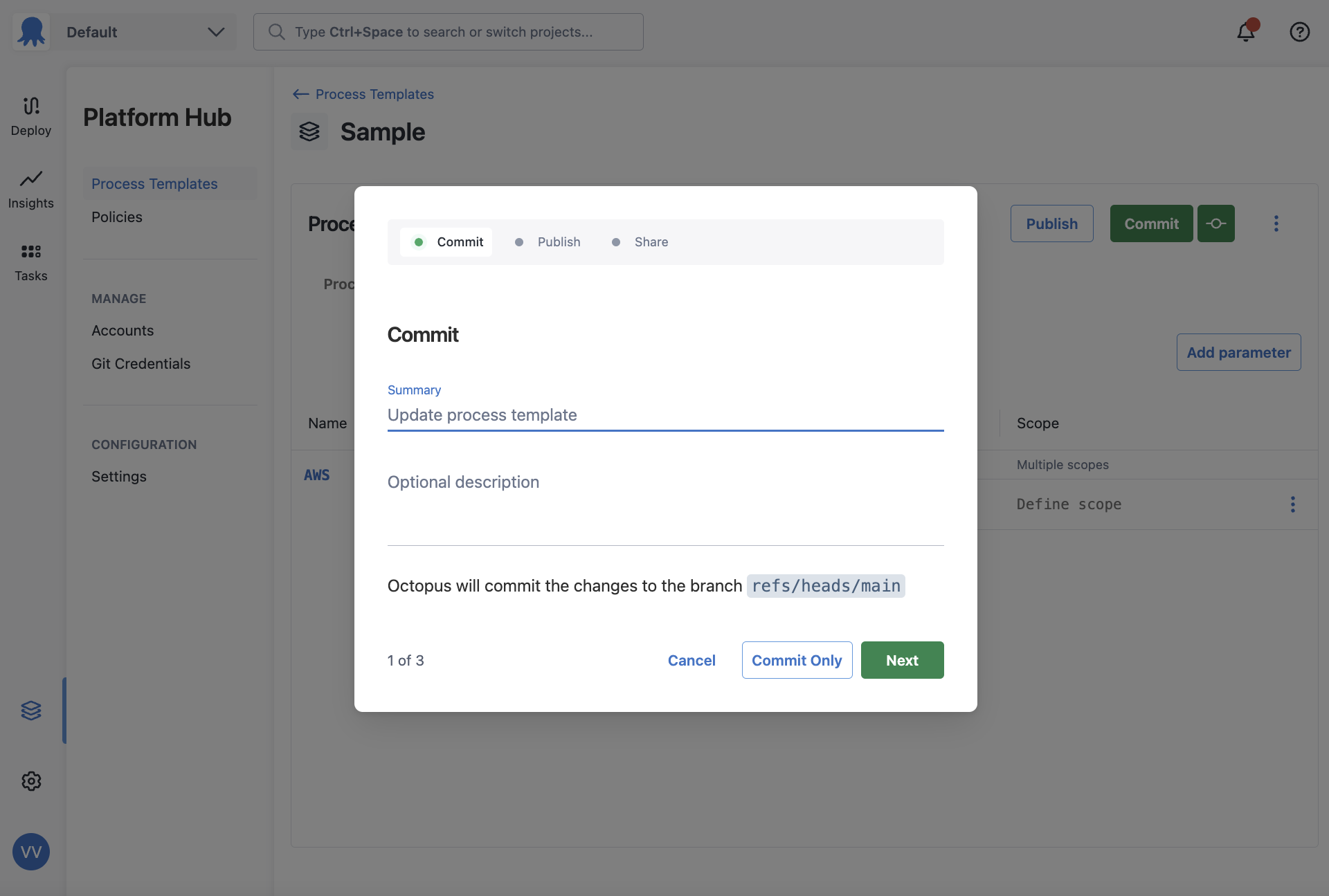
Saving a template
Once you’ve finished making changes, commit them to save to your Git repository. You can either Commit with a description or quick commit without one.
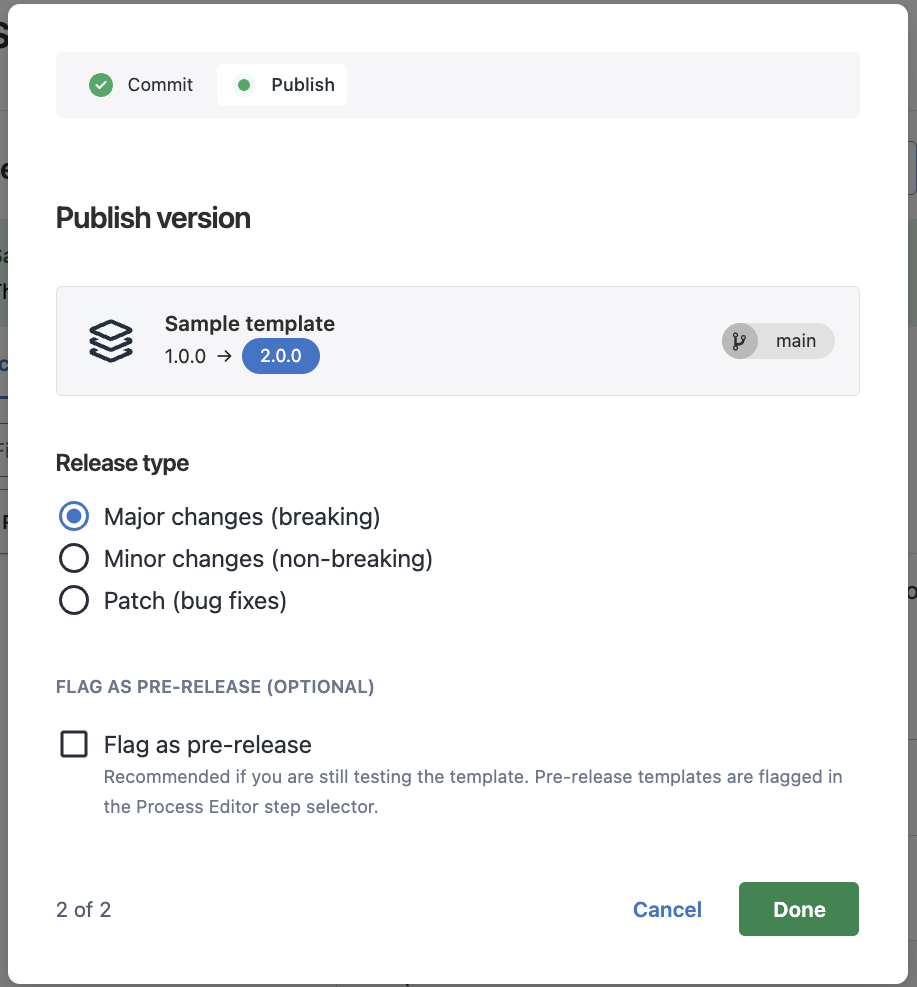
Publishing a template
After committing your changes, publish the template to make them available. You have three options when publishing:
- Major changes (breaking)
- Minor changes (non-breaking)
- Patch (bug fixes)
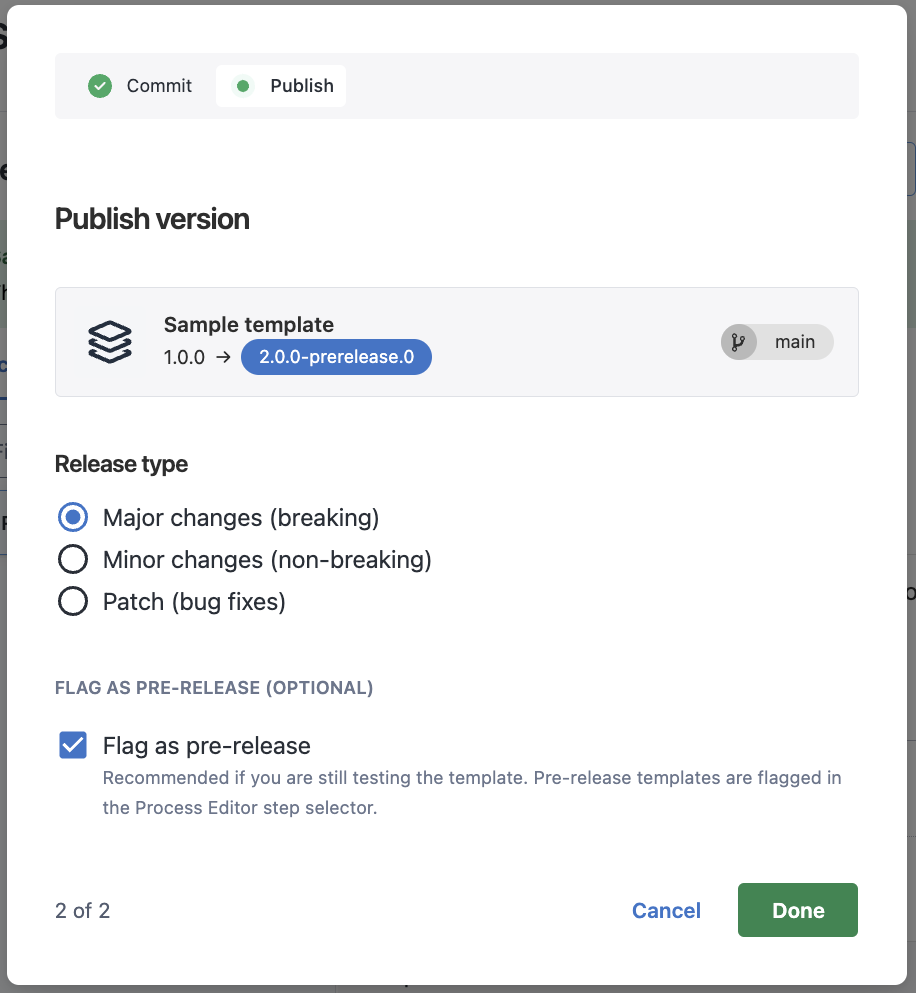
You can also publish a pre-release version to test the template before promoting it.
The first time you publish a template, you can only publish a major or pre-release version.
Selecting any option increments the version number following Semantic Versioning. For minor or patch updates, projects that accept these changes will automatically upgrade to the newly published version.
Pre-releases
If you want to test your changes before publishing a major, minor, or patch version, you can mark a template as a pre-release version.
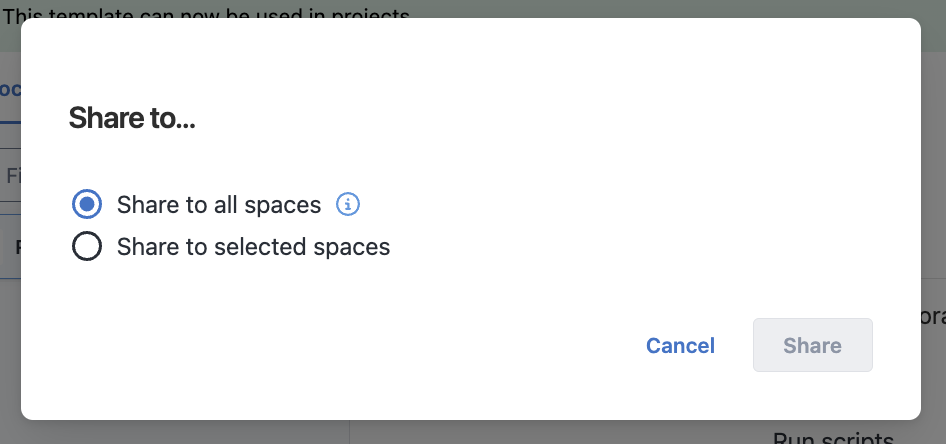
Sharing a template
You must share a template before any space can use it. Templates can be shared with all current and future spaces, or with a select few.
Sharing settings can be updated at any time.