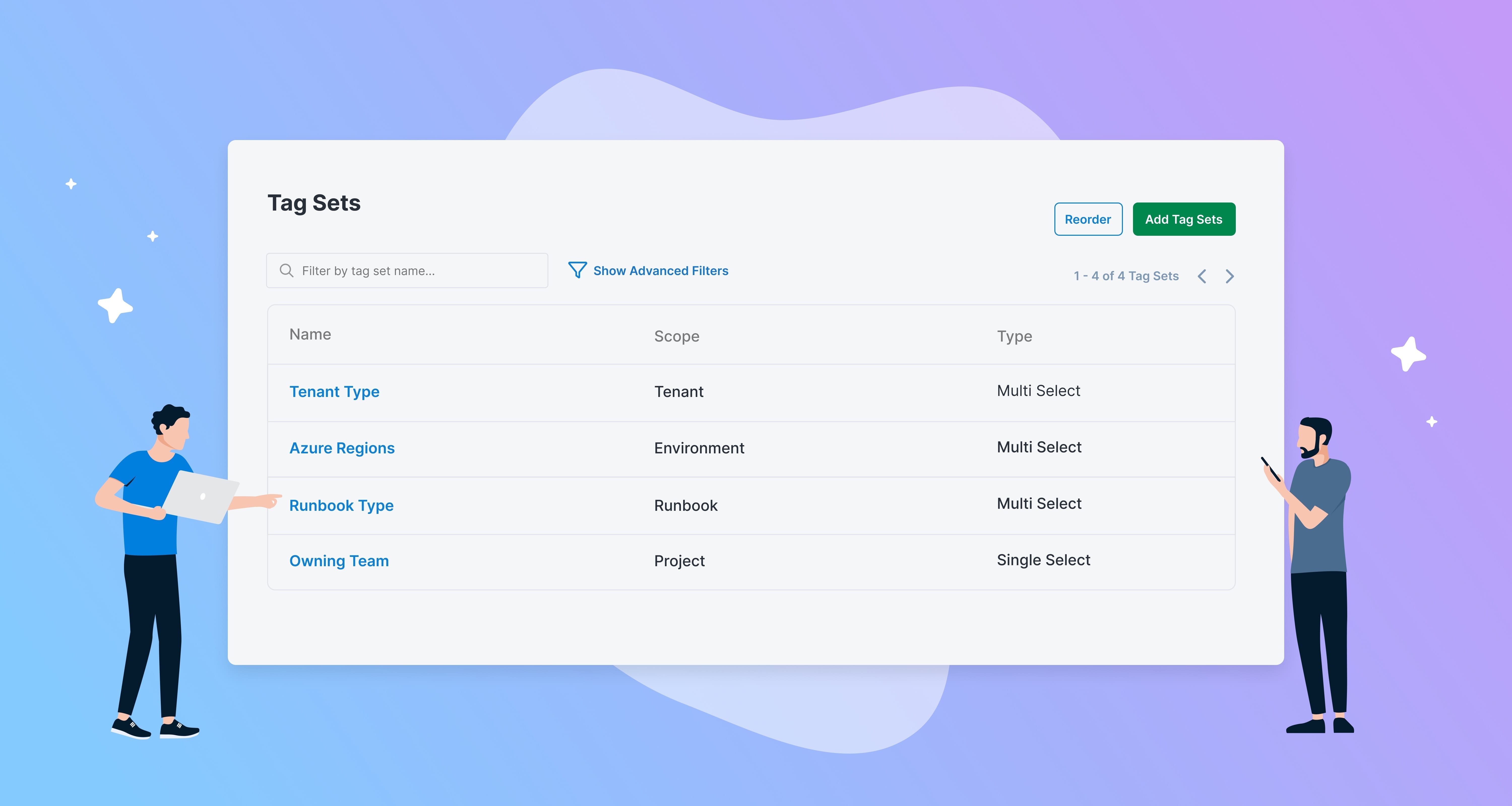

Tag Sets
If you’ve used Octopus Deploy for tenanted deployments, you know how valuable tags can be. Tags help segment customers and provide more granular control when deploying. We’ve expanded tag sets to help solve a wider range of problems
- Filtering your dashboard to view the projects you care about
- Tagging environments for specific compliance requirements or cloud providers
- Organize runbooks for different operational scenarios
What’s changed?
From 2026.1.6552
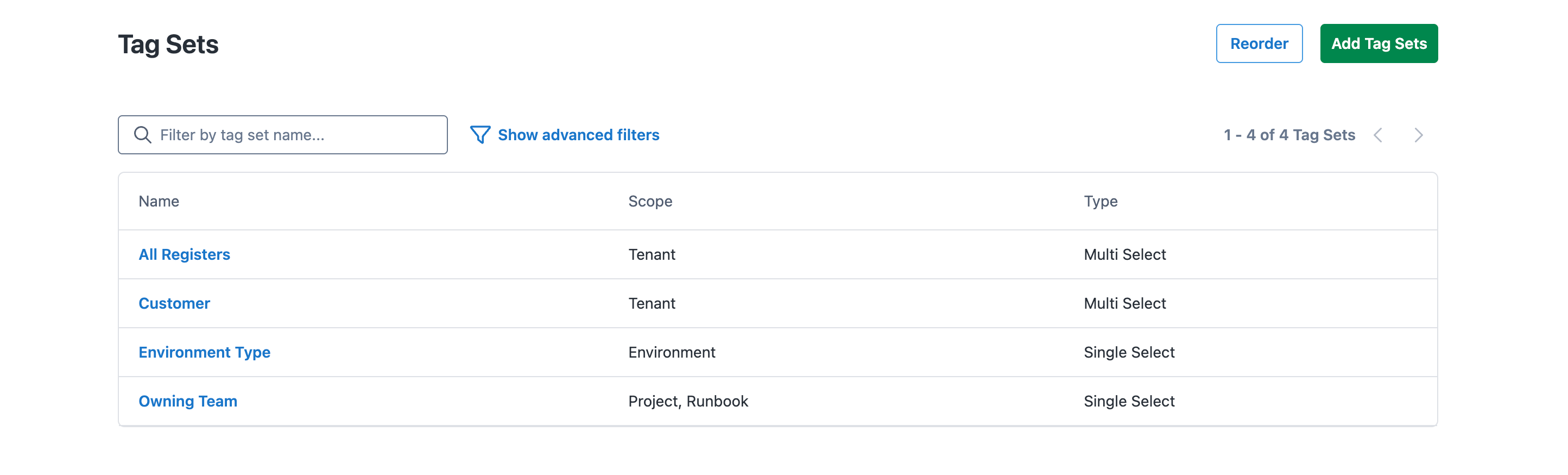
In addition to tenants, you can now apply tags to:
- Projects
- Environments
- Runbooks
There are three types of tag sets that can be created:
- MultiSelect: Allows selecting multiple predefined tags from the tag set. This is the standard behavior and works for most scenarios.
- SingleSelect: Allows selecting only one predefined tag from the tag set. Use this when you need to ensure just one option is chosen - like a cloud provider or deployment tier.
- FreeText: Allows entering custom text values without requiring predefined tags. The tag set name must match exactly, but the tag value can be any arbitrary text. Use this when wanting dynamic values like region identifiers, customer IDs, or version numbers. When using free text, only one value per tag set is allowed.
Project Tags
Project tags let you assign metadata such as teams, product lines, criticality and/or technology stack to projects. You can then use these tags to configure your dashboard to show only the projects you care about.
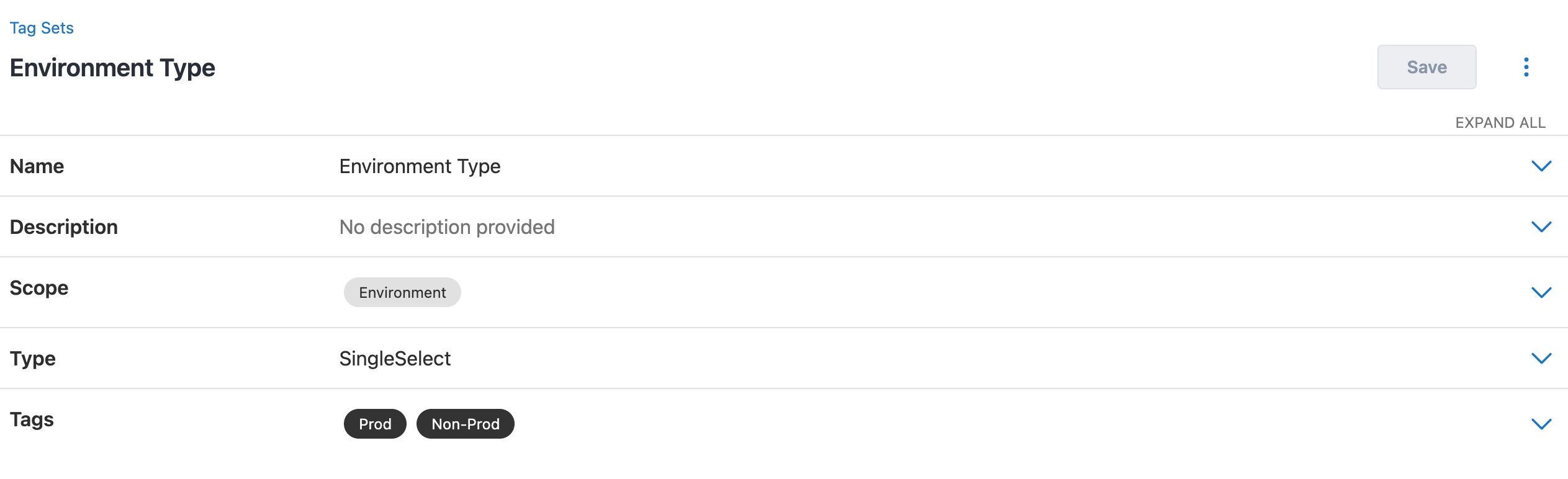
Environment Tags
Environment tags help you mark environments as production or assign metadata such as cloud provider or region. You can filter both the deployment dashboard and environments page by using these tags. Enterprise users can also assign policies to environment tags in the platform hub. This is particularly helpful if separating out production and non-production environments.
Runbook Tags
Runbook tags help you categorize by type and specify which runbooks should be triggered by an event.
Runbook triggers have been updated, so you can now trigger specific runbooks or groups of runbooks based on their tag.
Best Practices
To help achieve the best results, our documents include guidance on how to design your tag sets. Consider what your organization wants to achieve with tags and how they can work to make filtering and management easier.
What’s Next
We’re currently working on migrating all existing target tags to be managed with tag sets. With the existing target tag design, deployment targets can be tagged, but once created, cannot be updated or deleted. We will move this functionality into the tag set space to remedy this limitation. What’s next from there is up to you. Possibilities include:
- Deployment Freezes by tag
- Scoping variables to tags
- License usage by tag
If any of these would work well for you or if you have other suggestions, let us know by completing this survey or in the comments below.
Happy deployments!
Tags: