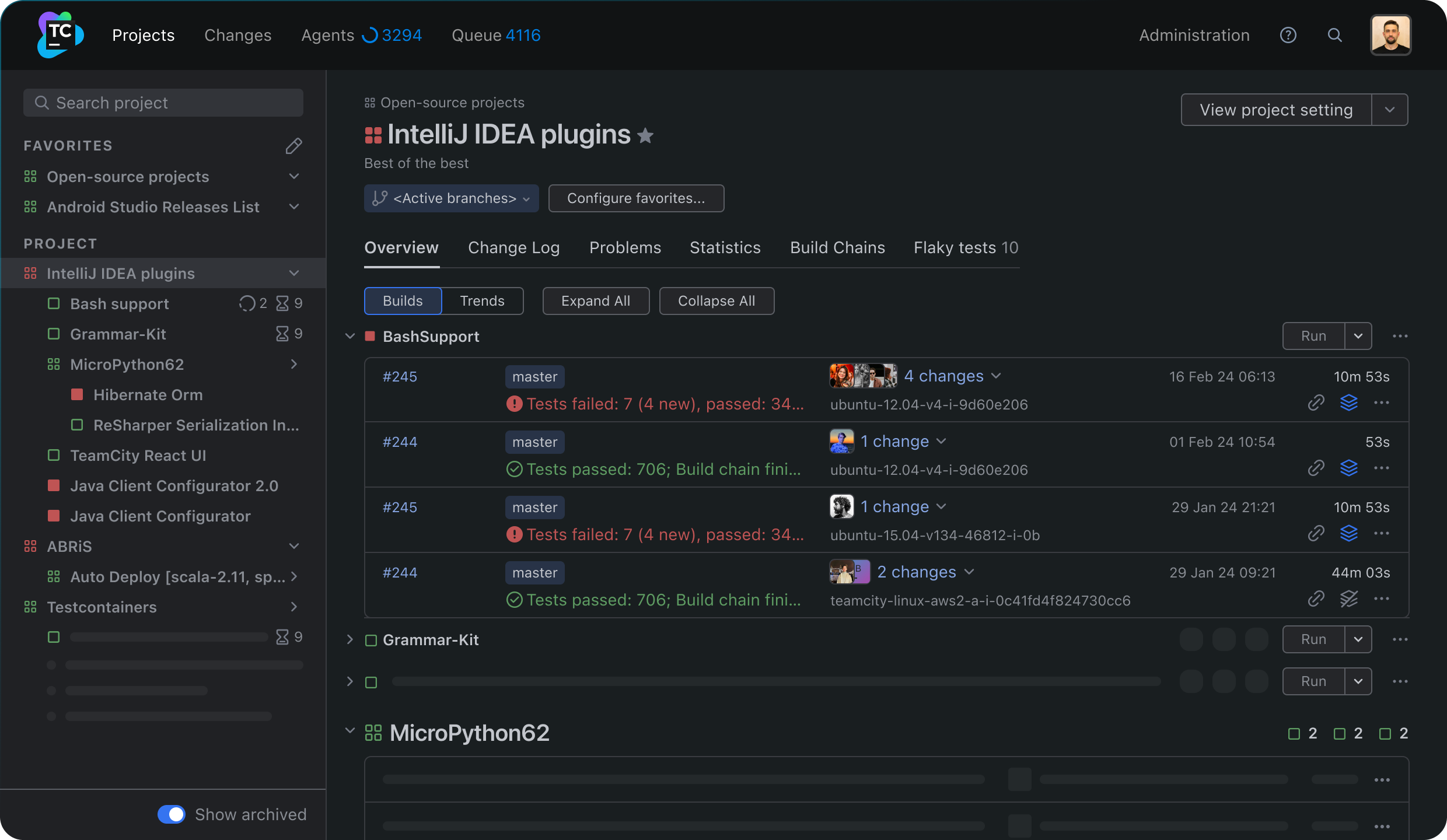
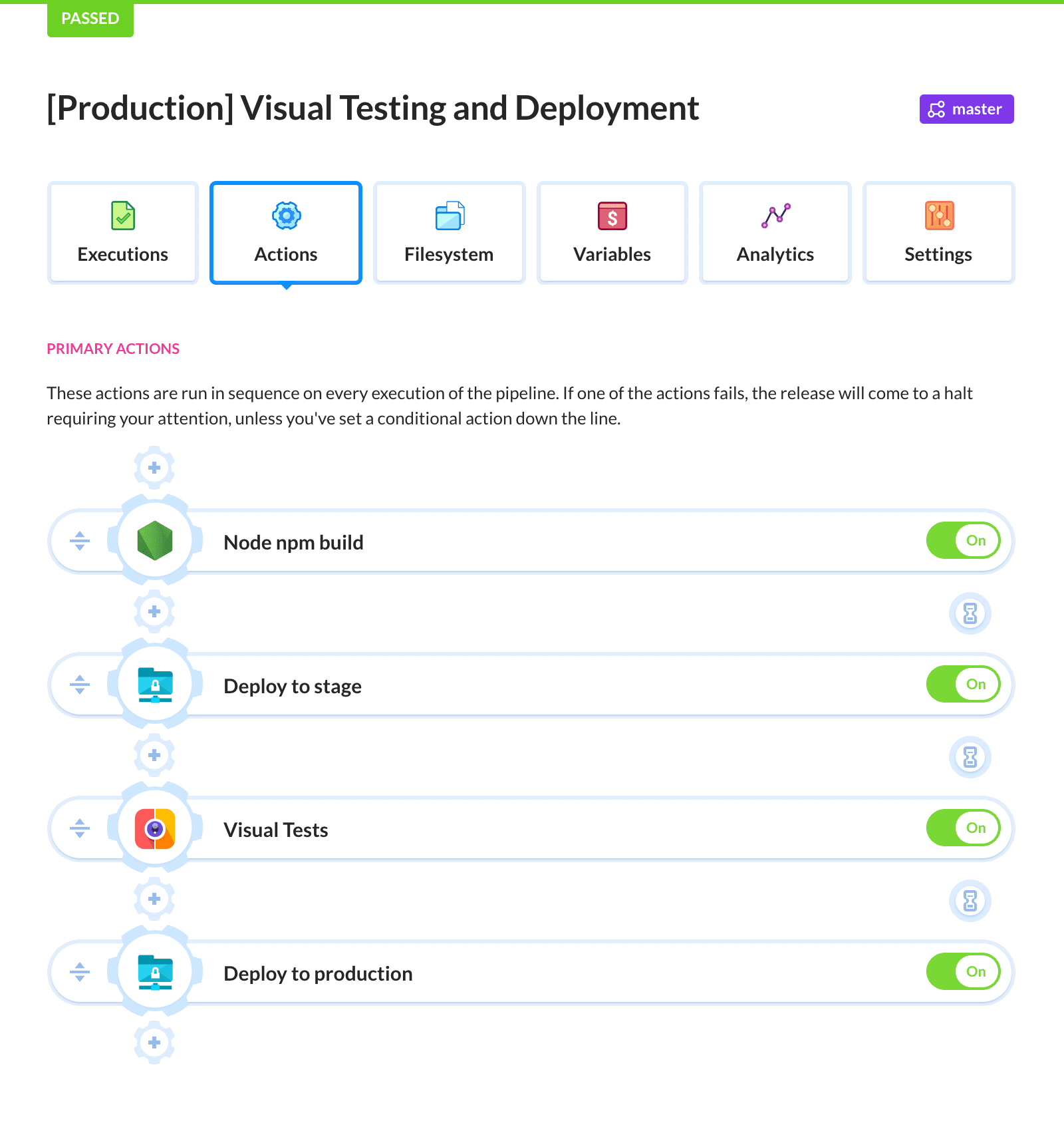
What is Continuous Deployment software?
Continuous Deployment software automates the release of software updates, ensuring that new code changes are automatically deployed to production environments without manual intervention, as long as they pass a set of automated verification steps. This process simplifies development cycles, making it easier for developers to release updates more frequently and reliably.
A well-implemented Continuous Deployment pipeline includes stages like build automation, static analysis, testing, and deployment, ensuring that each change passes through multiple filters before reaching the end user. This reduces human error and speeds up the software development lifecycle.
Continuous Deployment software often integrates with other tools used in the software development process, including version control systems, CI/CD pipelines, and monitoring solutions. The goal is to enable code releases with minimal human involvement. This approach helps maintain code quality and reduces time to market for new features and bug fixes.
Continuous Deployment market trends
The Continuous Deployment software market is expanding steadily as organizations invest in automation and faster release cycles. The market is valued at USD 1,054.38 million and is projected to reach USD 2,060.1 million by 2035, growing at a compound annual growth rate (CAGR) of 7.7%.
Growth is closely tied to enterprise automation initiatives. Over 68% of global development teams have implemented automated deployment pipelines. DevOps-driven organizations deploy updates much more frequently than teams using manual release models. About 72% of DevOps teams release application updates at least once per day, while only 18% of organizations using manual processes deploy with similar frequency.
Adoption and usage trends
Continuous Deployment is increasingly embedded within modern DevOps workflows. Many organizations rely on automated pipelines that combine testing, validation, and deployment into a single process. Containerized deployments support 61% of automated releases, while microservices architectures handle 57% of deployment workloads.
Integration across development environments is also a major trend. API-based integrations are used by 79% of enterprises to connect deployment pipelines with other systems across hybrid infrastructure. Enterprise pipelines often support more than 41 programming languages, integrate with over 25 orchestration tools, and use 100+ third-party plugins to manage deployment workflows.
Emerging innovations
New capabilities are being added to Continuous Deployment platforms to improve automation and reliability. AI-assisted deployment recommendations are used in 33% of pipelines, helping teams identify potential issues before release. Intelligent automation also enables predictive analytics, automated anomaly detection, and self-healing pipelines.
Organizations are also implementing zero-downtime deployment strategies, adopted by 51% of enterprises, which reduce service disruptions during releases. Policy-as-code frameworks control 41% of production deployments, allowing organizations to enforce governance and compliance automatically within the deployment pipeline.
What should you look for in Continuous Deployment tools?
When evaluating Continuous Deployment solutions, it’s essential to consider the following features.
Integration capabilities
These tools must integrate with existing systems, such as version control systems, build automation tools, and ticketing systems. Effective integration ensures the deployment process is smooth and automated from code commit to production release. Look for tools that offer out-of-the-box support for the technologies already in use in the organization.
Variable management
Variable management allows admins to configure and manage environment-specific variables across different stages of the deployment pipeline. These variables include settings like database connection strings, API keys, and feature flags, which can vary between development, staging, and production environments. Securely managing and injecting these variables during deployment ensures consistency and reduces the risk of configuration errors.
Tenant management
Tenanted deployments are essential if you create many instances of your software, such as customer-specific instances or where you deploy the software to many locations, like retail stores or hospitals. Tenanted deployments manage the rollout of new versions and handle configuration management for each instance.
Automated rollbacks
Automated rollback features ensure quick recovery from failures. When an issue is detected post-deployment, the system should automatically revert to the last known good state, minimizing downtime and impact on end-users. This capability protects against faulty releases and ensures the system can recover swiftly from unexpected problems.
Multiple environments
The tool should support different environments and deployment channels, including development, staging, and production environments, for different parts of the deployment pipeline. Development environments allow for initial testing and debugging, while staging environments provide a sandbox where final testing can mimic production conditions before the actual release. Effective handling of multiple environments helps isolate issues and avoid deploying untested changes directly to production.
Role-based access
Role-based access control (RBAC) allows organizations to define permissions for different team members. This ensures only authorized personnel can change the deployment process, trigger deployments, modify configurations, or access sensitive information. This prevents unauthorized changes and enhances the overall security of the deployment pipeline.
Audit trails
Audit trails provide a log of all activities, including who made changes, when they occurred, and what actions were taken. These logs are invaluable for troubleshooting, compliance, and tracking the history of deployments. They help enforce best practices in governance and security, especially in larger teams or highly regulated environments.
Support for legacy and modern deployments
Continuous Deployment tools must support a range of deployment strategies and infrastructure. Many organizations still maintain legacy systems that require traditional deployment methods, such as on-premises servers or older frameworks. At the same time, they may also be adopting modern architectures like microservices, containers, and cloud-based deployments. It’s important to have consistent deployment tooling and visibility for all applications—legacy and modern.
Notable Continuous Deployment tools
Deployment-focused tools
1. Octopus Deploy
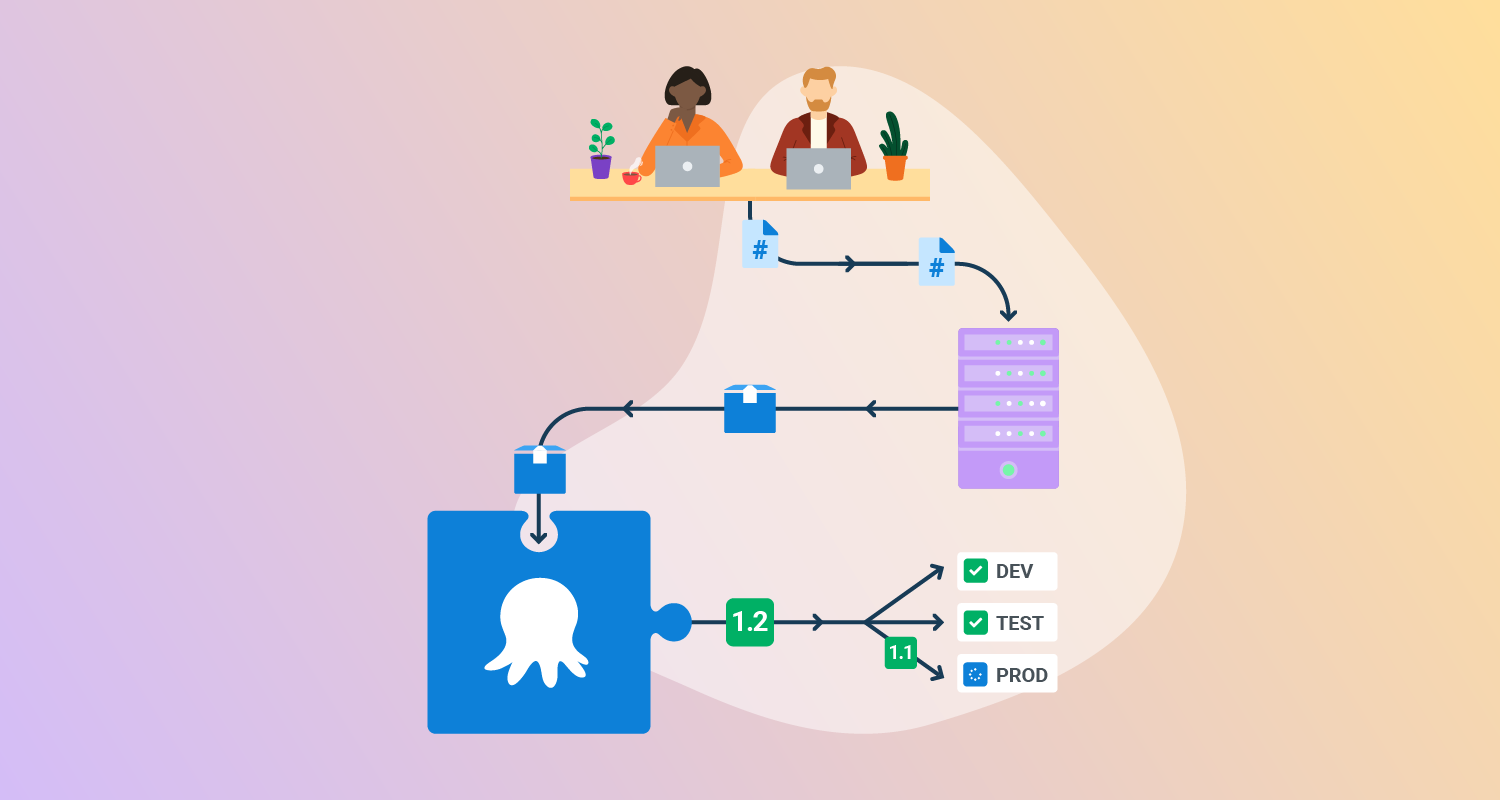
Octopus Deploy helps software teams deploy freely – when and where they need, in a routine way. With Octopus, you can orchestrate deployments from modern containers and microservices to trusted legacy applications. We support deployments in data centers, multiple cloud environments, and hybrid IT infrastructure.
Features of Octopus Deploy:
- Deployment and runbooks automation: Automates complex deployments and operations runbooks with hundreds of ready-made step templates, so you can avoid rolling your own scripts.
- All your deployments in one place: See all of your deployments in one place, including Kubernetes, cloud, data-center, and on-premises targets.
- Intuitive UI plus GitOps: Use the intuitive user interface to configure and run deployments, and store the deployment process as code in declarative version-controlled files.
- Configuration management: Easily handle complex configuration management and variable substitution to make sure every environment and instance has the correct configuration.
- Scalable, repeatable, reliable deployments: Removes the stress from deployments with robust automation options.

2. Codefresh
Codefresh is a CI/CD platform designed for modern applications and Kubernetes environments. It enables teams to automate build and deployment pipelines using container-based steps and flexible pipeline configurations. The platform integrates with Kubernetes tooling and supports GitOps workflows, allowing teams to automate software delivery from code commits through deployment while maintaining traceability and control across pipelines.
Features of Codefresh:
- Container-based pipeline steps: Pipelines use containerized steps that can be reused or customized to automate build and deployment processes.
- Flexible pipeline workflows: Supports conditional logic, approvals, parallel steps, and multi-stage pipelines to manage complex automation flows.
- Pipeline templates and reuse: Allows teams to create reusable pipeline components to standardize CI/CD processes across projects.
- Secrets management integrations: Integrates with tools like Vault and AWS Secrets Manager to securely manage credentials used in pipelines.
- Pipeline performance visibility: Provides metrics and traceability features to monitor builds and troubleshoot pipeline issues.
3. AWS CodeDeploy
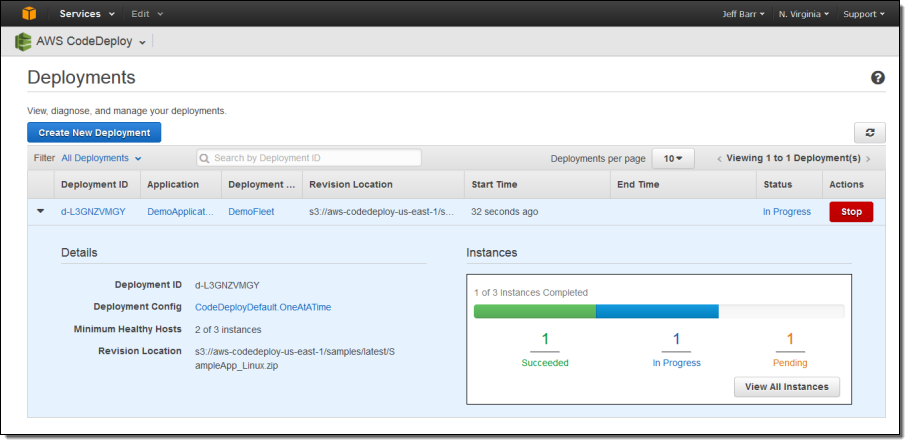
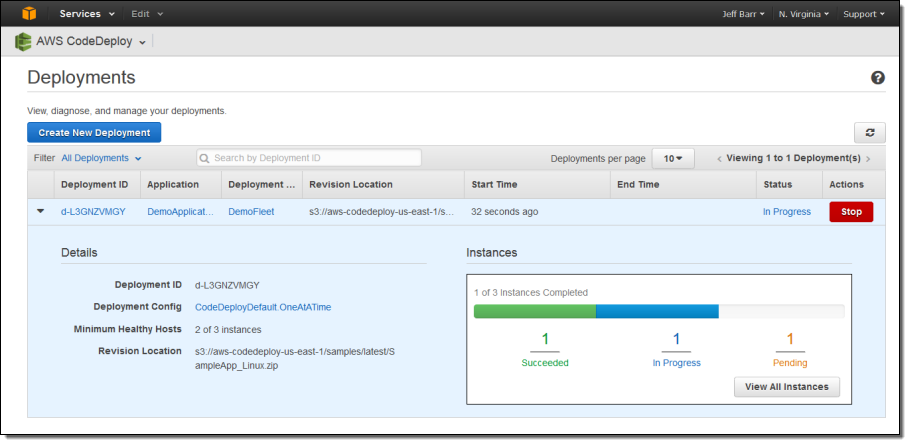
AWS CodeDeploy is a deployment automation service that enables teams to release applications across multiple compute environments, including Amazon EC2 instances, on-premises servers, AWS Lambda functions, and Amazon ECS services. It automates deployment operations, monitors application health during releases, and helps maintain application availability by supporting advanced deployment strategies and rollback mechanisms.
Features of AWS CodeDeploy:
- Multi-environment deployment support: Deploys applications to EC2 instances, on-premises servers, Lambda functions, and ECS services.
- Automated deployment workflows: Automates application deployments across development, testing, and production environments.
- Application health monitoring: Tracks instance and fleet health during deployments to identify potential issues.
- Advanced deployment strategies: Supports techniques such as rolling updates and blue/green deployments to reduce service disruption.
- Automatic rollback capabilities: Allows deployments to stop or roll back automatically when failures or health issues are detected.

Source: Amazon
4. DeployHQ
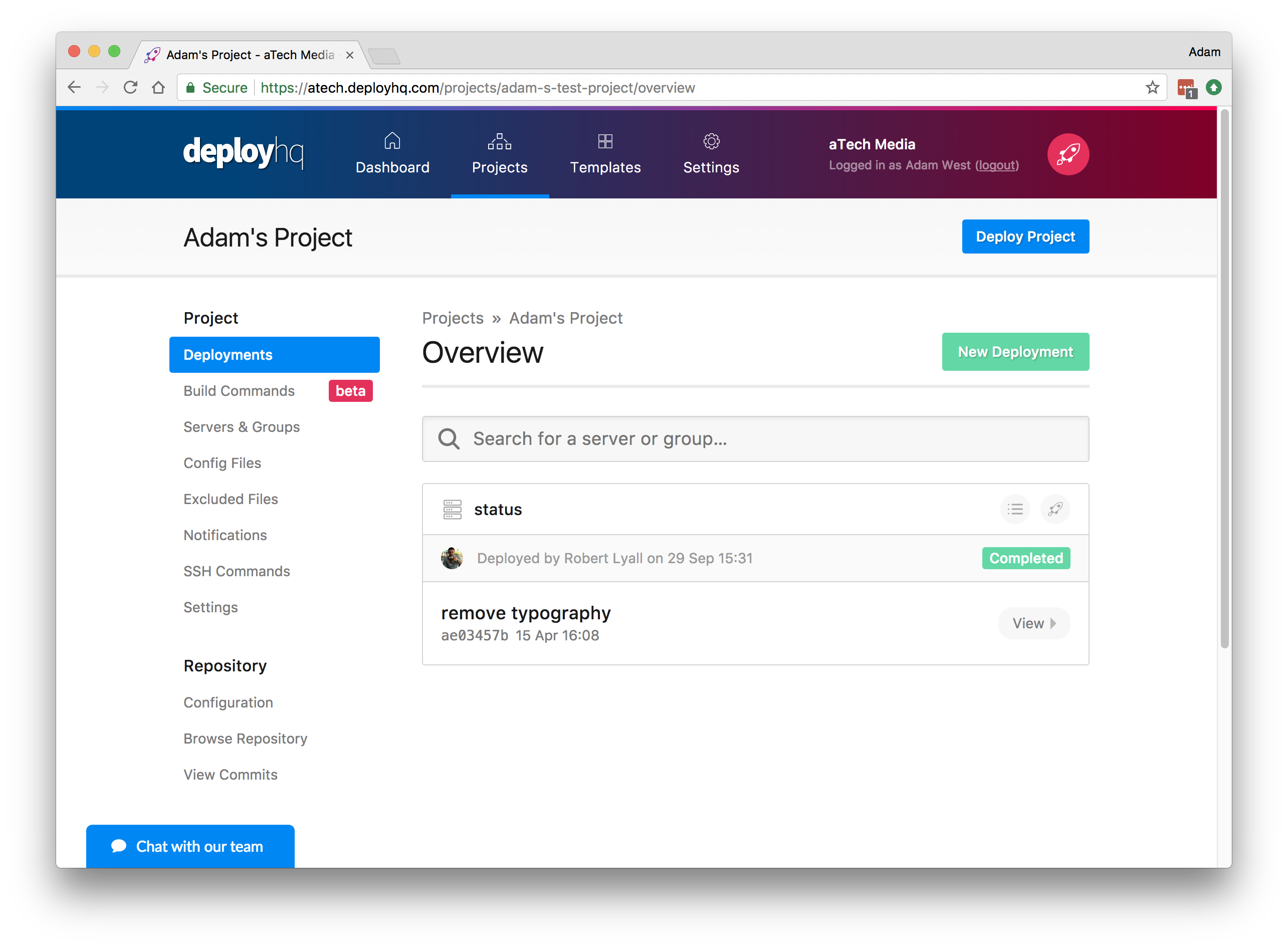
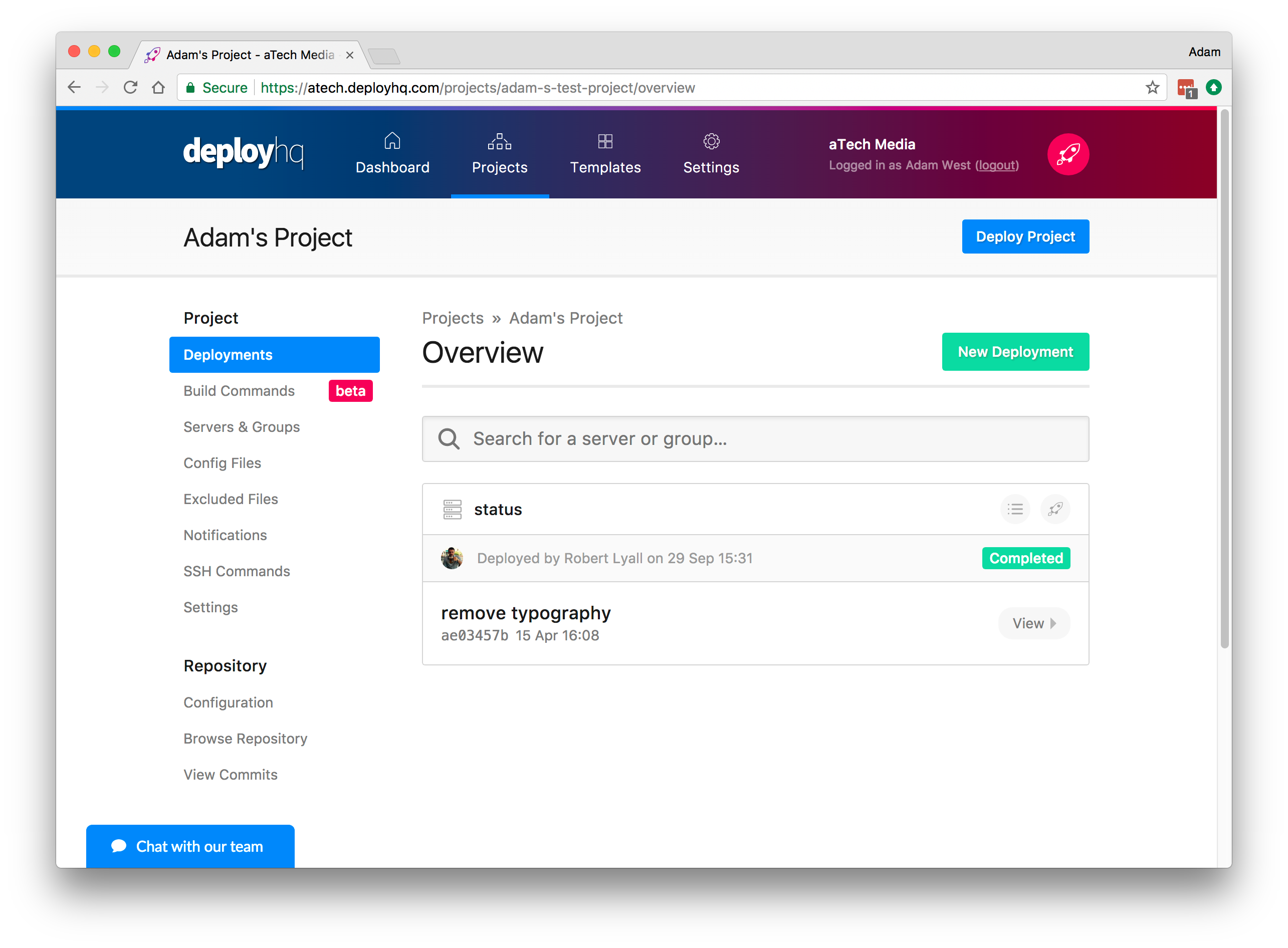
DeployHQ is a deployment automation platform that simplifies the process of releasing application updates to multiple servers and hosting environments. It connects directly to version control repositories and automatically builds, transfers, and deploys code when updates occur. The platform supports a wide range of deployment targets and provides tools to manage build steps, deployment routing, and automation workflows.
Features of DeployHQ:
- Repository-based deployment automation: Connects to repositories such as GitHub, GitLab, and Bitbucket to trigger deployments when code changes are pushed.
- Flexible deployment targets: Supports deployment to cloud services, VPS infrastructure, shared hosting, and platforms like AWS and DigitalOcean.
- Automated build and deployment pipelines: Builds code and deploys updates automatically after commits or manual triggers.
- Branch-based deployment routing: Routes code from different branches to specific environments such as development, staging, or production.
- Integration with development tools: Supports integrations with monitoring and notification tools including Slack, Discord, and Sentry.

Source: DeployHQ
CI-first automation tools
5. GitHub Actions
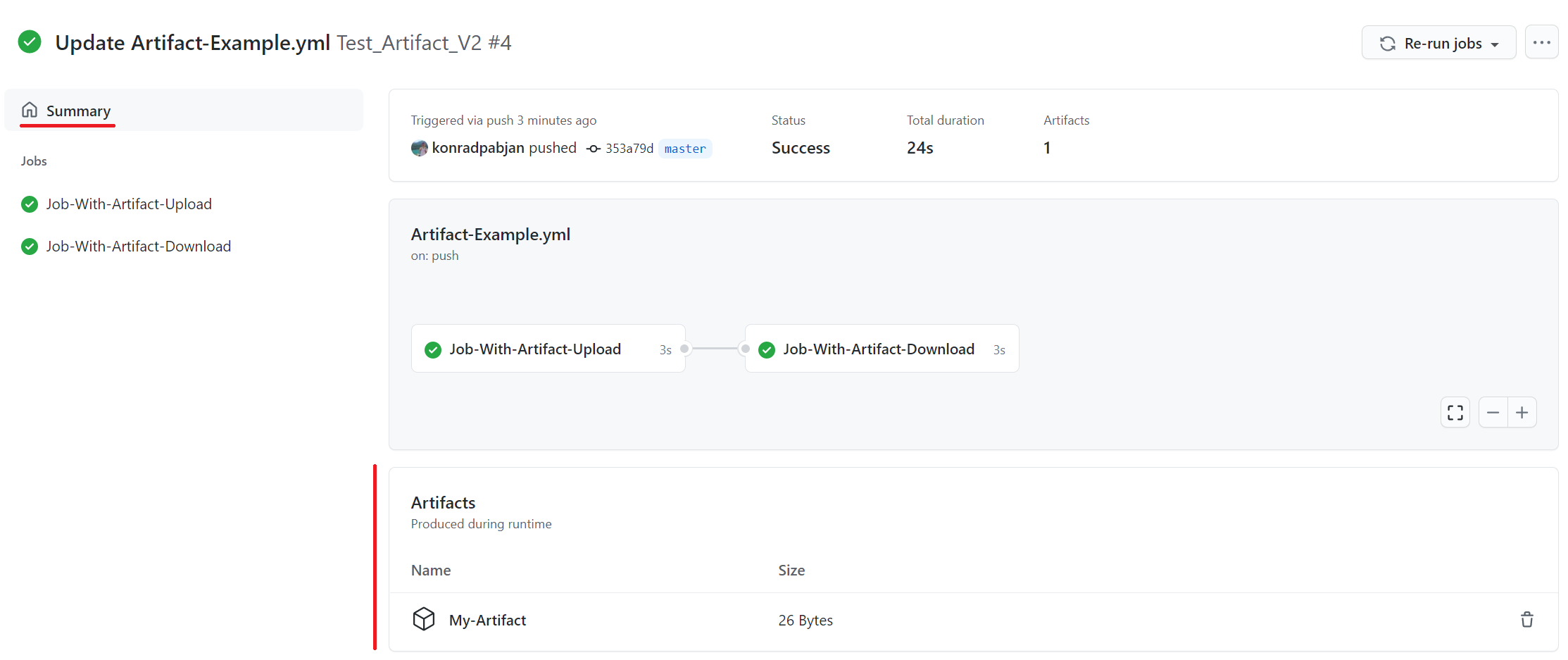
GitHub Actions is a workflow automation tool built into the GitHub platform that enables developers to automate software development tasks directly within their repositories. It allows teams to define workflows that build, test, and deploy applications based on events such as commits or pull requests. These workflows run on hosted or self-hosted runners and support a wide range of programming languages and development environments.
Features of GitHub Actions:
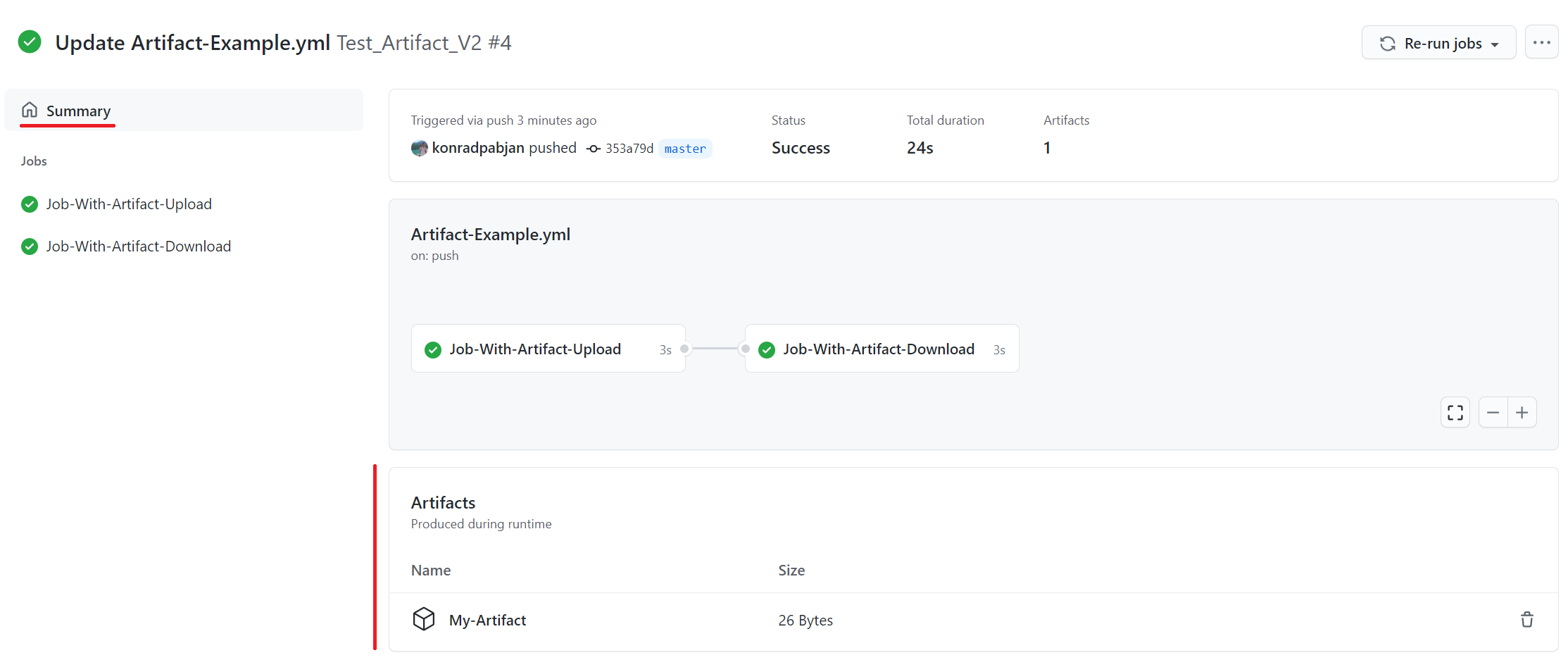
- Event-driven workflow automation: Triggers automated workflows based on repository events such as pushes, pull requests, or issue updates.
- Hosted and self-hosted runners: Runs jobs on Linux, macOS, Windows, containers, or custom infrastructure.
- Matrix build testing: Executes workflows across multiple operating systems and runtime environments simultaneously.
- Multi-language support: Supports building and deploying applications written in languages such as Node.js, Python, Java, Go, and .NET.
- Actions marketplace integrations: Provides reusable actions that integrate with external services and development tools.

Source: GitHub
6. Jenkins
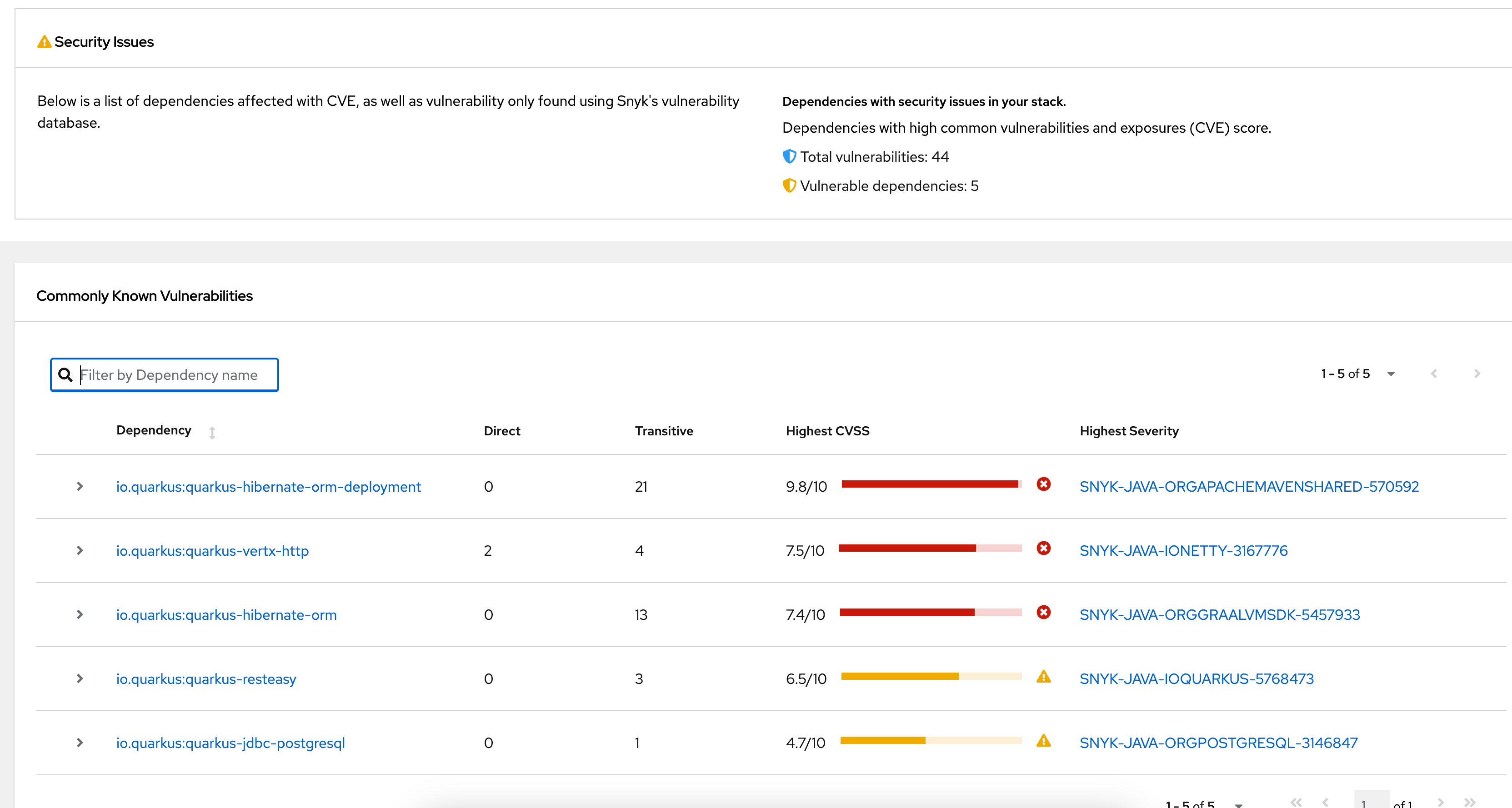
Jenkins is an open source automation server used to support Continuous Integration and Continuous Delivery workflows. It runs as a server-based application and automates tasks such as building, testing, and deploying software. Jenkins integrates with multiple version control systems and build tools, allowing teams to create repeatable pipelines that execute scripts and manage code changes across environments.
Features of Jenkins:
- Automation server for CI/CD: Automates building, testing, and deploying software as part of continuous integration and delivery workflows.
- Support for multiple build tools: Executes builds using tools like Apache Maven, Ant, and other scripting mechanisms.
- Version control integration: Connects with systems such as Git, Subversion, Mercurial, and others to manage source code changes.
- Extensible plugin system: Uses plugins to add functionality, integrate external tools, and customize workflows.
- Flexible build triggers: Supports triggers such as webhooks, scheduled jobs, and pipeline dependencies to control execution.

Source: Jenkins
7. CodeShip
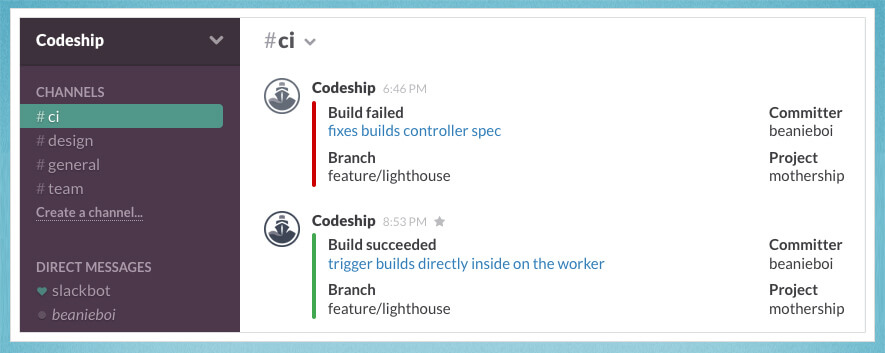
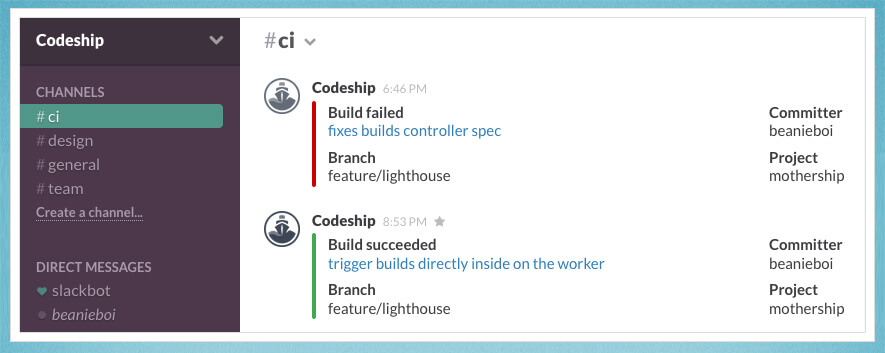
CloudBees CodeShip is a cloud-based Continuous Integration and Continuous Delivery platform to automate software builds and testing workflows. It allows development teams to configure pipelines that run multiple commands simultaneously, enabling faster CI builds and efficient execution of test suites across parallel pipelines.
Features of CloudBees CodeShip:
- Cloud-based CI/CD service: Provides a managed environment for running automated build and deployment pipelines.
- Parallel test pipelines: Executes multiple test commands simultaneously to reduce build and testing time.
- Pipeline configuration interface: Allows teams to define build and test steps through configuration files or interface-based settings.
- Automated CI workflows: Runs builds and tests automatically when changes are introduced to the codebase.
- Optimized test execution: Uses parallelization techniques to distribute test suites across multiple CI nodes.
Source: CloudBees
Full CI/CD platforms
8. Atlassian Bamboo
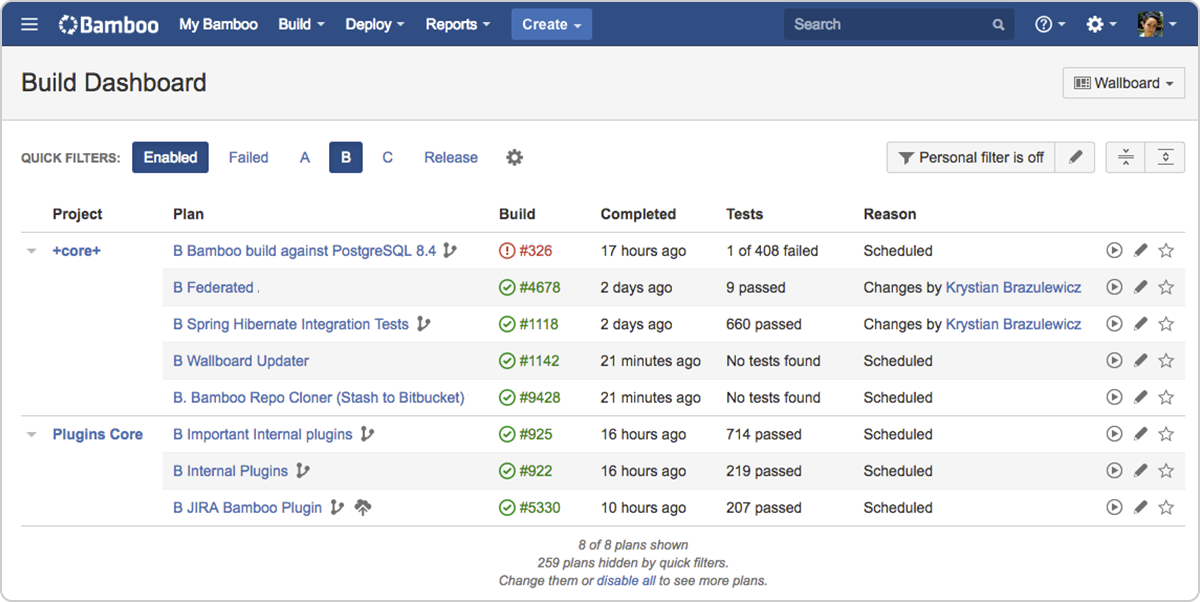
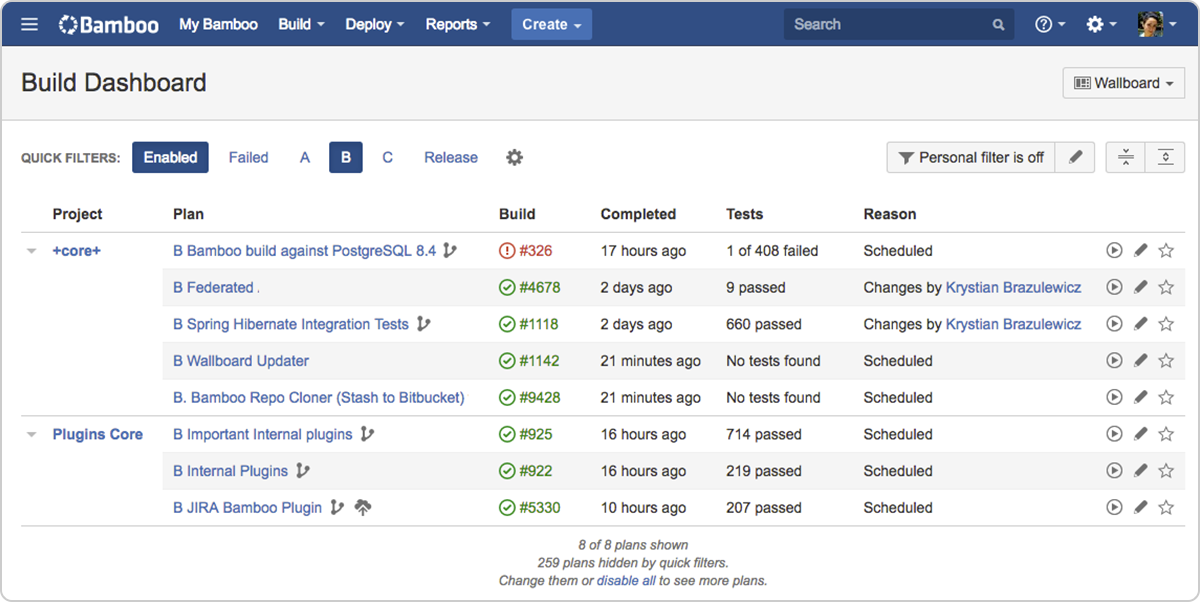
Atlassian Bamboo is a continuous delivery pipeline tool that automates the process of building, testing, and deploying applications. It integrates with other Atlassian development tools and supports automated workflows that connect development activities with deployment processes.
Features of Bamboo:
- Automated build and deployment pipelines: Runs automated workflows from code commits through software deployment.
- Workflow automation for development teams: Automates repetitive tasks in the software delivery process.
- Built-in disaster recovery: Provides resilience and high availability to maintain pipeline stability.
- Scalable infrastructure support: Allows organizations to expand build capacity as development workloads increase.
- Integration with Atlassian tools: Works with Bitbucket, Jira, and other tools to provide traceability across the development lifecycle.

Source: Atlassian
9. CircleCI
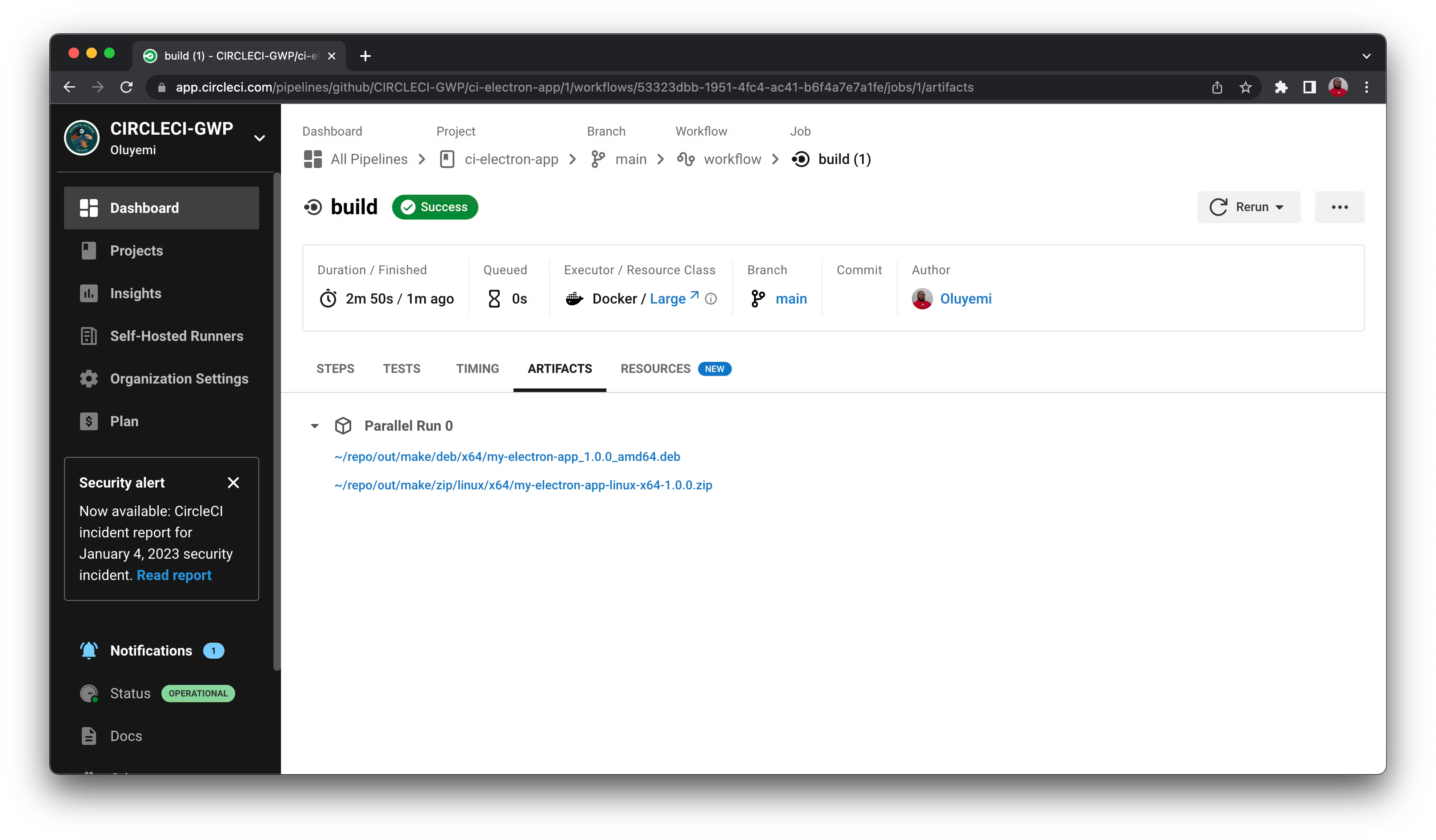
CircleCI is a CI/CD platform that automates software build, test, and deployment workflows. It validates code changes automatically and provides rapid feedback during development, enabling teams to deliver software updates more quickly while maintaining confidence in the release process.
Features of CircleCI:
- Automated testing workflows: Executes tests automatically when changes occur in the codebase.
- Fast feedback cycles: Provides rapid validation of code changes to accelerate development workflows.
- Scalable pipeline infrastructure: Supports deployments across projects of different sizes and complexity levels.
- Deployment monitoring: Enables teams to track incremental releases and monitor deployments.
- Extensive integrations: Connects with development tools, version control systems, and cloud platforms.

Source: CircleCI
10. GitLab CI/CD
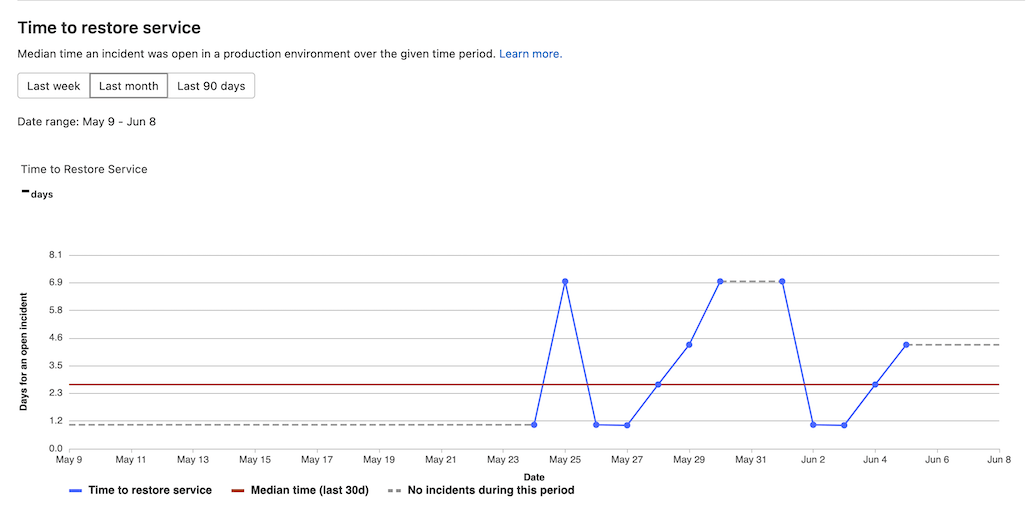
GitLab CI/CD is an integrated automation system within the GitLab platform that enables teams to build, test, and deploy applications using pipeline-based workflows. Pipelines are defined using configuration files and executed by runners that perform tasks such as compiling code, running tests, and deploying applications.
Features of GitLab CI/CD:
- Pipeline-based automation: Uses configuration files to define stages and jobs that automate software builds and deployments.
- Runner-based execution: Jobs run on runners that execute tasks on physical machines or virtual environments.
- CI/CD variable management: Allows configuration settings and secrets to be stored as variables used within pipelines.
- Flexible pipeline triggers: Pipelines can run based on commits, merges, schedules, or manual execution.
- Reusable CI/CD components: Supports reusable configuration components to standardize pipelines across projects.

Source: GitLab
11. Harness
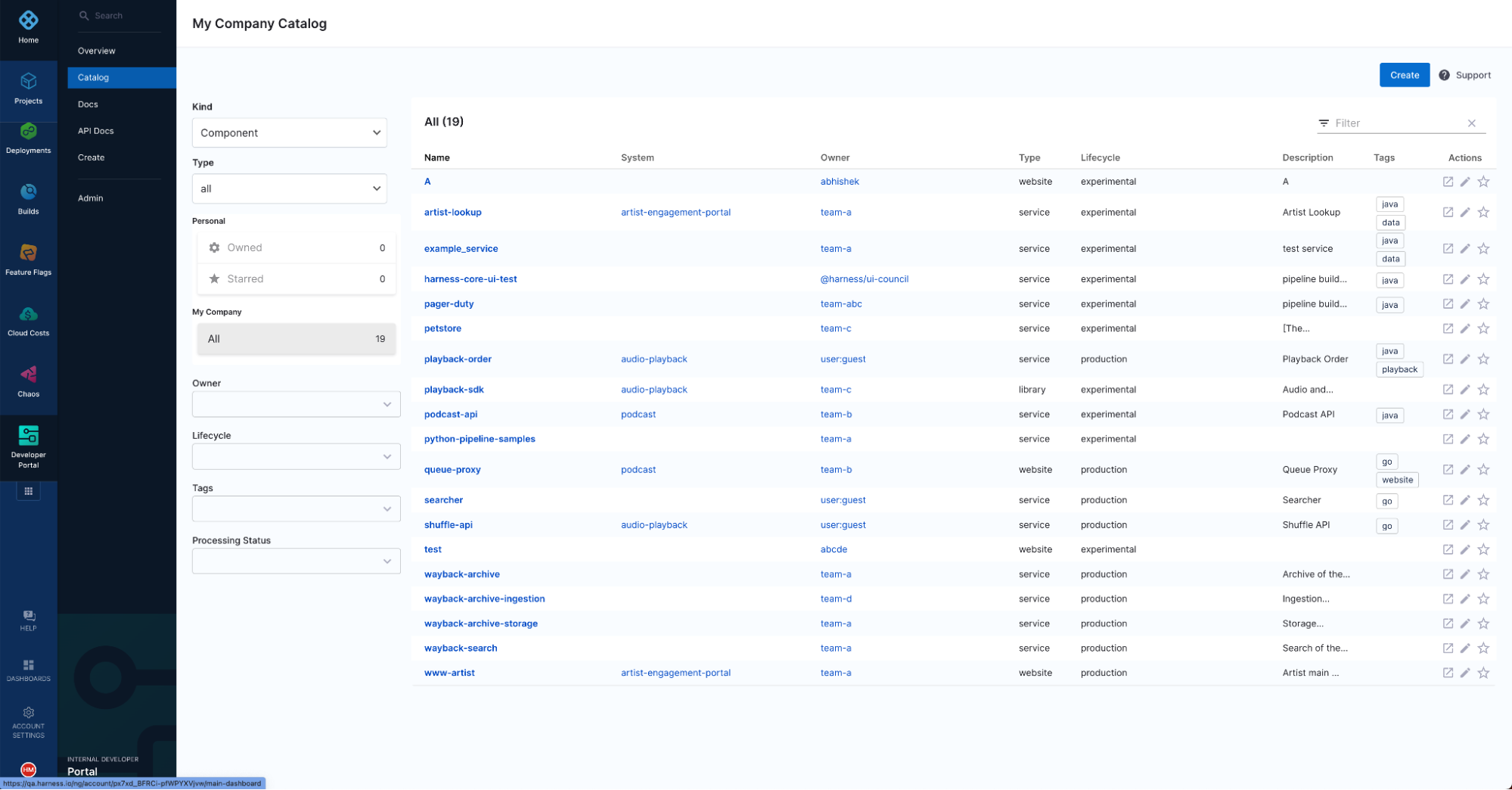
Harness is a software delivery platform that automates CI/CD pipelines and infrastructure workflows using AI-assisted automation. It provides tools for continuous integration, continuous delivery, infrastructure management, and testing, enabling organizations to automate software deployments across multi-cloud environments.
Features of Harness:
- Automated CI/CD pipelines: Supports automated deployment pipelines across multiple clouds and services.
- Continuous integration capabilities: Builds and tests software across different languages and operating systems.
- Feature management tools: Allows teams to control feature releases using built-in feature flag capabilities.
- Chaos engineering support: Enables resilience testing through automated experiments and failure simulations.
- Infrastructure as code management: Supports scaling infrastructure deployments using reusable templates and policy controls.

Source: Harness
12. TeamCity
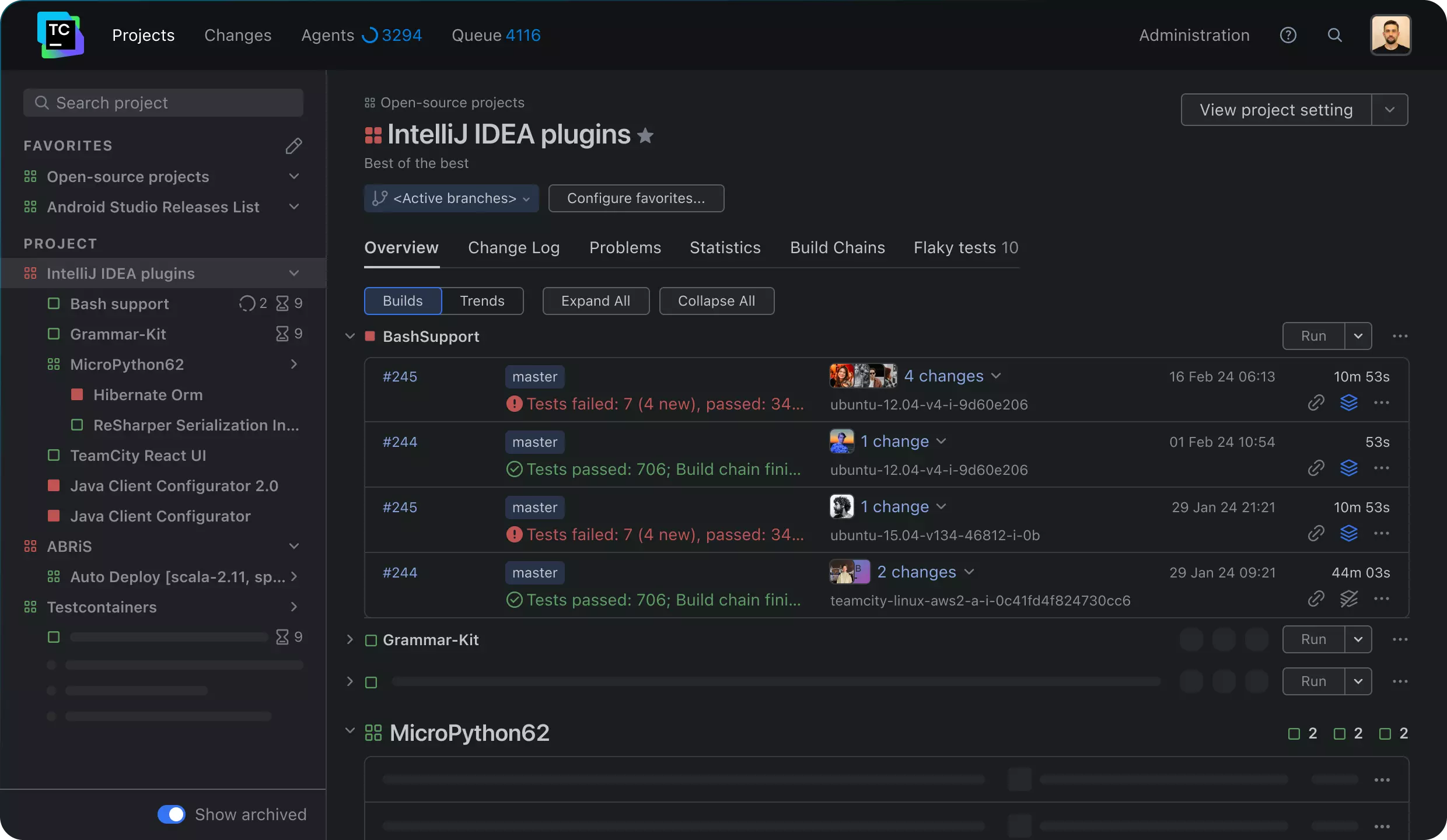
TeamCity is a CI/CD platform developed by JetBrains that automates software build, test, and deployment workflows. It supports complex build pipelines, integrates with a wide range of development tools, and provides real-time feedback to help teams identify issues early in the development process.
Features of TeamCity:
- Build automation pipelines: Automates builds, tests, and deployment steps across development workflows.
- Parallel test execution: Runs tests simultaneously to reduce pipeline execution time.
- Integration with development tools: Connects with version control systems, issue trackers, and cloud services.
- Configuration as code: Allows pipelines to be defined programmatically using configuration files.
- Scalable build infrastructure: Supports multiple build agents and distributed build execution.

Source: JetBrains
13. Buddy
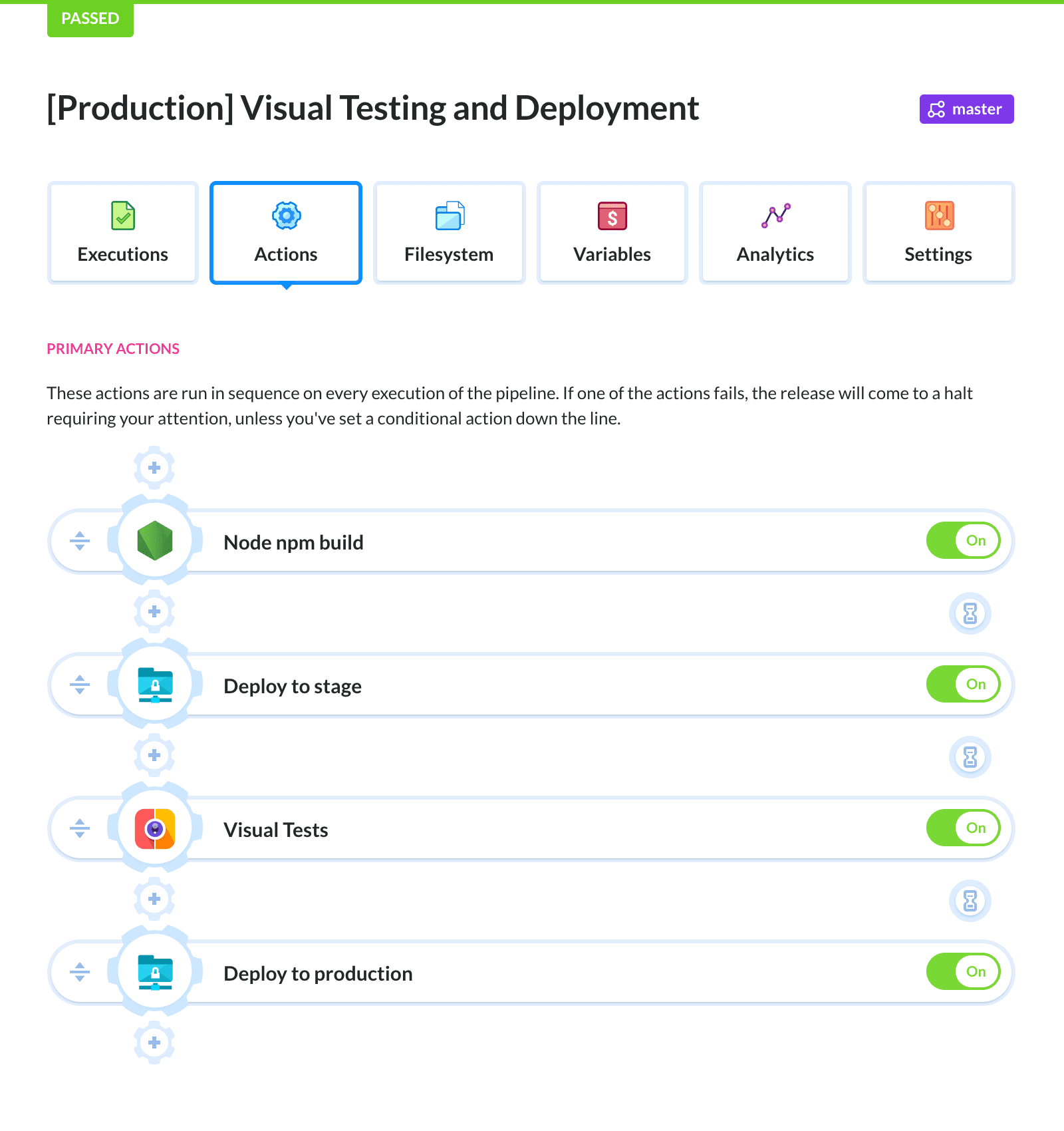
Buddy is a CI/CD automation platform that helps developers build, test, and deploy applications using pipelines triggered by repository events. It supports automated deployment to multiple infrastructure targets and provides tools for environment management, workflow automation, and pipeline configuration.
Features of Buddy:
- Pipeline-based automation: Allows teams to configure automated build and deployment workflows using visual or YAML-based pipelines.
- Multi-environment deployment support: Deploys applications to cloud platforms, VPS infrastructure, and on-premises environments.
- Event-based pipeline triggers: Runs pipelines based on events from Git repositories or external services.
- Secrets and access management: Provides secure storage for credentials and authentication through OIDC and other mechanisms.
- Automated rollback and deployment control: Supports one-click rollback and deployment approvals to maintain release stability.

Source: Buddy

Steve Fenton is a Principal DevEx Researcher at Octopus Deploy and a 8-time Microsoft MVP with more than two decades of experience in software delivery.
Conclusion
Continuous Deployment tools play a crucial role in modern software development by automating the release process and reducing manual intervention. By streamlining workflows and ensuring consistent, error-free deployments, these tools help teams maintain high-quality code, accelerate release cycles, and minimize downtime. A well-chosen Continuous Deployment solution should fit seamlessly into an organization’s existing infrastructure.
Learn more about Octopus Deploy
Help us continuously improve
Please let us know if you have any feedback about this page.