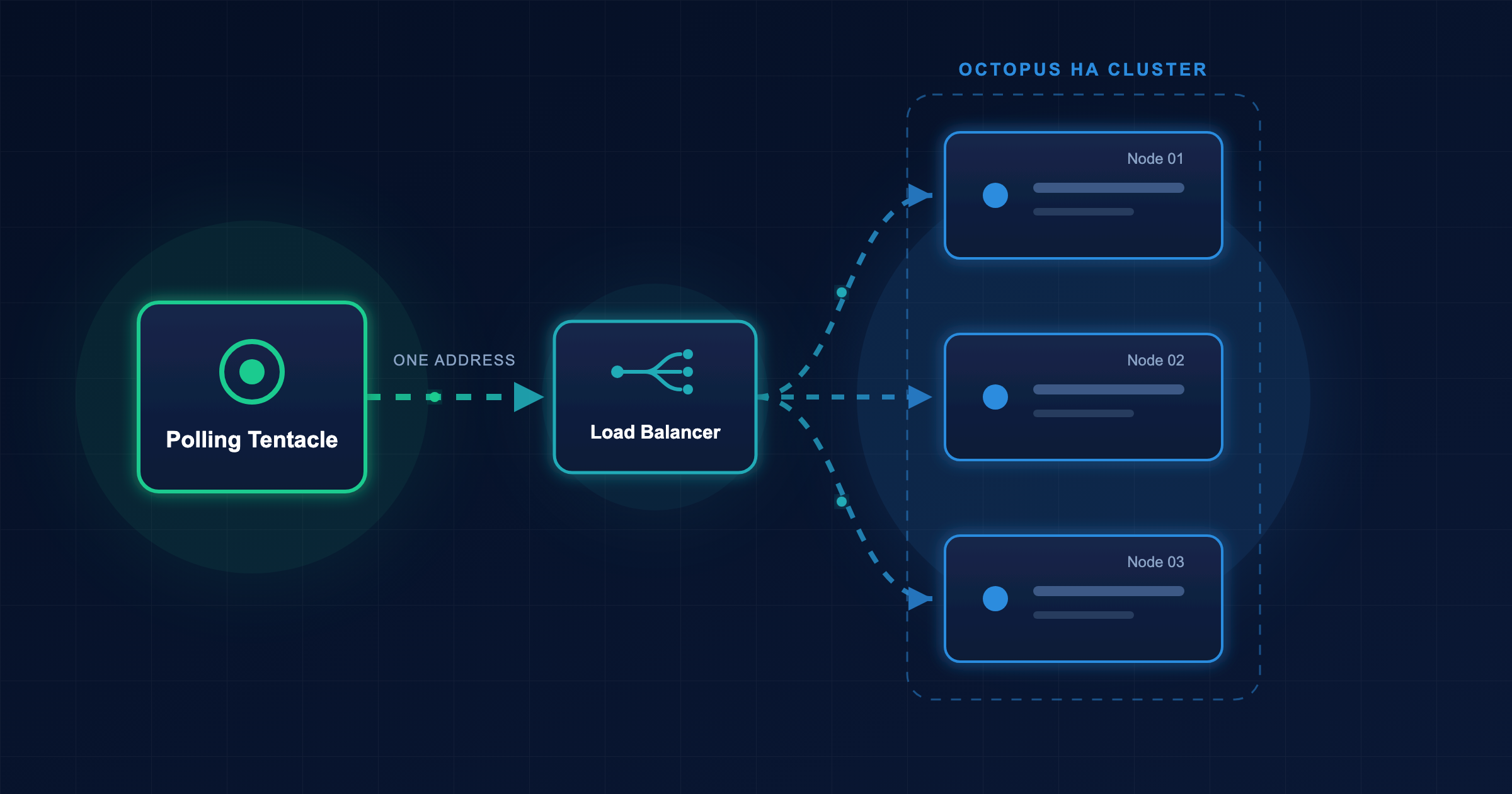

In the previous post, you added a library variable set to share variables between projects. In this post, you’ll define tenant template variables in a library variable set. This ensures that tenants linked to projects that consume the library variable set all contribute their own values to the templates.
Octopus Easy Mode - Tenant Templates
Prerequisites
- An Octopus Cloud account. If you don’t have one, you can sign up for a free trial.
- The Octopus AI Assistant Chrome extension. You can install it from the Chrome Web Store.
The Octopus AI Assistant will work with an on-premises Octopus instance, but it requires more configuration. The cloud-hosted version of Octopus doesn’t need extra configuration. This means the cloud-hosted version is the easiest way to get started.
Creating the project
Paste the following prompt into the Octopus AI Assistant and run it:
Create a Script project called "09. Script App with Library Variable Set and Tenant Templates", and then:
* Create a library variable set called "Tenant Settings" with the variable "TenantNamespace" as a tenant template variable
* Link the library variable set to the project
* Create two tenants called "Tenant A" and "Tenant B"
* Link the tenants to the project
* Define the "TenantNamespace" tenant template variable for each tenant with a value of "TenantA" and "TenantB", respectively
* Change the script step to echo the values of the variables using the syntax "#{TenantNamespace}"
* Require tenanted deployments for the project. Do not allow untenanted deployments.
The library variable set has now been created and linked to the project. It defines a tenant template variable, with each tenant providing its own value.
Tenant variable templates let projects use tenant-specific values without defining variables in each project.
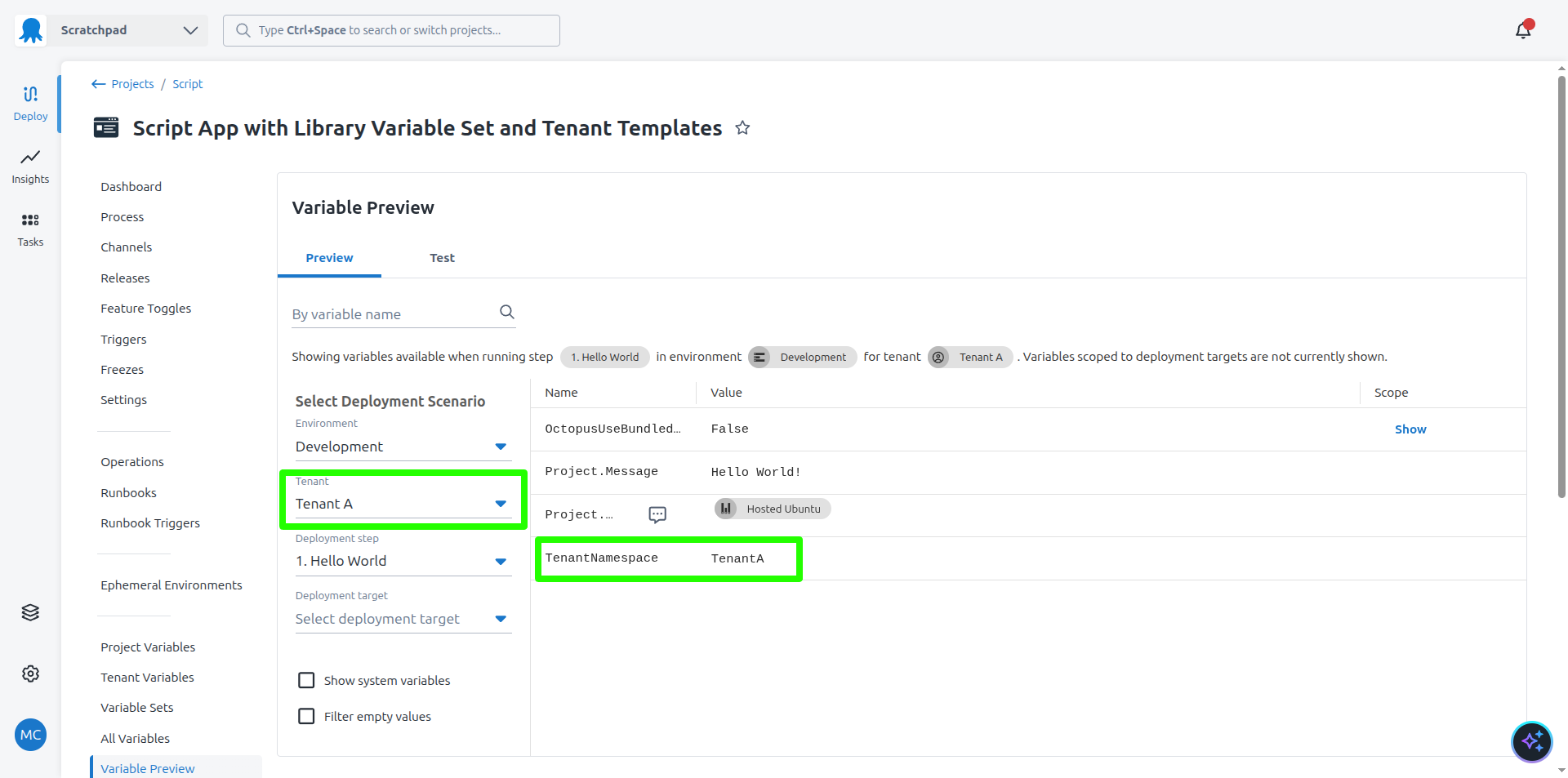
You can now create a release and deploy it to the first environment. The script step prints out the values of the variables defined by each tenant.
What just happened?
You created a sample project with:
- A library variable set linked to it containing a tenant template variable.
- Two tenants linked to it, each providing their own value for the tenant template variable.
- A script step that echoes the value of the tenant template variable using variable substitutions.
What’s next?
The next step is to define project tenant variables.