What is Kubernetes?
Kubernetes is an open-source platform to automate the deployment, scaling, and operation of application containers. By managing containerized applications across a cluster of nodes, Kubernetes provides a framework to run distributed systems resiliently. It offers mechanisms for application deployment, maintenance, and scaling, enabling the management of microservices and containerized workloads.
This orchestration tool has become a standard in handling complex applications efficiently, ensuring optimal use of infrastructure resources. Developed by Google and now maintained by the Cloud Native Computing Foundation, Kubernetes abstracts the underlying hardware of nodes, ensuring applications are not tied to a specific server.
With built-in support for multiple cloud services and environments, Kubernetes can operate on on-premises data centers, private or public clouds, making it a foundation of modern hybrid cloud and multi-cloud strategies.
This is part of a series of articles about Kubernetes management.
Benefits of running Kubernetes in the cloud
Running Kubernetes in the cloud offers several advantages, making it an appropriate choice for modern application deployment. By using cloud infrastructure, organizations can improve scalability, reliability, and operational efficiency while reducing the complexity of managing on-premises clusters.
Key benefits include:
- Automatic scaling: Cloud-based Kubernetes enables horizontal and vertical scaling based on demand, ensuring optimal resource use.
- Managed services: Many cloud providers offer managed Kubernetes services (e.g., Amazon EKS, Google Kubernetes Engine, Azure AKS), reducing operational overhead and simplifying cluster management.
- High availability: Cloud infrastructure ensures redundancy and failover mechanisms, improving application uptime and resilience.
- Security and compliance: Cloud providers offer built-in security tools, automated patching, and compliance certifications, improving security posture.
- Global reach: Kubernetes in the cloud allows applications to be deployed across multiple regions, improving performance and reducing latency for users worldwide.
- Cost efficiency: Pay-as-you-go pricing and auto-scaling capabilities help optimize costs by using resources only when needed.
Options for Kubernetes cloud deployment
Public clouds
Public cloud providers, such as AWS, Google Cloud, and Azure, offer managed Kubernetes services that simplify cluster provisioning, scaling, and maintenance. These platforms handle infrastructure management, security, and updates, allowing teams to focus on application development. Public cloud Kubernetes is suitable for organizations needing rapid scalability and global reach without the overhead of managing on-premises infrastructure.
Pros:
- Fully managed services reduce operational complexity
- High availability and scalability across global data centers
- Integrated security, compliance, and monitoring tools
- On-demand resource allocation optimizes cost efficiency
Cons:
- Potential vendor lock-in with proprietary cloud services
- Long-term costs can be higher than on-premises solutions
- Limited control over infrastructure and networking configurations
Private clouds
Private cloud Kubernetes runs on dedicated infrastructure, either on-premises or in a private cloud environment. This deployment model provides organizations with complete control over security, compliance, and resource management, making it suitable for industries with strict regulatory requirements. Private clouds also enable full customization of networking, storage, and compute resources to meet business needs.
Pros:
- Greater control over security, compliance, and governance
- No reliance on third-party cloud providers, reducing vendor lock-in
- Customizable infrastructure tailored to workload demands
Cons:
- High upfront investment in hardware, networking, and operations
- Requires in-house expertise for setup, maintenance, and scaling
- Limited scalability compared to public cloud resources
Hybrid cloud
Hybrid cloud Kubernetes combines private and public cloud environments, enabling organizations to maintain sensitive workloads on-premises while using public cloud resources for scalability. This approach provides flexibility, allowing organizations to optimize costs by using the public cloud only when necessary. Hybrid cloud is suitable for organizations with dynamic workloads and regulatory constraints that require data control.
Pros:
- Balances security and scalability by using both environments
- Optimizes costs by using public cloud resources only when needed
- Improves disaster recovery and redundancy options
Cons:
- Complex networking and integration between private and public clouds
- Requires specialized expertise in cloud management and orchestration
- Potential latency issues when moving workloads between environments
Multi-cloud
Multi-cloud Kubernetes deployments distribute workloads across multiple cloud providers, reducing reliance on a single vendor and increasing resilience. This approach enables organizations to use the best features of different cloud platforms while ensuring redundancy in case of outages. Kubernetes provides a consistent abstraction layer, making it easier to manage workloads across multiple clouds.
Pros:
- Avoids vendor lock-in by using multiple cloud providers
- Improves availability and fault tolerance with redundancy across clouds
- Enables workload optimization based on cloud-specific strengths
Cons:
- Increased complexity in managing networking, security, and interoperability
- Higher operational overhead to maintain consistency across platforms
- Potential cost inefficiencies due to data transfer and multi-provider pricing

Tony Kelly is a DevOps marketing leader who drives innovation and awareness of the latest trends in Continuous Delivery.
Popular managed Kubernetes services
1. Google Kubernetes Engine (GKE)
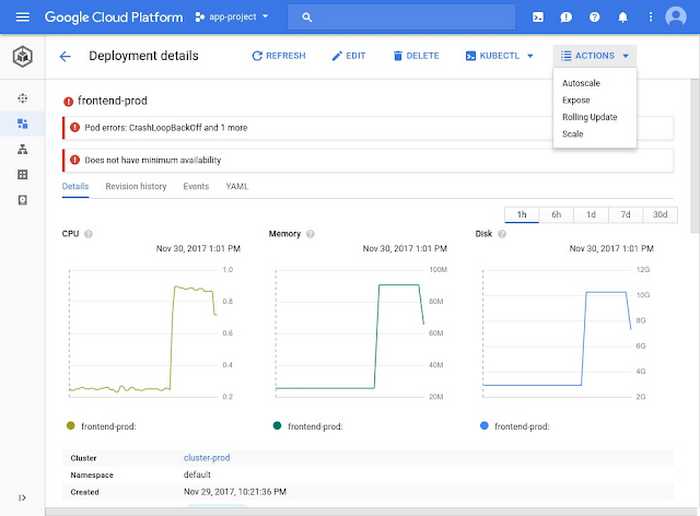
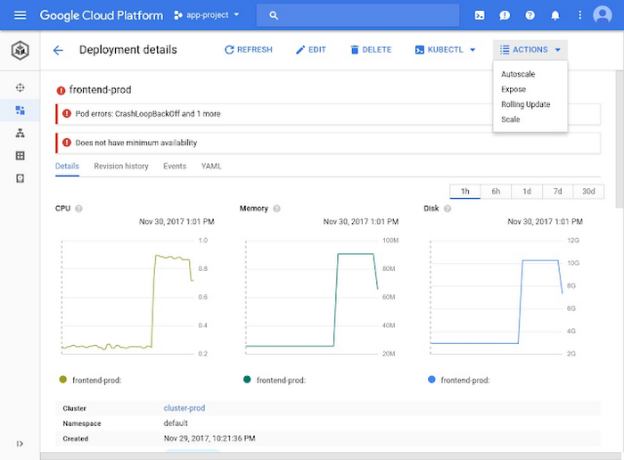
Google Kubernetes Engine (GKE) is a managed Kubernetes service offering automated operations, scaling, and monitoring. It is known for its reliability and efficiency, benefiting from Google’s extensive experience with container orchestration. GKE provides integrated support for Google Cloud services, making it a strong choice for applications that use Google’s suite of products.
GKE’s notable features include automatic updates and scalable infrastructure, aligning closely with the demands of modern application development. The platform’s security capabilities protect workloads through Google Cloud’s security services. Additionally, GKE’s integration with Stackdriver for logging and monitoring provides significant insights into performance and resource use.

Source: Google
2. Amazon Elastic Kubernetes Service (EKS)
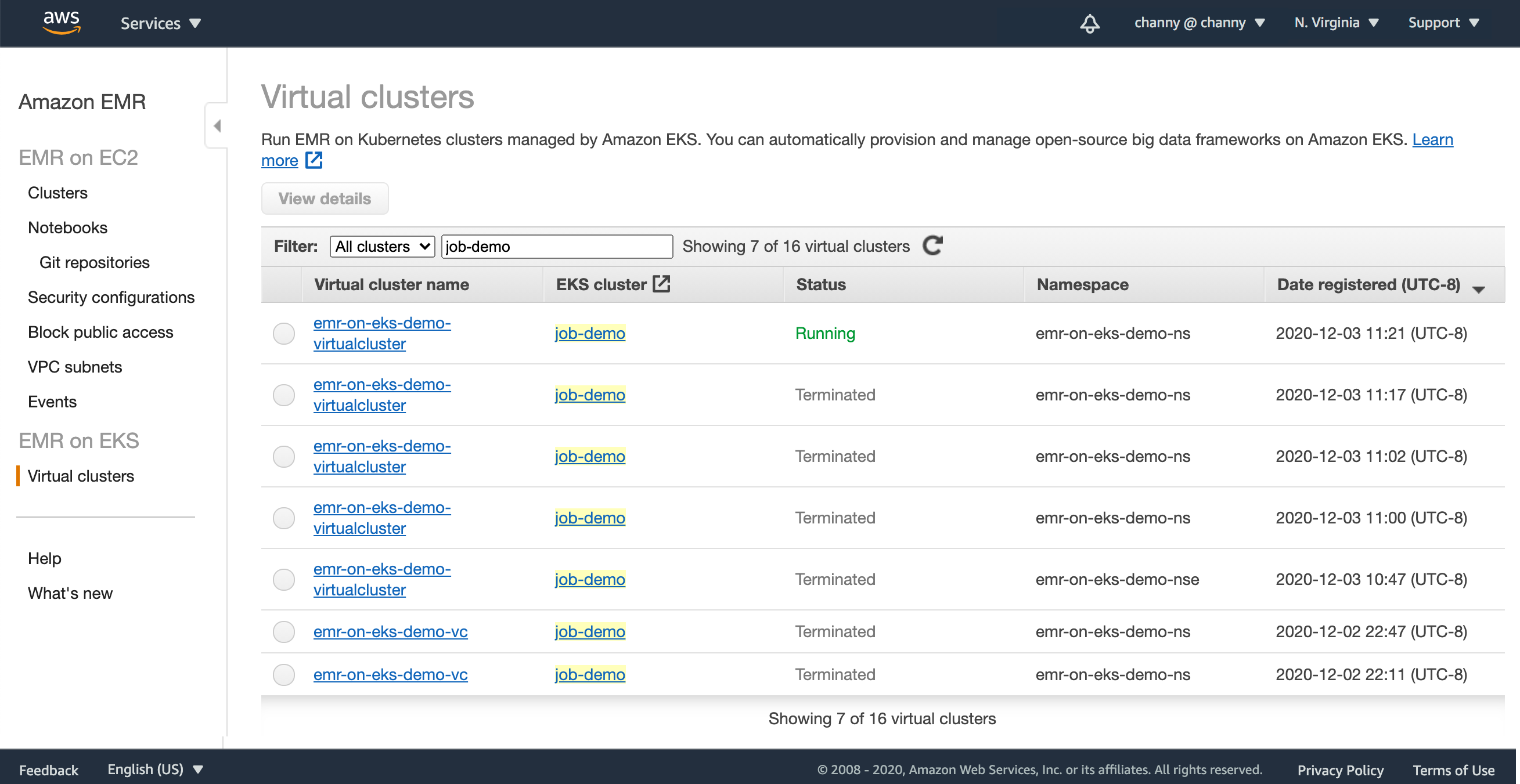
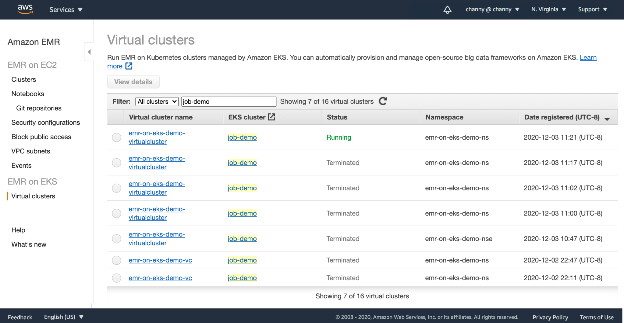
Amazon Elastic Kubernetes Service (EKS) simplifies Kubernetes deployment on AWS, fully managing the control plane. EKS ensures high availability and scalability while using AWS’s global infrastructure. By offloading management responsibilities, EKS allows teams to focus on application development.
EKS supports hybrid deployments, enabling consistent operations across on-premises and cloud environments. With security features such as VPC integration for network isolation and IAM for access control, EKS ensures workload integrity. The platform’s ability to handle large-scale deployments makes it a suitable cloud-native application management environment.

Source: Amazon
3. Azure Kubernetes Service (AKS)
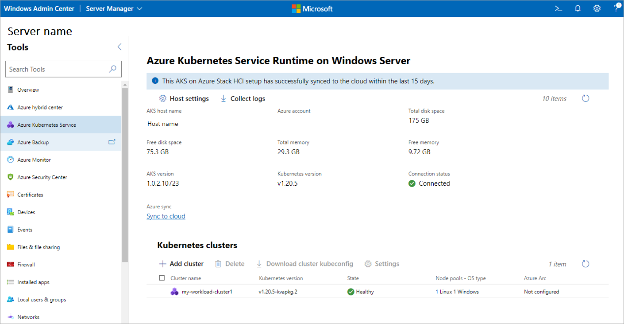
Azure Kubernetes Service (AKS) offers a managed Kubernetes experience within Microsoft’s Azure cloud environment. Known for its ease of use, AKS simplifies deployment and management of containerized applications, providing a simplified container orchestration with integrated CI/CD pipelines. This service improves operational efficiency by automating critical tasks like upgrades, scaling, and security patches.
AKS benefits from Azure’s cloud services and security frameworks, ensuring compliant and secure operations. By integrating with Azure Active Directory, AKS improves identity and access management, protecting applications. The platform is designed for developers looking to build practices around containerization, offering tools that improve operational reliability and development velocity.

Source: Microsoft
Popular Kubernetes management platforms
4. Rancher
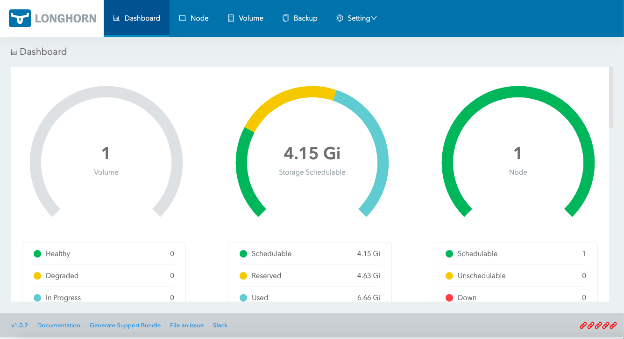
Rancher is an open-source Kubernetes management platform that simplifies the deployment and operation of Kubernetes clusters across any infrastructure. Designed for multi-cluster environments, Rancher provides a centralized control plane to manage workloads, policies, and user access across public clouds, private data centers, and edge environments.
Rancher supports upstream Kubernetes and integrates with major distributions like RKE, RKE2, and K3s. Its intuitive web interface and RBAC controls make it accessible for both operators and developers. Rancher also includes monitoring, logging, and alerting tools, simplifying day-to-day operations.

Source: Rancher
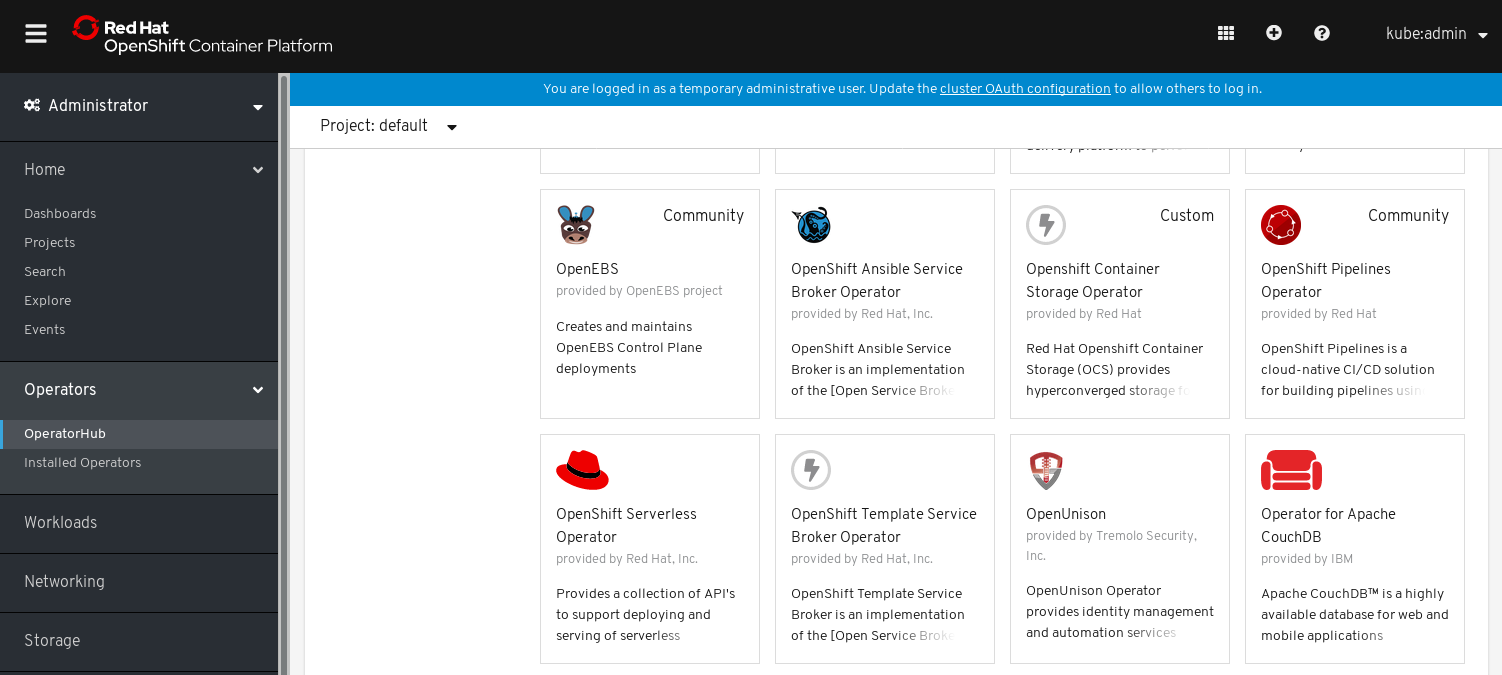
5. Red Hat OpenShift
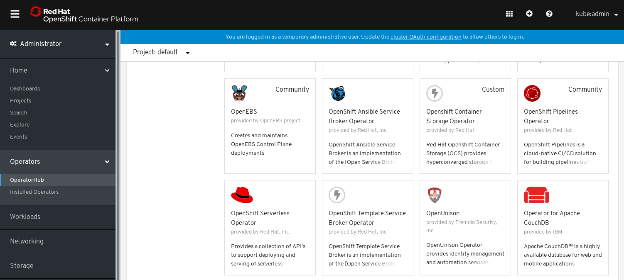
Red Hat OpenShift is a Kubernetes-based application platform available as self-managed editions or managed cloud services. It runs on supported infrastructure across AWS, Microsoft Azure, Google Cloud, and IBM Cloud.
OpenShift provides operators for lifecycle automation and a single console to extend and manage components. It includes OpenShift GitOps and OpenShift Pipelines for CI/CD, OpenShift Serverless and OpenShift Service Mesh for microservices, and built-in observability for monitoring and troubleshooting.

Source: Red Hat
6. VMware Tanzu Kubernetes Grid
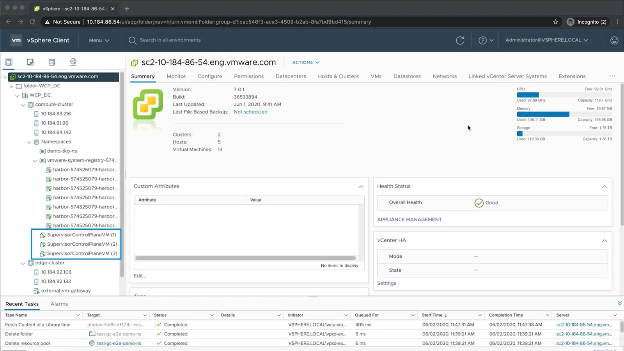
VMware Tanzu Kubernetes Grid Integrated is a certified Kubernetes distribution for multi-cloud and vSphere environments. It supports VMware Cloud Foundation and major public clouds, and automates lifecycle tasks for large, multi-cluster deployments.
It includes validated services for logging, monitoring, networking, and storage, with integration to VMware NSX-T for micro-segmentation. Clusters can be managed by Tanzu Platform for global visibility, policy and role-based access control, with 24×7 support from VMware.

Source: VMware
5 best practices for running Kubernetes in the cloud
Organizations should consider the following practices when working with Kubernetes in a cloud environment.
1. Implement node pools and autoscaling
Node pools allow teams to separate workloads based on resource needs, operating systems, or hardware accelerators like GPUs. For example, developers might run general-purpose applications on one pool and ML workloads on another with GPU-enabled instances. This segmentation improves resource efficiency and scheduling performance.
Autoscaling is critical to maintain performance and cost control. The Horizontal Pod Autoscaler (HPA) scales pods based on CPU/memory use or custom metrics, while the Vertical Pod Autoscaler (VPA) adjusts resource requests/limits per pod. The Cluster Autoscaler adds or removes nodes depending on pending pod demands. Configuring these together ensures the system dynamically adapts to workload fluctuations, reducing manual intervention and avoiding over-provisioning.
To implement effectively, ensure metrics-server is installed, define accurate resource requests/limits, and use node taints and affinity rules to guide workload placement.
2. Use cloud-native networking and load balancing
Each cloud platform provides native networking that aligns closely with Kubernetes constructs. For example, in AWS, Kubernetes Services of type LoadBalancer automatically provision an Elastic Load Balancer that integrates with security groups and VPCs. In GKE, load balancers support regional backends and HTTP(S) routing with Cloud Armor.
Kubernetes also supports Network Policies, which define traffic rules between pods. By integrating these with cloud-level firewall rules and private clusters, developers can create a secure, least-privilege network model.
For advanced service discovery, scalability, and observability, integrating a service mesh like Istio or Linkerd offers traffic control, mTLS, retries, and telemetry. These tools complement native networking with finer control over inter-service communication.
3. Use cloud identity and access management (IAM)
Managing access with IAM reduces the complexity of Kubernetes-native authentication. By mapping cloud IAM identities to Kubernetes RBAC roles, teams can use existing policies and SSO systems for access control.
AWS supports IRSA (IAM Roles for Service Accounts), which assigns IAM roles to pods, removing the need to store long-lived credentials. GKE uses Workload Identity, and Azure AKS supports Managed Identity. These methods let applications securely access cloud resources like S3, Pub/Sub, or Azure Key Vault.
Best practices include regularly auditing IAM policies, using minimal privileges, and automating credential rotation. Monitoring access logs through cloud-native audit logging services further strengthens security posture.
4. Integrate with cloud-native storage
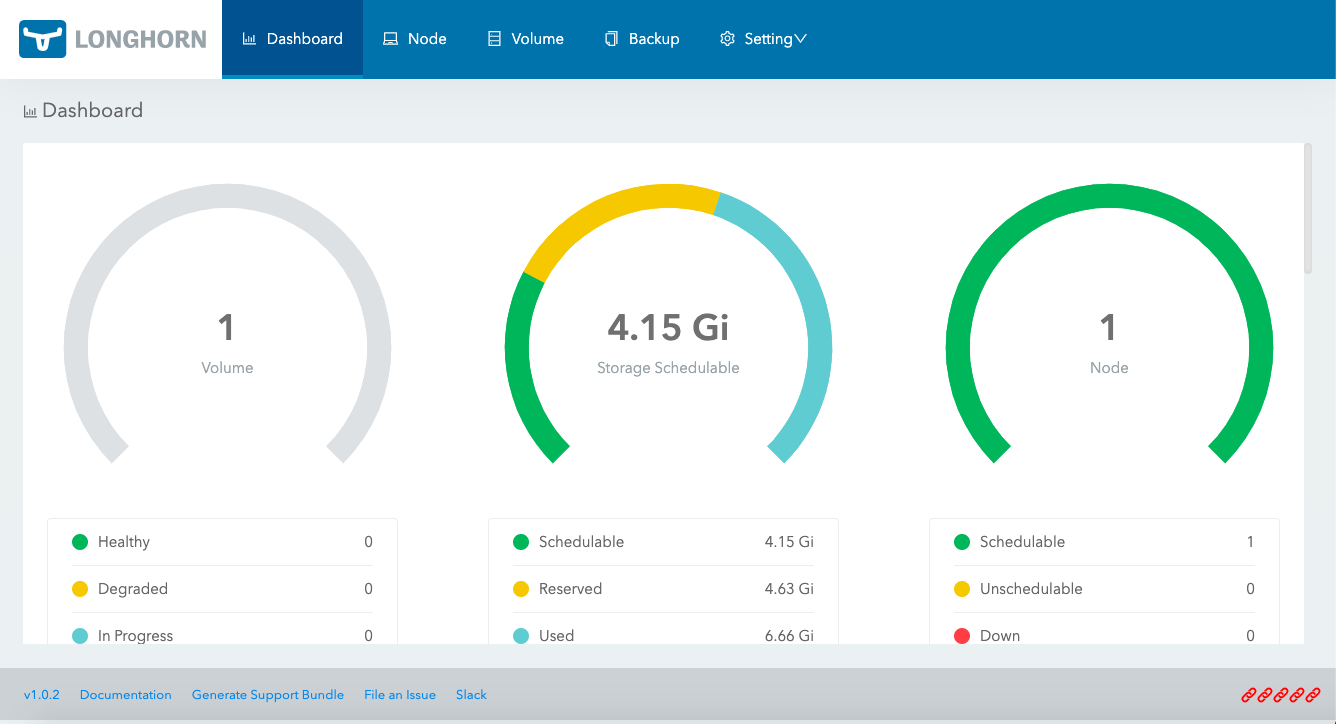
Stateful workloads like databases require persistent volumes that survive pod restarts and rescheduling. Cloud providers offer block and file storage solutions that are directly accessible from Kubernetes via CSI (Container Storage Interface) drivers.
Use StorageClasses to define volume types (e.g., SSD vs. HDD), performance tiers, and reclaim policies. For example, teams can use AWS gp3 volumes for high IOPS or Azure Premium SSD for latency-sensitive applications.
Dynamic provisioning ensures that persistent volumes are automatically created and bound to PVCs when needed. To improve reliability, enable volume snapshots, encryption at rest, and replication features where available. Also consider using cloud-native backup tools that are CSI-compliant for better data protection.
5. Backup, disaster recovery, and upgrades
Even in the cloud, resilience planning is essential. Regular backups of persistent volumes and Kubernetes objects (e.g., ConfigMaps, Secrets, Deployments) protect against accidental deletion, corruption, or cloud-region failures. Tools like Velero, Kasten K10, and cloud-native backup solutions automate backup schedules, retention policies, and recovery workflows.
For disaster recovery, design runbooks that outline failover steps, validate them through simulation, and consider multi-region deployments for critical applications.
Kubernetes upgrades, while routine, can cause downtime if not managed properly. Use managed services’ upgrade channels and test upgrades in staging clusters. Prefer surge upgrades and unavailablePodBudget settings to control rollout pace and avoid service disruption.
Maintaining version parity across clusters, validating application compatibility with new API versions, and using tools like kubent for deprecation checks further ensures smooth upgrade paths.
Automating cloud-based Kubernetes deployments with Octopus
Octopus Deploy streamlines the CD automation for Kubernetes. Octopus makes DevOps best practices, such as release management, standardized deployment processes, and the separation of application and environment configurations, easy to implement and manage.
Octopus Deploy is not limited to one Kubernetes solution. Octopus integrates with any number of clusters running in different clouds. With Octopus, you can separate environment-specific parameters from application configuration. It makes running multiple versions of your production environment across different regions and cloud providers easy for platform teams and transparent for developers.
Help us continuously improve
Please let us know if you have any feedback about this page.