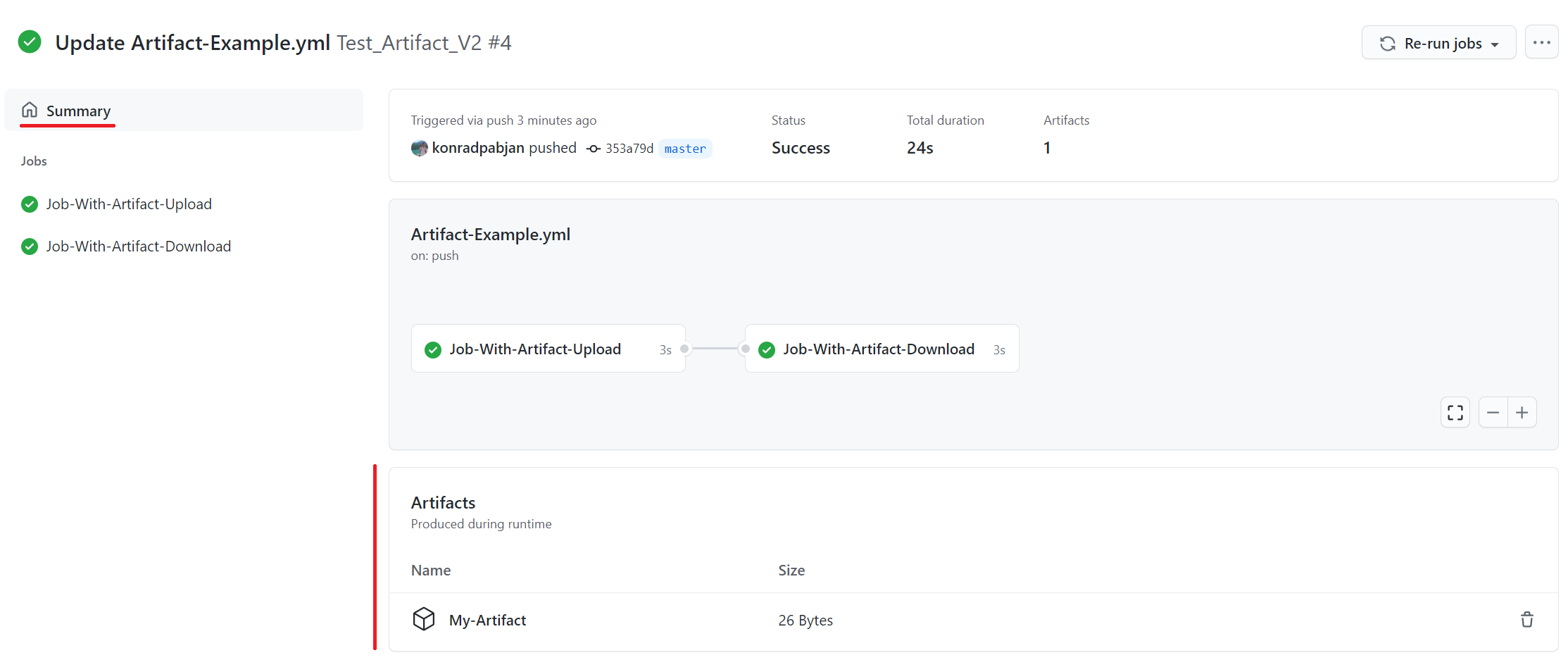
What are software deployment tools?
Software deployment tools automate delivering and deploying software to a server, cluster, or platform. They manage the deployment and configuration of software across environments and may also handle other deployment pipeline stages like builds and tests. Deployment automation reduces human error, ensures consistency, and speeds up release cycles.
Software deployment tools integrate with CI/CD (Continuous Integration/Continuous Deployment) pipelines in a DevOps environment. This integration allows development teams to deploy new features and fixes to end users continuously. These tools improve collaboration between development and operations teams, ensuring a smooth transition to production.
Continuous Deployment tools market and trends
Market growth
The market for Continuous Deployment solutions is expanding as organizations aim to release software faster and more reliably. These tools automate the software release process, allowing teams to push code changes to production frequently with minimal manual work. This helps reduce deployment delays while maintaining software quality.
Industry forecasts indicate strong growth, with the market expected to expand at a compound annual growth rate (CAGR) of about 14.6% between 2026 and 2033. As businesses increasingly depend on software to deliver services and products, automated deployment tools are becoming a key part of modern development workflows.
Key market drivers
Several factors are accelerating adoption of continuous deployment tools:
The growing use of DevOps practices encourages tighter collaboration between development and operations teams, which increases the need for automated deployment pipelines. Cloud platforms simplify infrastructure management and make it easier to deploy applications across multiple environments. Digital transformation initiatives across industries are pushing organizations to deliver software updates faster. Regulatory requirements around security and compliance are another driver, as companies invest in tools that provide more controlled and auditable deployment processes.
Challenges to adoption
Despite strong demand, some barriers can slow the adoption of continuous deployment tools. Security concerns are a major issue, particularly when organizations deploy applications frequently across distributed systems.
Integration complexity is another challenge. Deployment tools often need to connect with existing development pipelines, testing frameworks, and infrastructure systems. In addition, organizations may struggle to find professionals with the skills required to manage and optimize modern deployment platforms.
Emerging technology trends
Several technology trends are shaping the Continuous Deployment market. Artificial intelligence and machine learning are increasingly used to automate testing, monitor application performance, and identify potential deployment issues before they affect production.
Cloud-native technologies are also driving demand for deployment solutions that support containers, serverless architectures, and orchestration platforms such as Kubernetes. Security is becoming more integrated into deployment pipelines through DevSecOps practices, where security checks are applied at every stage of development and release.
Key features of software deployment tools
Software development tools typically include the following capabilities.
Version control integration
Version control allows collaboration between team members by tracking changes made to the source code. With version control systems like Git, changes can trigger a process to build and test a new software version and create a reusable artifact for deployment tools. The artifact can be deployed automatically or on-demand to test and production environments.
Environment management
Environment management enables teams to configure and manage different environments (development, testing, staging, and production). It ensures that the application works correctly across various deployment pipeline stages, allowing testing and other validation that increases confidence in the software version before it reaches production. Deployment tools often support environment-specific configurations.
Configuration management
Configuration management involves maintaining consistency of the software’s settings and operational parameters across different environments and deployments. Deployment tools often have built-in configuration management capabilities that apply the correct values based on factors like the deployment environment. These tools help automate the setup and maintenance of software configurations, reducing the likelihood of errors.
Rollback capabilities
Rollback capabilities allow you to install a previous software version if a deployment causes issues. With automated rollback, deployment tools can quickly revert to the last stable version, ensuring that the end users experience minimal disruption. You can integrate the rollback process with health checks or monitoring systems to trigger automated rollbacks based on predefined failure criteria.
Security
Security features in software deployment tools ensure that the deployment process is safe from unauthorized access and potential threats. The deployment tools should have access controls to limit who can change the deployment process, who can perform actions against different environments, and provide an audit trail of changes and events. Deployment tools may integrate with security platforms to protect the deployment process and deployed applications.
Dedicated software deployment tools
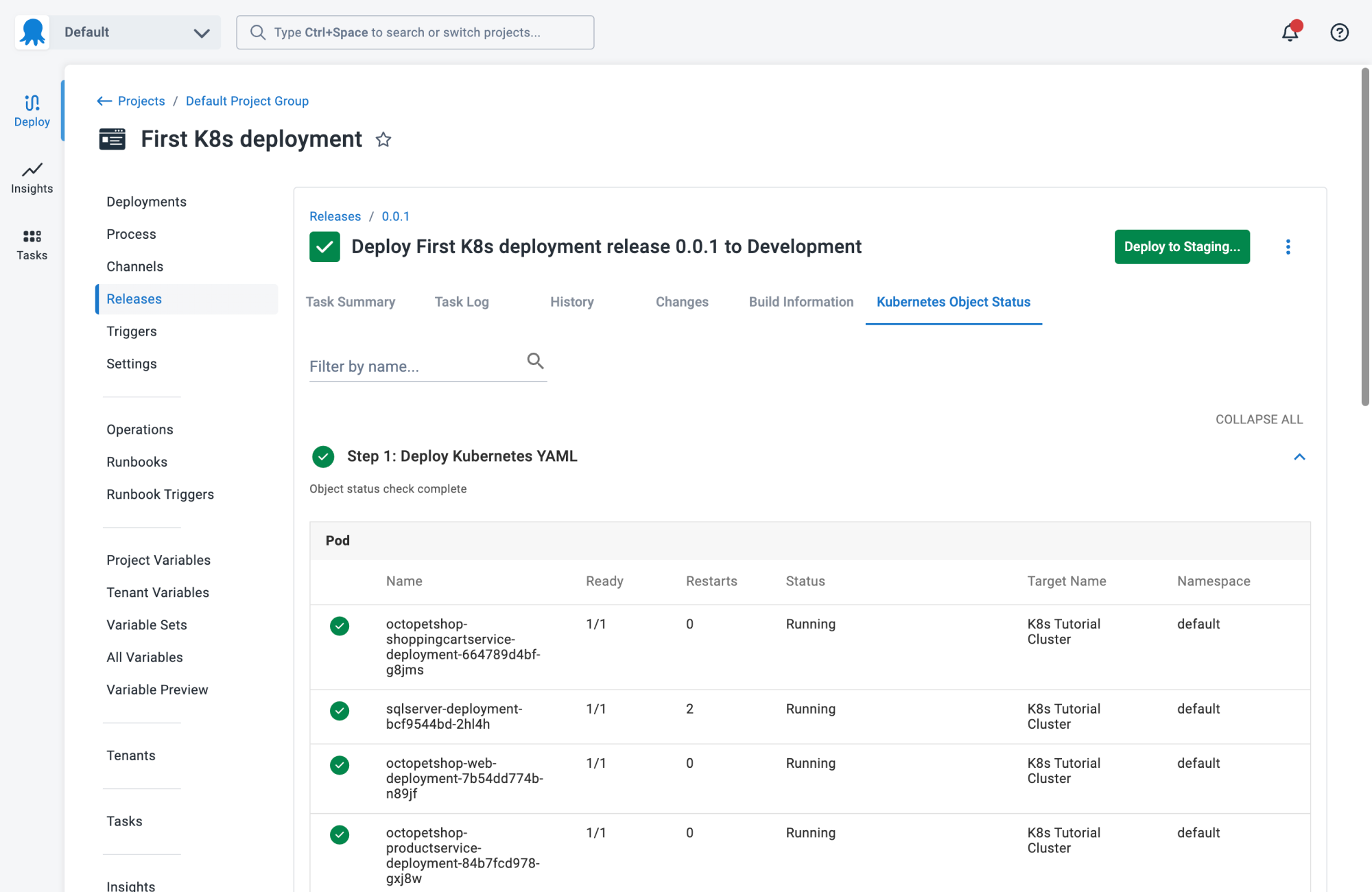
1. Octopus
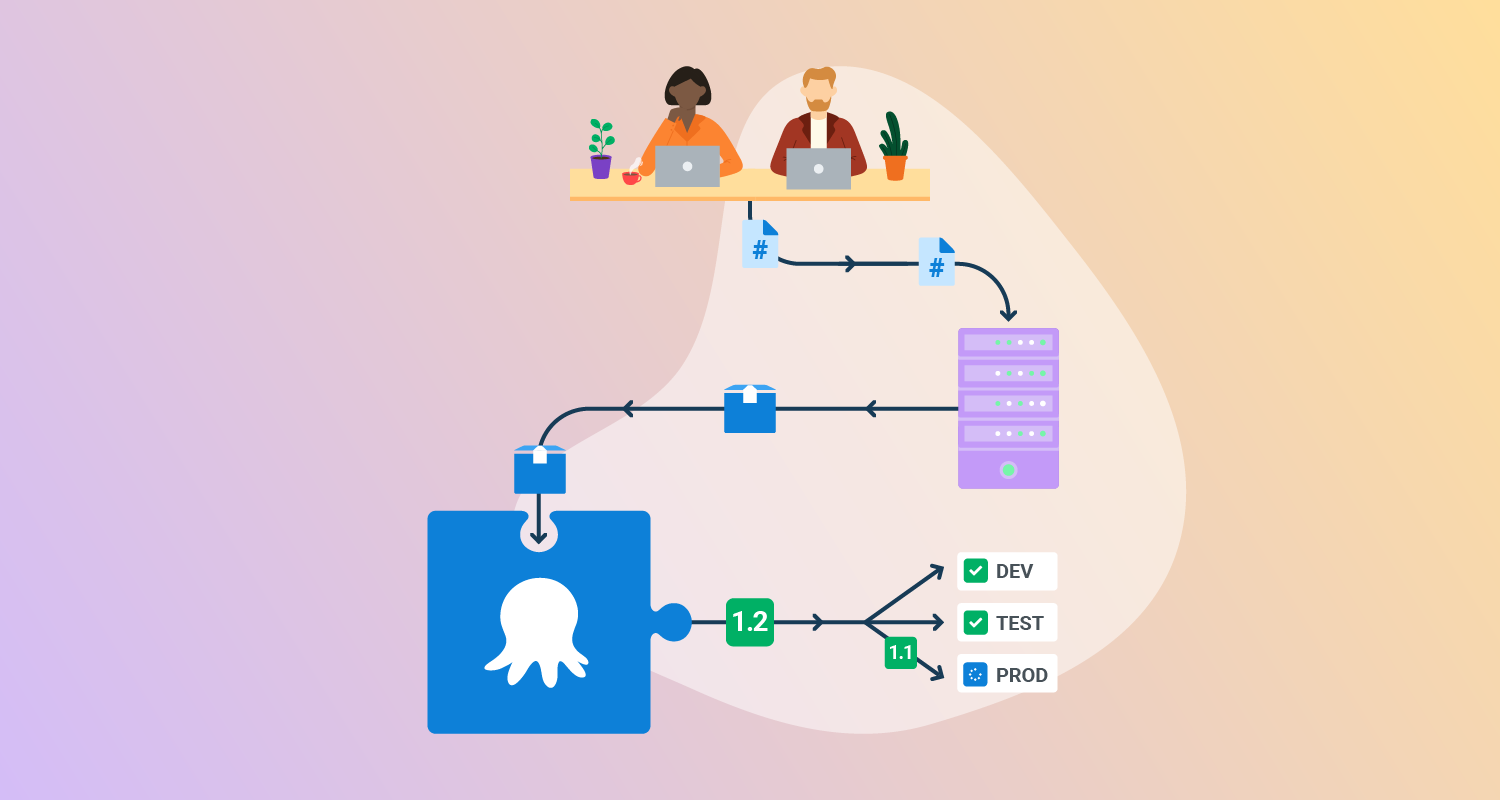
Octopus Deploy is a sophisticated, best-of-breed Continuous Delivery (CD) platform for modern software teams. It offers powerful release orchestration, deployment automation, and runbook automation while handling the scale, complexity, and governance expectations of even the largest organizations with the most complex deployment challenges.
License: Commercial
Features:
- Reliable risk-free deployments: Define your deployment process once and use it across all environments so you can deploy to production with the same confidence you deploy everywhere else.
- Deployments at scale: Octopus is the only CD tool with built-in multi-tenancy support. You can deploy many customer-specific instances using the same deployment process.
- One platform for DevOps automation: You can use runbooks to automate operations tasks to remove toil. You can use runbooks to provide safe self-service operations to other teams.
- Streamlined compliance: Octopus has role-based access control, single-sign-on (SSO) as standard, and a complete audit trail to make audits a breeze.

2. Codefresh
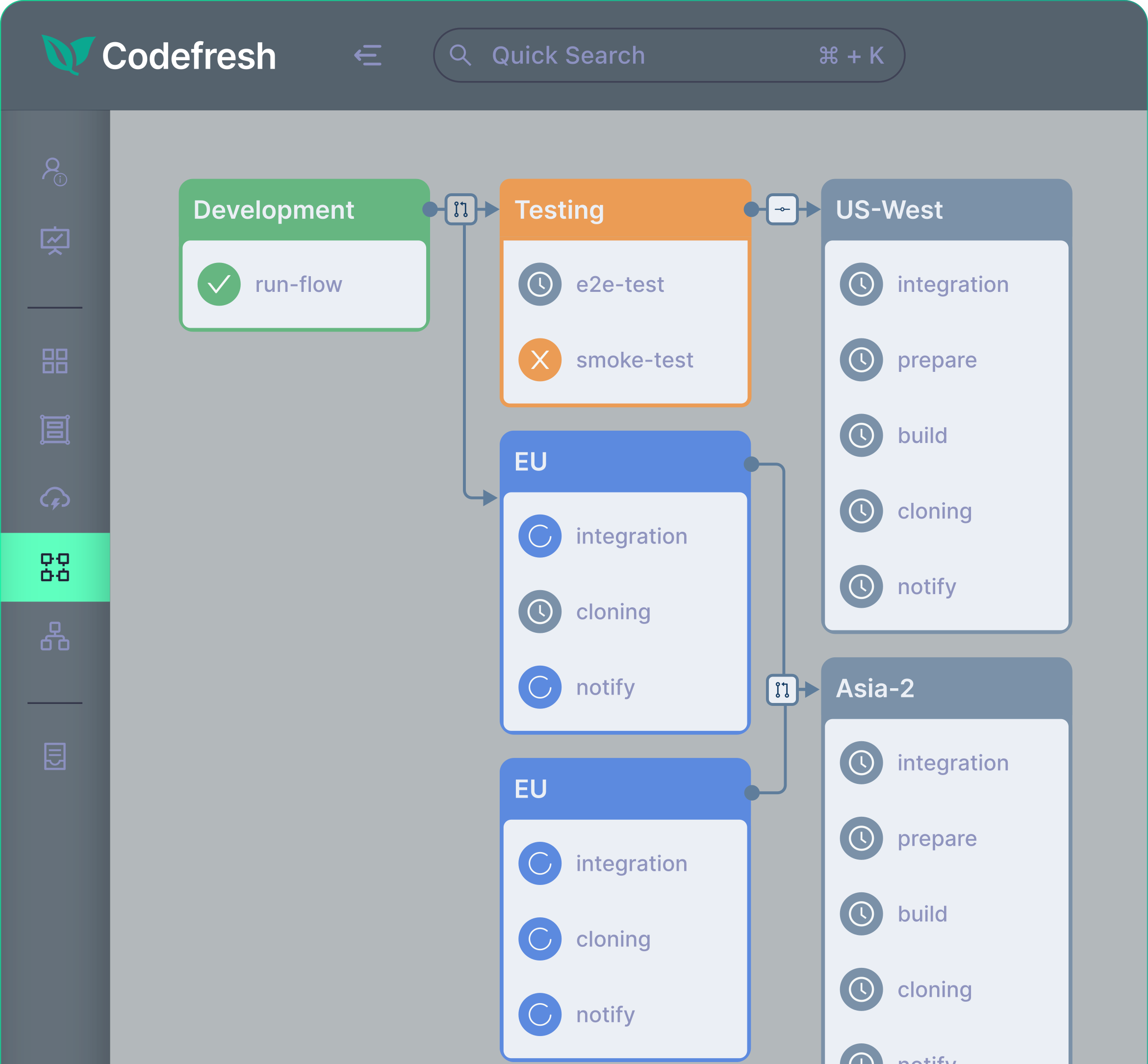
Codefresh is a CI/CD and GitOps platform for Kubernetes-based applications. It enables teams to automate the software delivery lifecycle using Git as the source of truth. The platform integrates with Argo CD and allows developers to define promotion workflows between environments, giving teams greater control over how applications move from development to production.
License: Commercial
Key features:
- GitOps-based delivery workflows: Uses Git repositories as the source of truth to manage deployments and environment promotion processes.
- Kubernetes-first CI/CD pipelines: Provides container-native pipelines designed for cloud-native applications.
- Argo CD integration: Connects directly with Argo CD to manage application synchronization and environment promotion.
- Customizable promotion flows: Allows teams to define deployment and promotion rules using Kubernetes custom resource definitions (CRDs).
- Self-service deployment visibility: Developers can monitor and control release processes without manual coordination.
3. Argo CD
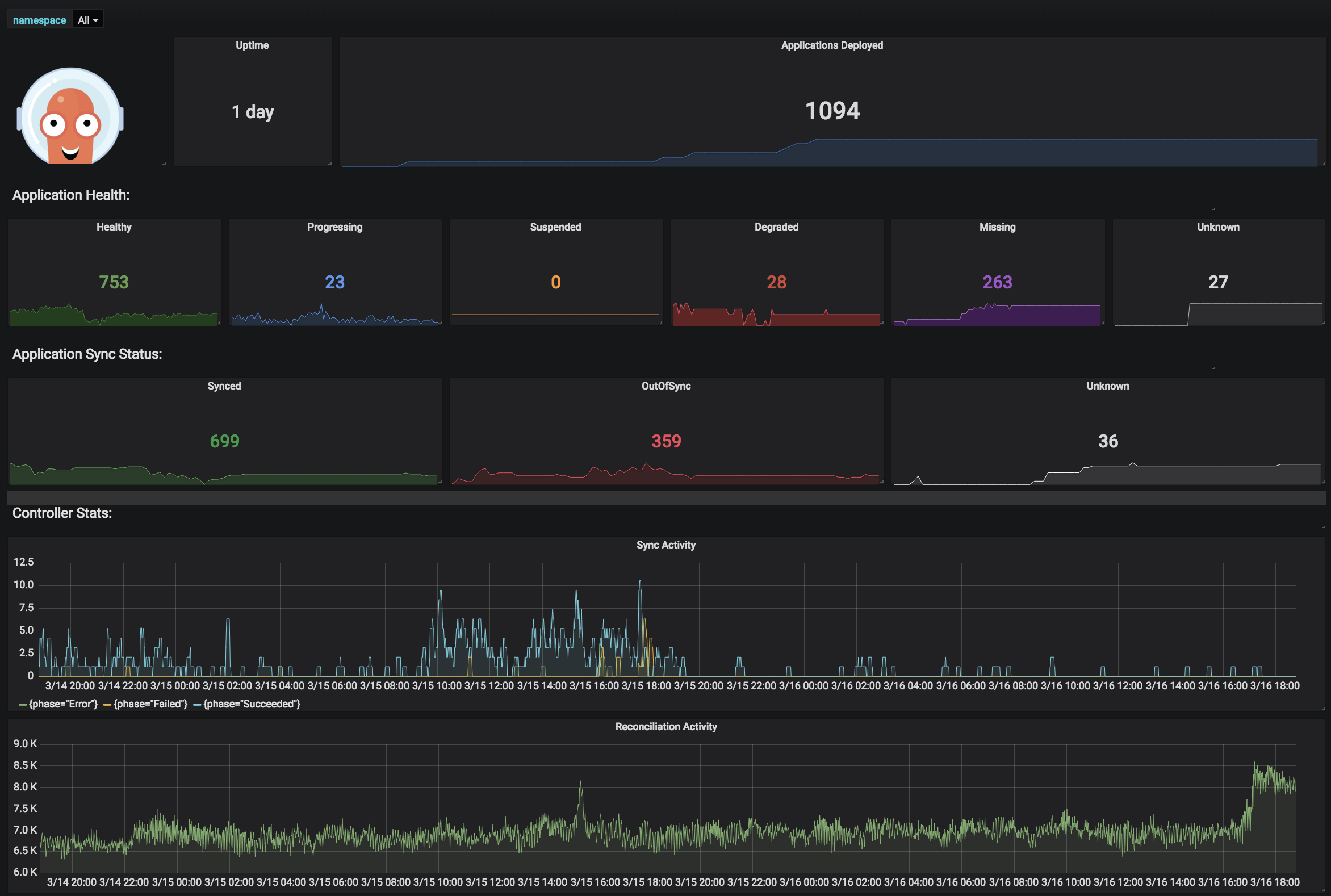
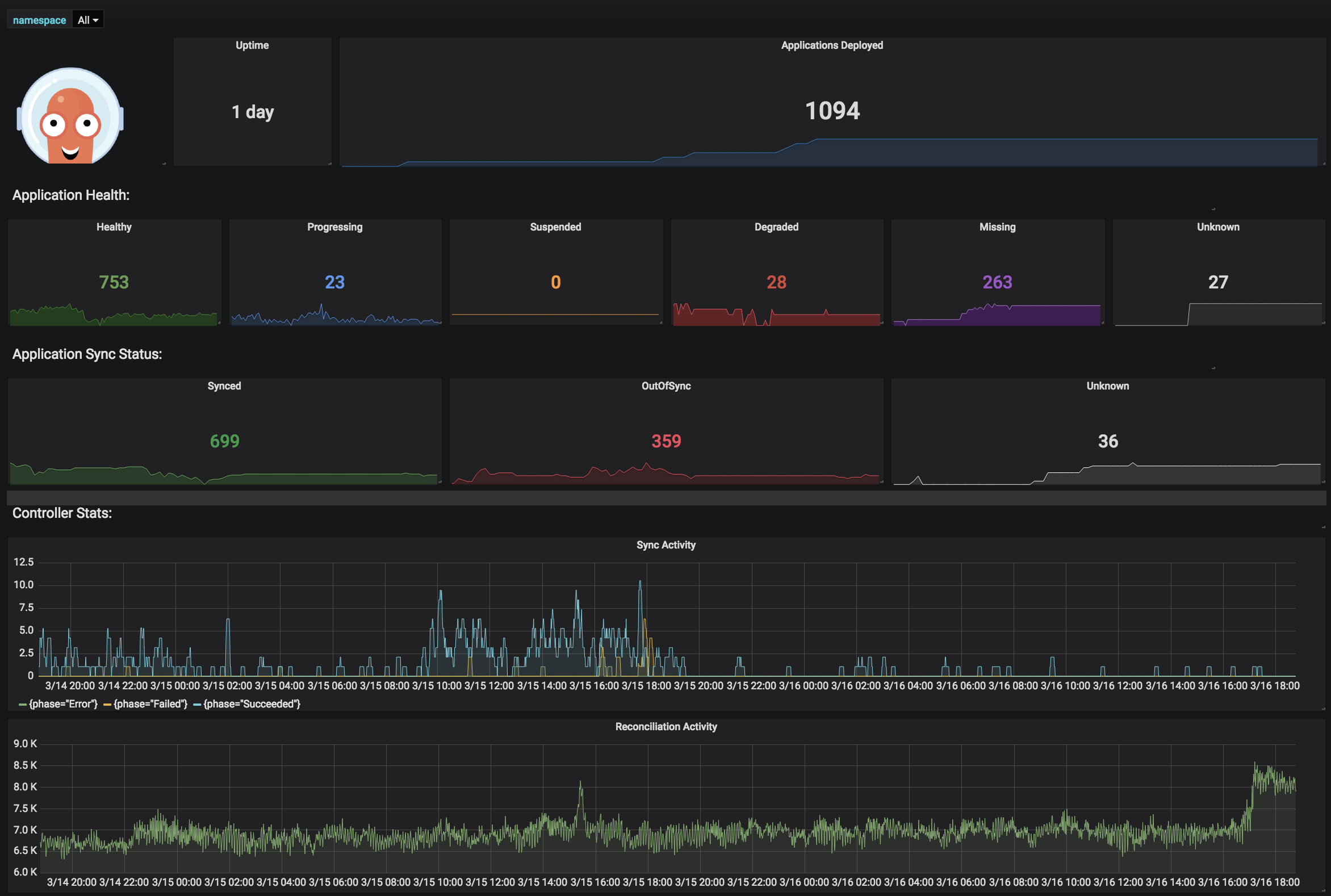
Argo CD is a declarative, GitOps-based Continuous Delivery tool for Kubernetes. It is an open-source tool that achieved the Graduated maturity level in the Cloud Native Computing Foundation (CNCF). It automates application deployment by tracking an application’s desired state defined in a Git repository and ensuring that the live state in the Kubernetes cluster matches this desired state. It continuously compares the live state of applications with the desired state defined in Git and applies updates when differences are detected.
License: Apache-2.0 license
Repo: https://github.com/argoproj/argo-cd
GitHub stars: 17K+
Contributors: 1400+
Key features:
- GitOps-based deployment management: Uses Git repositories as the source of truth for application configurations and desired deployment state.
- Automated synchronization: Automatically deploys and updates applications when changes are committed to the repository.
- Multi-cluster deployment support: Manages and deploys applications across multiple Kubernetes clusters.
- Configuration tool compatibility: Supports Helm charts, Kustomize, Jsonnet, and plain YAML manifests.
- Rollback and version tracking: Allows teams to roll back to any previous configuration stored in Git.

Source: Argo CD
4. Chef
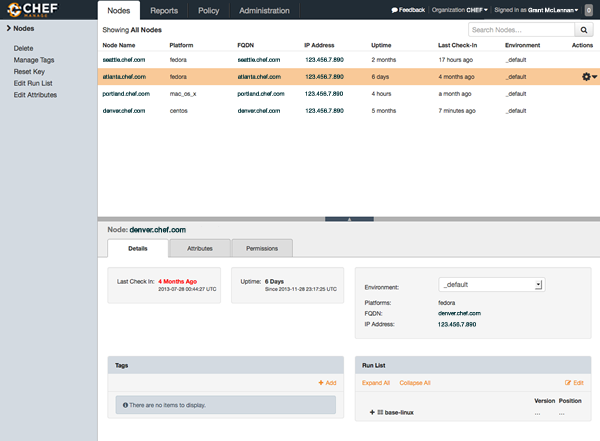
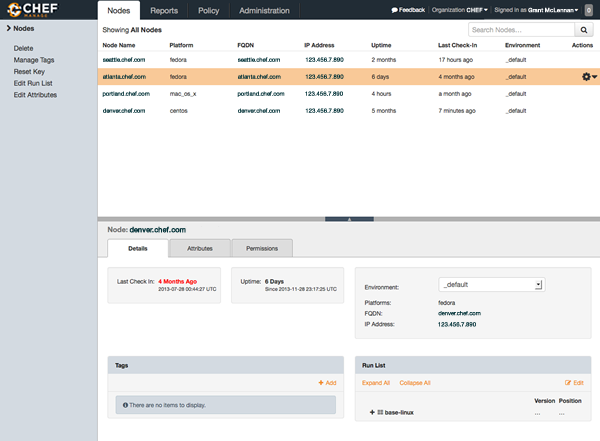
Chef is an infrastructure automation and configuration management platform to standardize and manage infrastructure at scale. It uses a policy-as-code approach that allows organizations to define infrastructure configurations and operational workflows as code. Chef automates infrastructure provisioning, configuration, and compliance management across on-premises, cloud, and hybrid environments.
License: Commercial
Key features:
- Policy-as-code infrastructure management: Defines infrastructure configurations and policies using code.
- Infrastructure automation: Standardizes configuration management across environments.
- Workflow orchestration: Coordinates operational workflows across DevOps tools.
- Continuous compliance monitoring: Performs scheduled or on-demand compliance checks using predefined standards.
- Environment-agnostic execution: Works across cloud, on-premises, hybrid, and air-gapped environments.

Source: Chef
5. Puppet
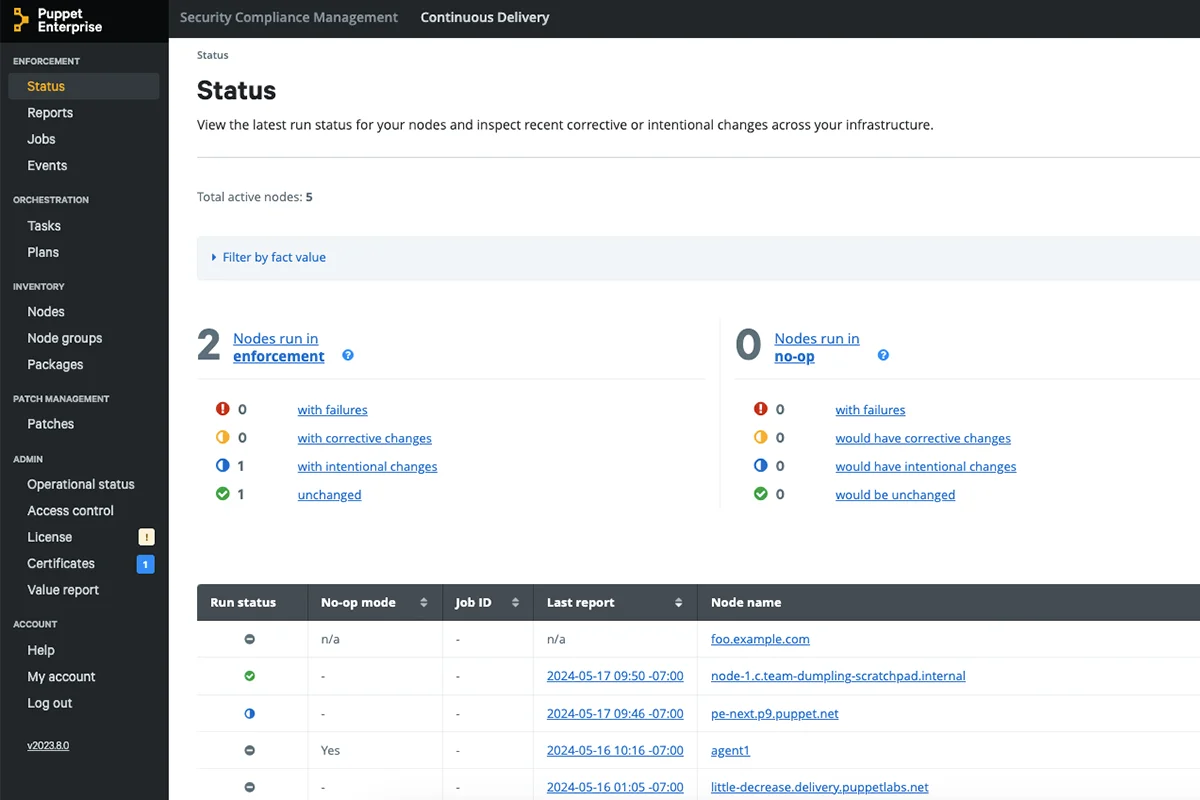
Puppet is an automation platform for configuration management and infrastructure governance. It uses desired-state automation to ensure systems remain in a consistent configuration across servers, networks, and cloud environments.
License: Apache-2.0 license
Repo: https://github.com/puppetlabs/puppet
GitHub stars: 7K+
Contributors: ~600
Key features:
- Desired-state configuration management: Ensures systems automatically maintain defined configurations.
- Policy-driven automation: Enforces infrastructure and security policies across servers, networks, cloud, and edge systems.
- Infrastructure governance: Provides centralized control for configuration and compliance.
- DevOps toolchain integration: Integrates with existing development and deployment workflows.
- Audit and compliance reporting: Tracks configuration changes and provides reporting for compliance requirements.
Source: Puppet
6. DeployHQ
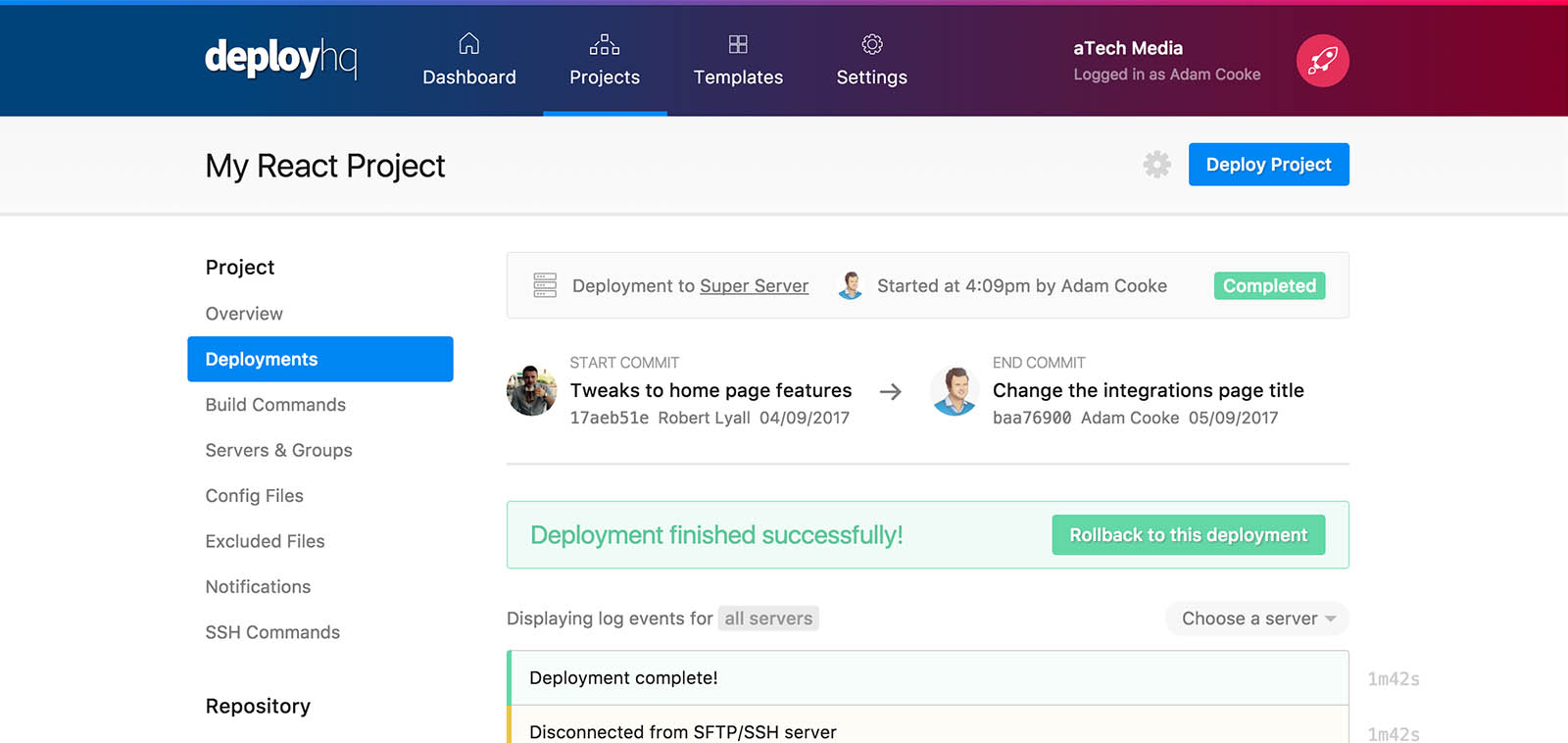
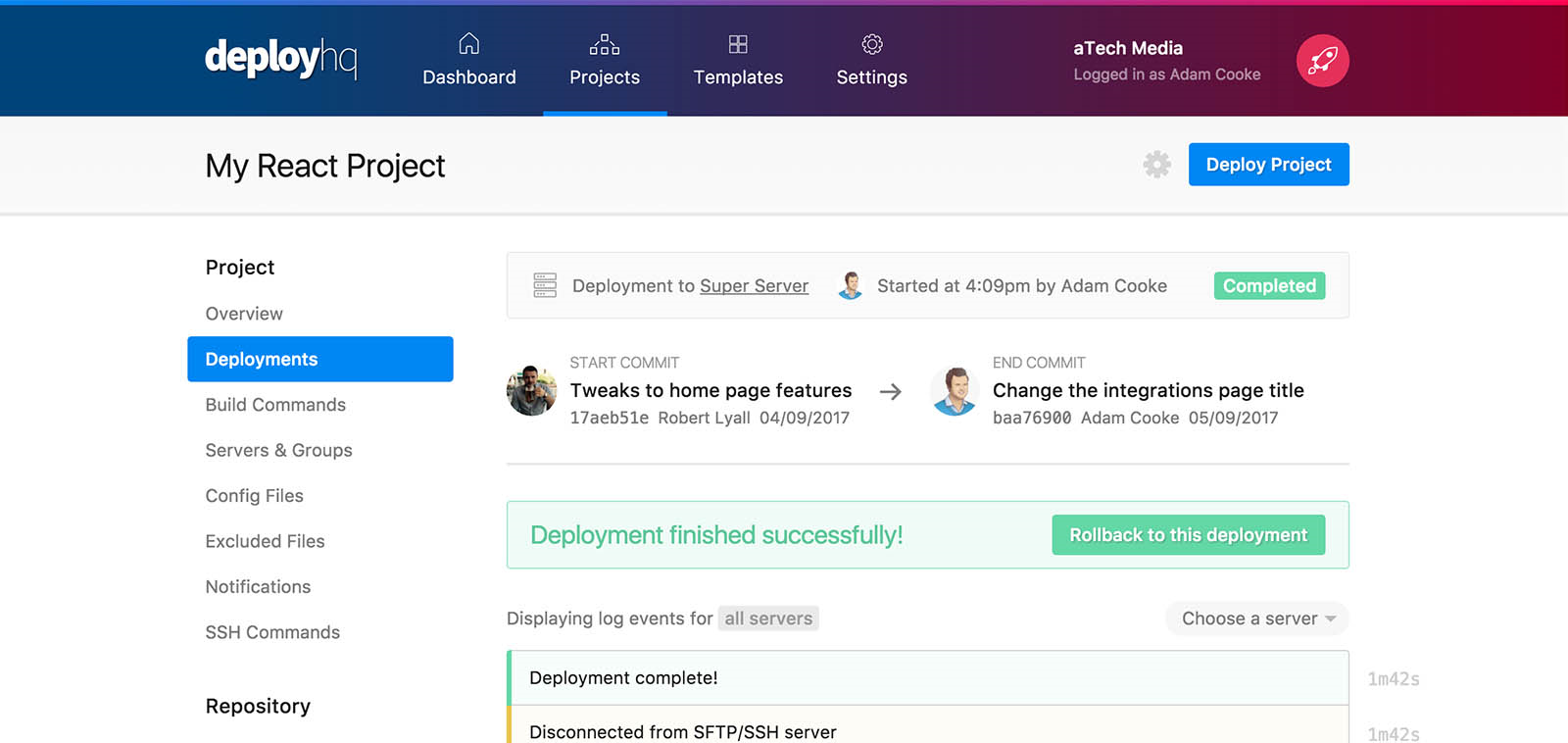
DeployHQ is a deployment automation tool that helps teams move code from repositories to production servers with minimal manual configuration. It connects to version control systems and automatically builds, tests, and deploys applications when code changes occur.
License: Commercial
Key features:
- Repository-based deployment triggers: Automatically starts deployments when code is pushed to a repository.
- Multi-platform deployment support: Deploys applications to cloud platforms, VPS infrastructure, and traditional servers.
- Automated build pipelines: Builds and tests code before deployment.
- Branch-based deployment routing: Different branches can deploy to specific environments.
- Zero-downtime deployment support: Minimizes service disruption during releases.

Source: DeployHQ
7. Harness
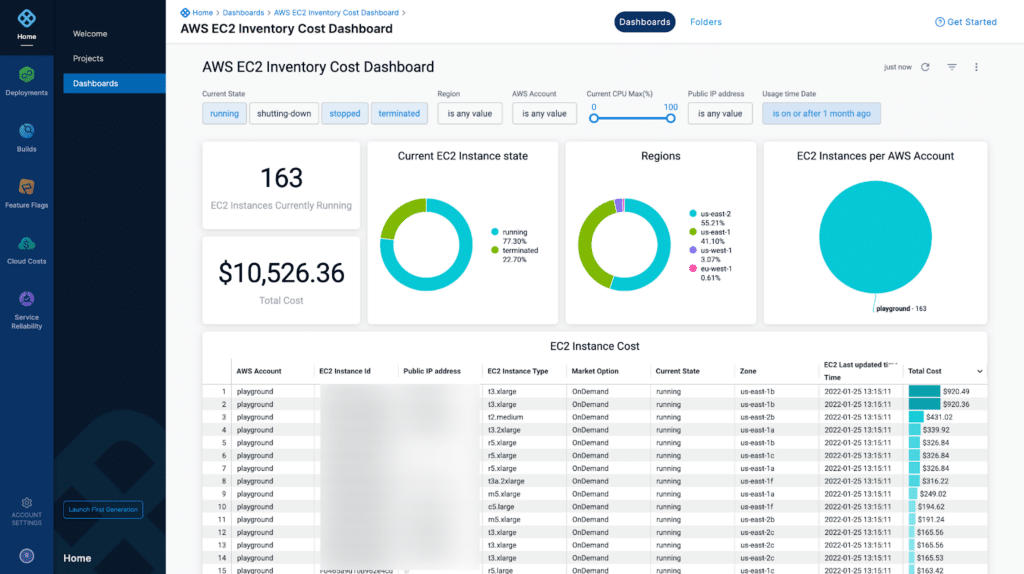
Harness is a DevOps automation platform that provides tools for continuous integration, continuous delivery, and infrastructure management. It focuses on automating the path from code changes to production deployments while incorporating AI-driven insights to improve reliability, testing, and operational efficiency.
License: Commercial
Key features:
- Continuous delivery automation: Automates deployment pipelines across multi-cloud environments.
- Infrastructure as code management: Supports provisioning and configuration through code-based workflows.
- AI-driven testing and resilience: Uses predictive analytics to detect issues during deployment.
- Security and compliance integration: Includes security testing and vulnerability detection.
- Cloud cost optimization tools: Helps manage cloud spending with analytics and policies.

Source: Harness
8. Juju
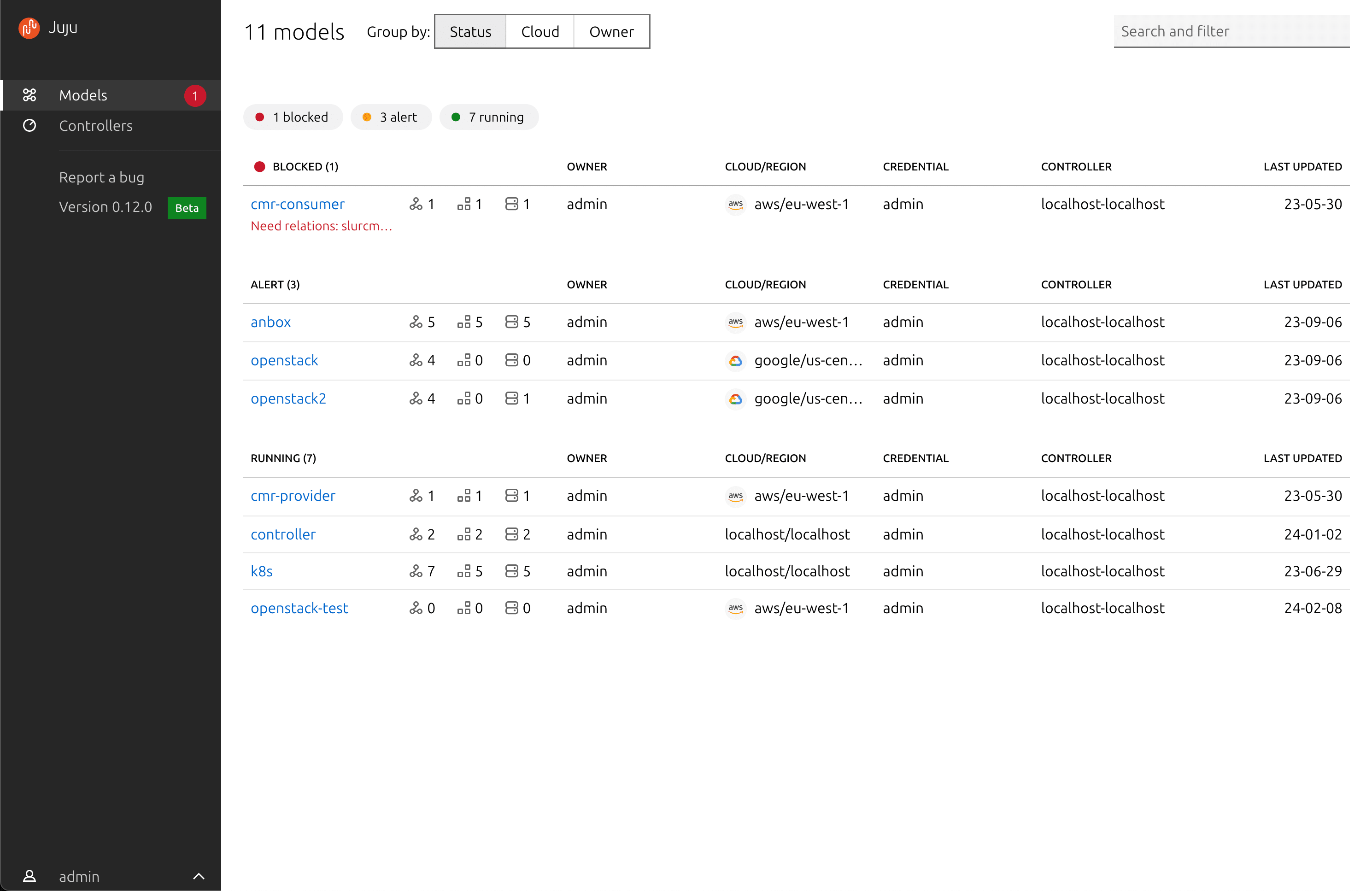
Juju is an open-source orchestration engine used to deploy, integrate, and manage applications across different infrastructures using reusable automation packages called charms. These contain operational logic for deploying and managing software services. Juju enables teams to automate the full lifecycle of applications across public clouds, Kubernetes clusters, virtual machines, and bare metal systems.
License: GNU AFFERO GPL
Repo: https://github.com/juju/juju
GitHub stars: 2K+
Contributors: 150+
Key features:
- Charm-based automation: Uses reusable software operators to automate deployments.
- Cross-platform deployment: Supports Kubernetes, public clouds, VMs, and bare metal.
- Application integration management: Manages relationships between services.
- Centralized control plane: Tools such as JAAS manage multiple deployments centrally.
- Reusable operational logic: Automation code can be reused across environments.

Source: Charmhub
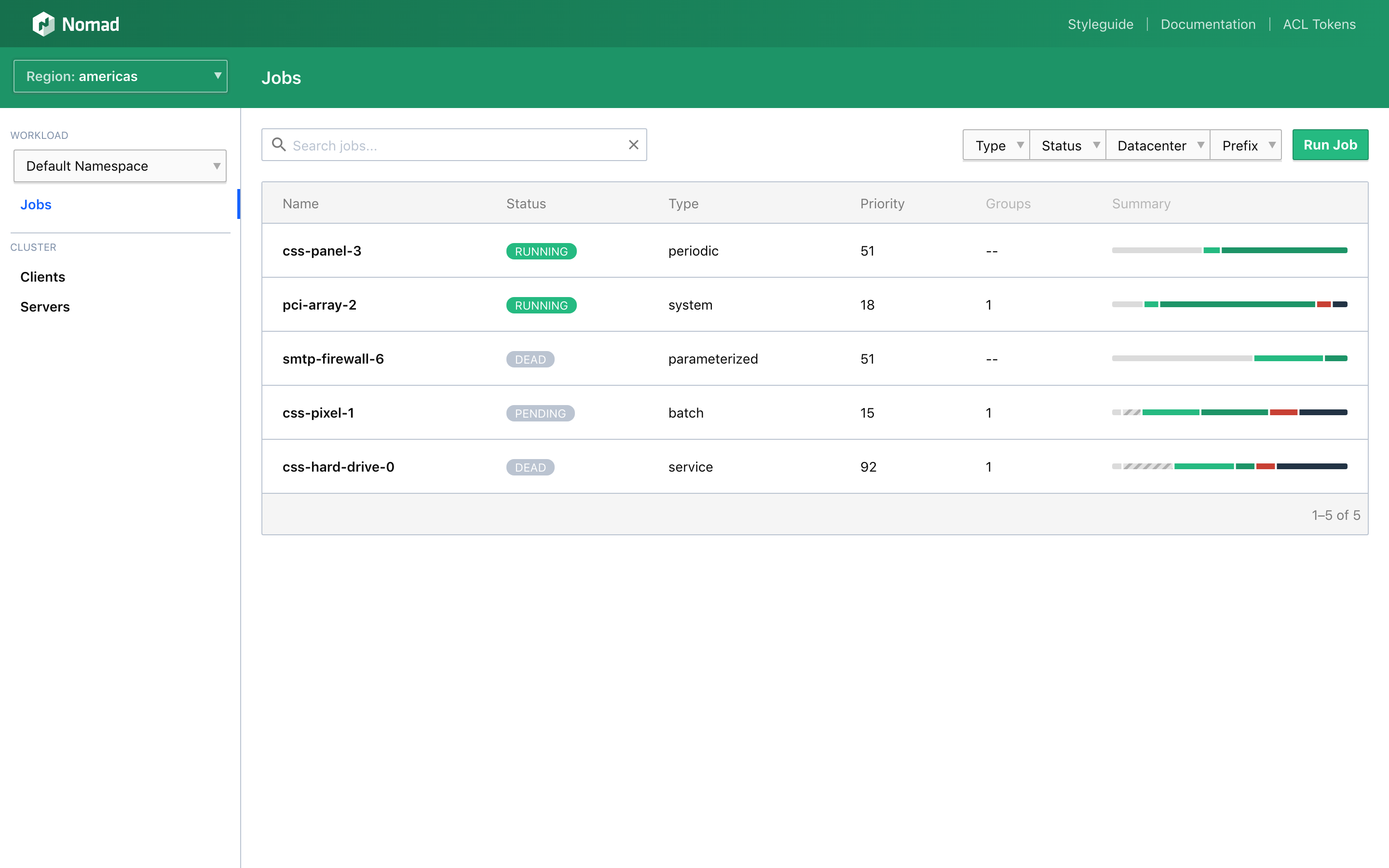
9. Nomad
Nomad is a workload orchestration platform that deploys and manages applications across clusters of machines. It supports containerized, virtualized, and legacy applications using a unified scheduling system. Nomad uses declarative infrastructure definitions to manage application deployment while optimizing resource allocation across available nodes.
License: Commercial
Key features:
- Unified workload orchestration: Deploys containerized, microservice, batch, and legacy applications.
- Declarative job specifications: Uses infrastructure-as-code configuration files.
- High scalability: Supports clusters with thousands of nodes.
- GPU and hardware support: Uses specialized hardware resources.
- Multi-region federation: Deploys applications across regions and clusters.
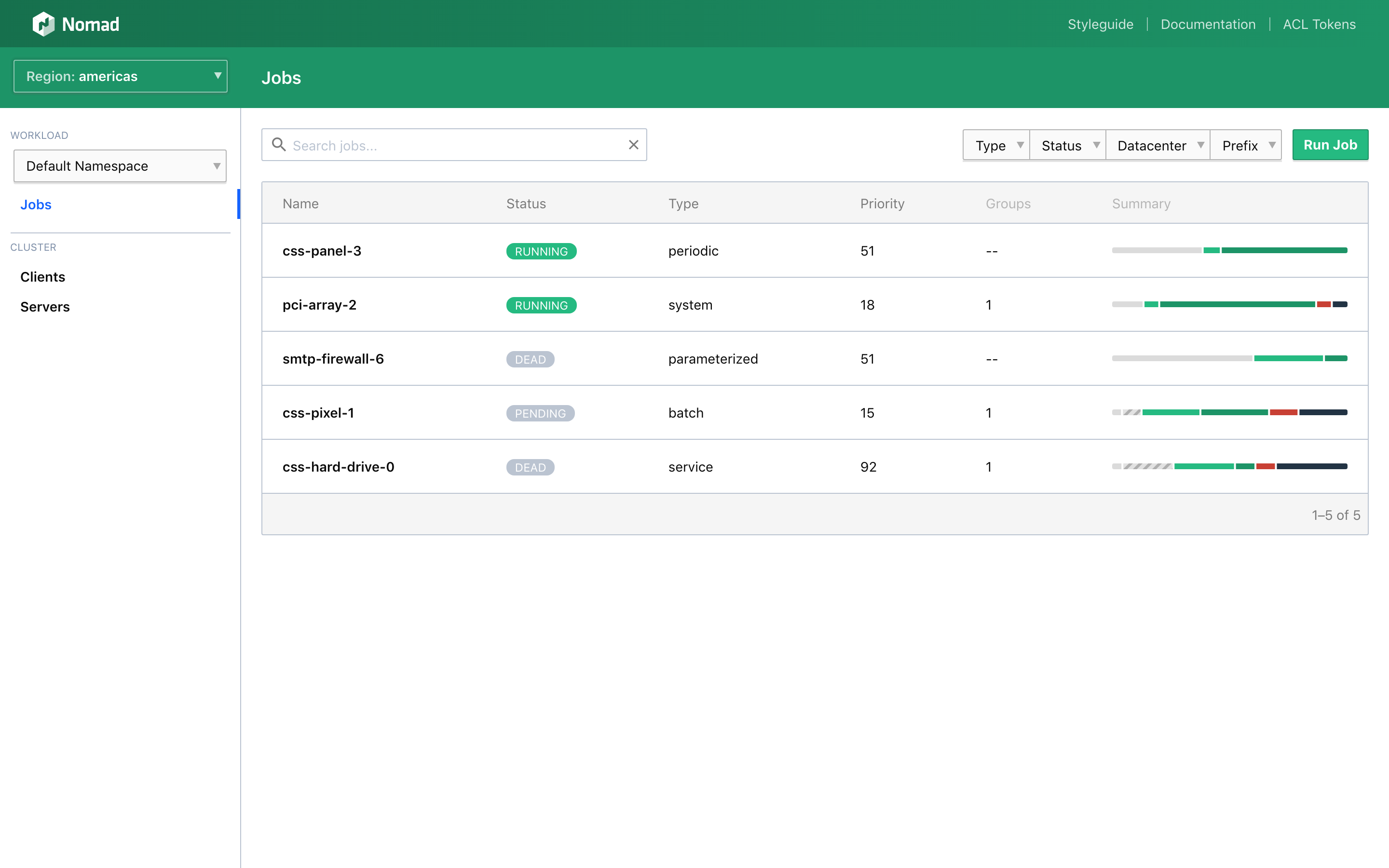
Source: Hashicorp
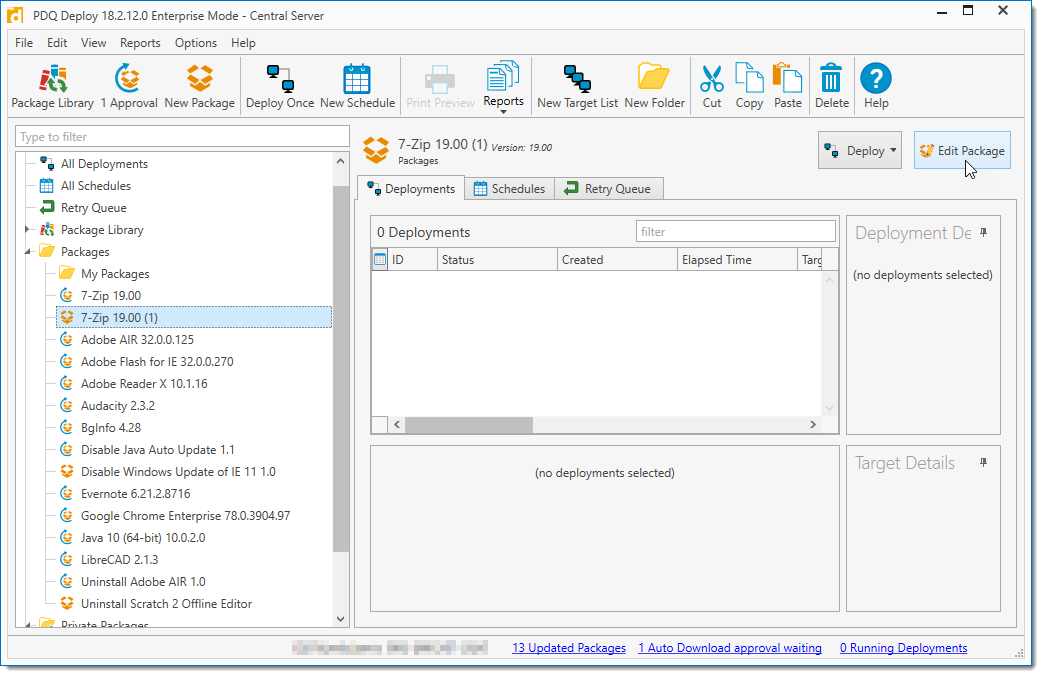
10. PDQ Deploy
PDQ Deploy is a software deployment and patch management tool primarily for Windows environments. It allows administrators to deploy applications, scripts, and updates across multiple devices from a central console. The platform includes automation features that simplify repetitive administrative tasks such as patching, application updates, and system maintenance.
License: Commercial
Key features:
- Centralized software deployment: Deploy applications and scripts across multiple Windows devices.
- Prebuilt package library: Includes tested packages for commonly used software.
- Custom deployment packages: Supports multi-step deployment workflows.
- Scheduled deployments: Automates installations and updates.
- Deployment monitoring and reporting: Tracks deployment status and results.

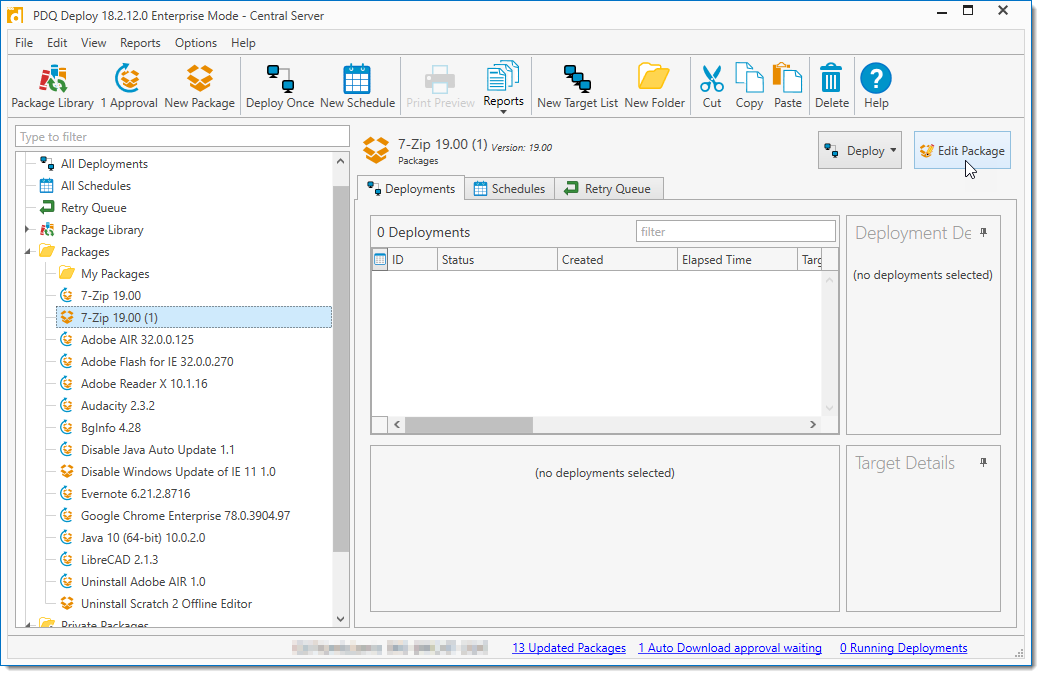
Source: PDQ
CI/CD tools with software deployment features
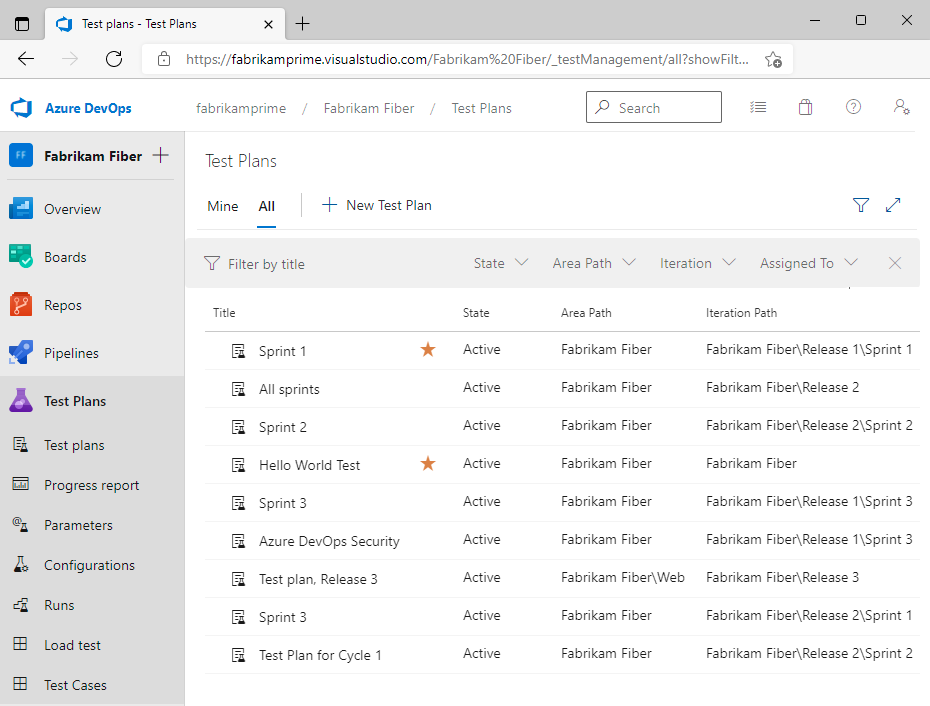
11. Azure DevOps
Azure DevOps is a cloud-based DevOps platform providing tools for planning, developing, testing, and deploying software. It includes services such as Azure Boards for work tracking, Azure Repos for version control, and Azure Pipelines for CI/CD automation. These tools allow development teams to manage the full software lifecycle within a single environment.
License: Commercial
Key features:
- Integrated DevOps services: Combines project planning, source control, CI/CD pipelines, and testing tools.
- Continuous integration and deployment: Azure Pipelines automates building, testing, and deployments.
- Version control management: Azure Repos provides Git repositories.
- Agile project tracking: Azure Boards supports backlog and work tracking.
- Package and artifact management: Azure Artifacts manages software packages.

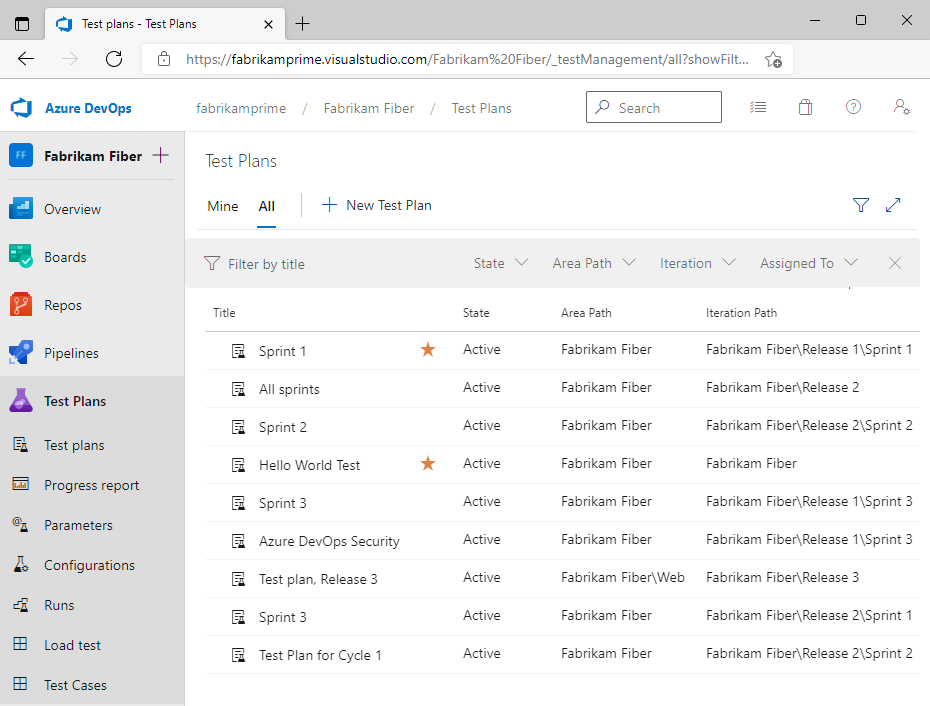
Source: Azure DevOps
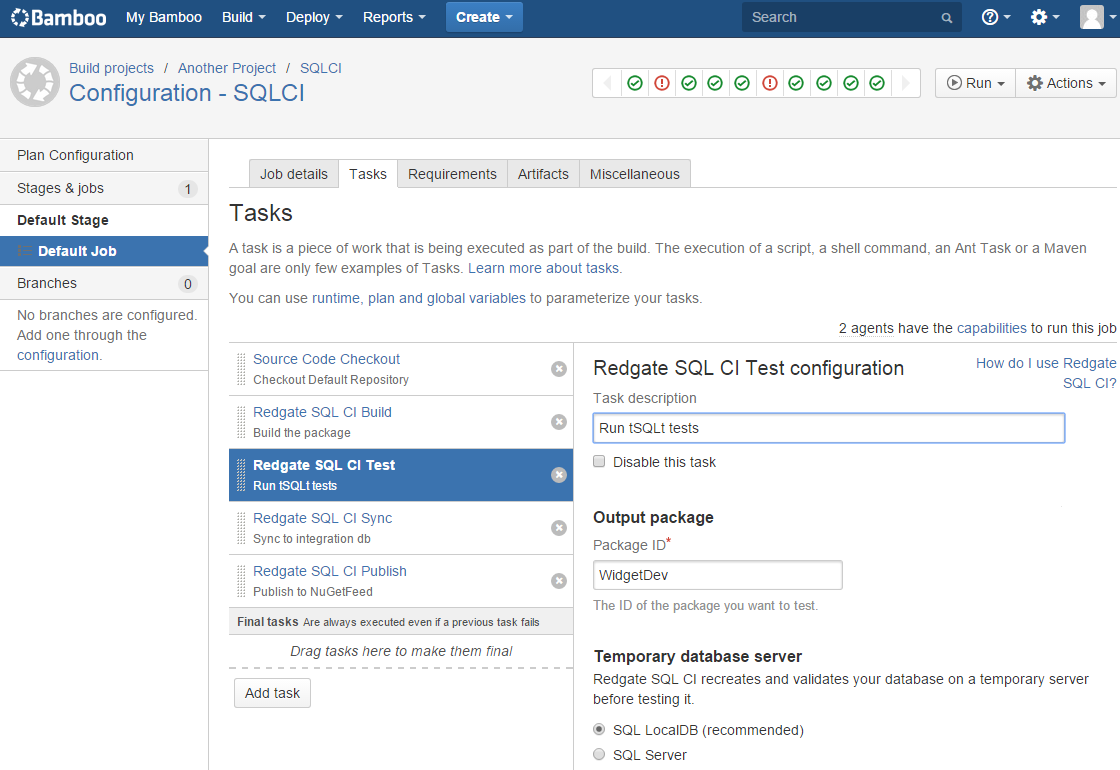
12. Bamboo
Bamboo is a continuous delivery and deployment server designed to automate the building, testing, and releasing of applications. Developed by Atlassian, it integrates with tools such as Jira and Bitbucket to provide traceability across the development lifecycle from issue tracking to deployment.
License: Commercial
Key features:
- Automated build and deployment pipelines: Executes build, test, and release workflows.
- Integrated development workflow: Connects with Jira and Bitbucket.
- Workflow automation: Automates tasks from code commit to deployment.
- High availability and resilience: Includes disaster recovery capabilities.
- Scalable deployment infrastructure: Supports scaling with additional agents.

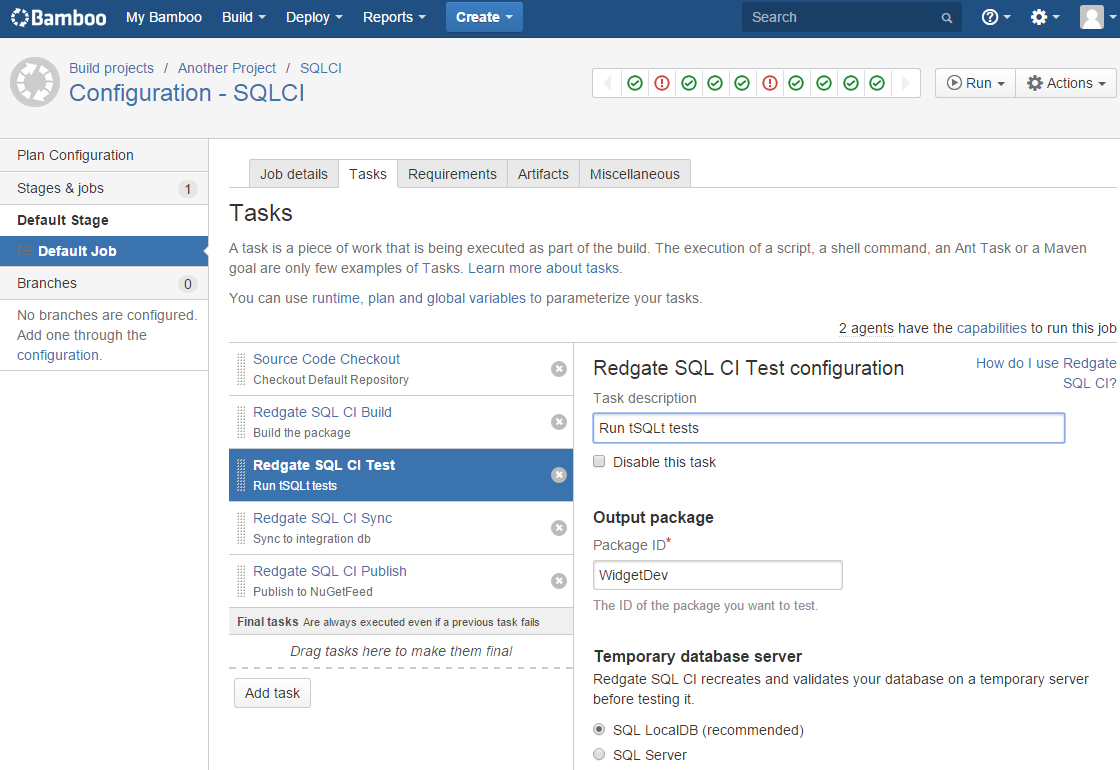
Source: Atlassian
13. GitHub Actions
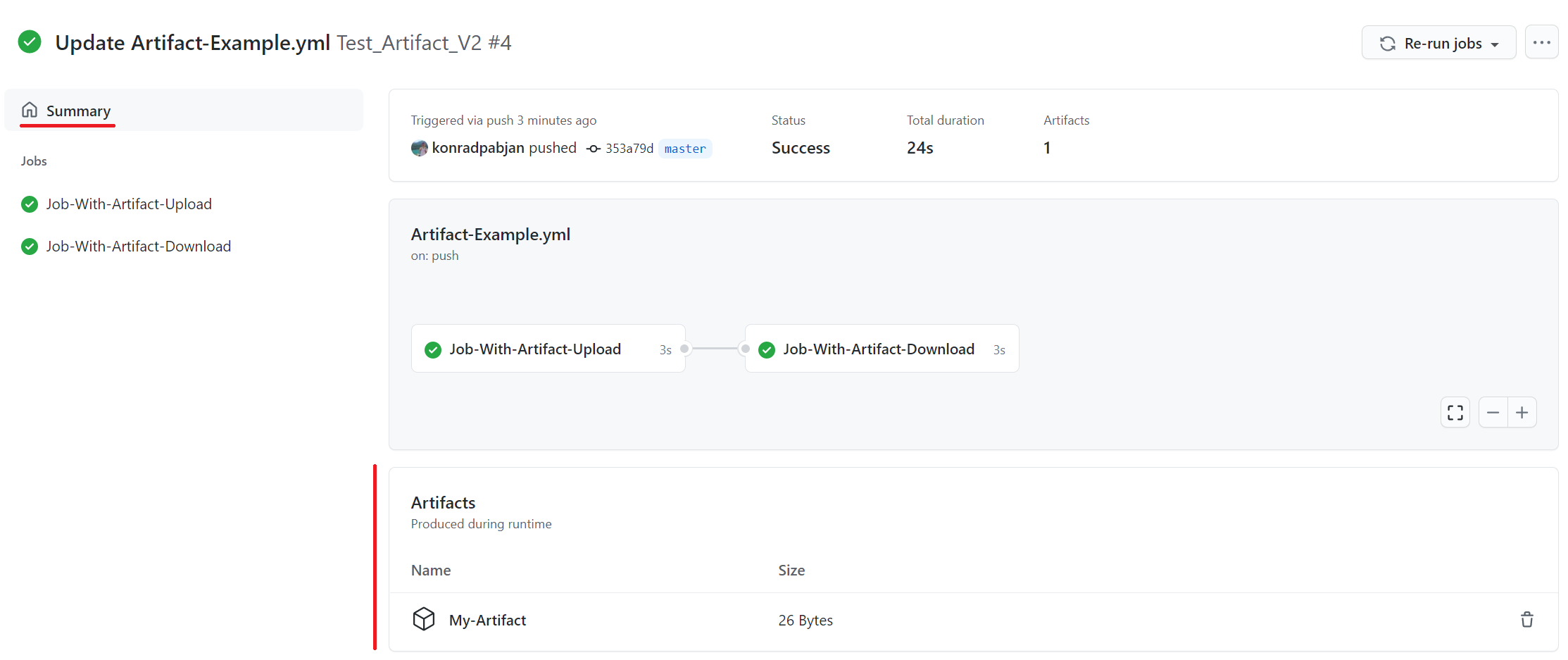
GitHub Actions is a workflow automation system integrated into the GitHub platform. It allows developers to automate tasks such as building, testing, and deploying applications directly from GitHub repositories. Workflows are defined using configuration files and can be triggered by events such as code commits, pull requests, or scheduled tasks.
License: MIT license
Repo: https://github.com/actions/starter-workflows
GitHub stars: 8K+
Contributors: 350+
Key features:
- Event-driven workflow automation: Triggers pipelines based on repository events.
- Multi-platform build environments: Provides hosted runners for multiple operating systems.
- Matrix build testing: Tests across different OS environments simultaneously.
- Marketplace integrations: Access reusable workflow components.
- Secure secret management: Built-in secret storage for credentials.

Source: GitHub
14. GitLab
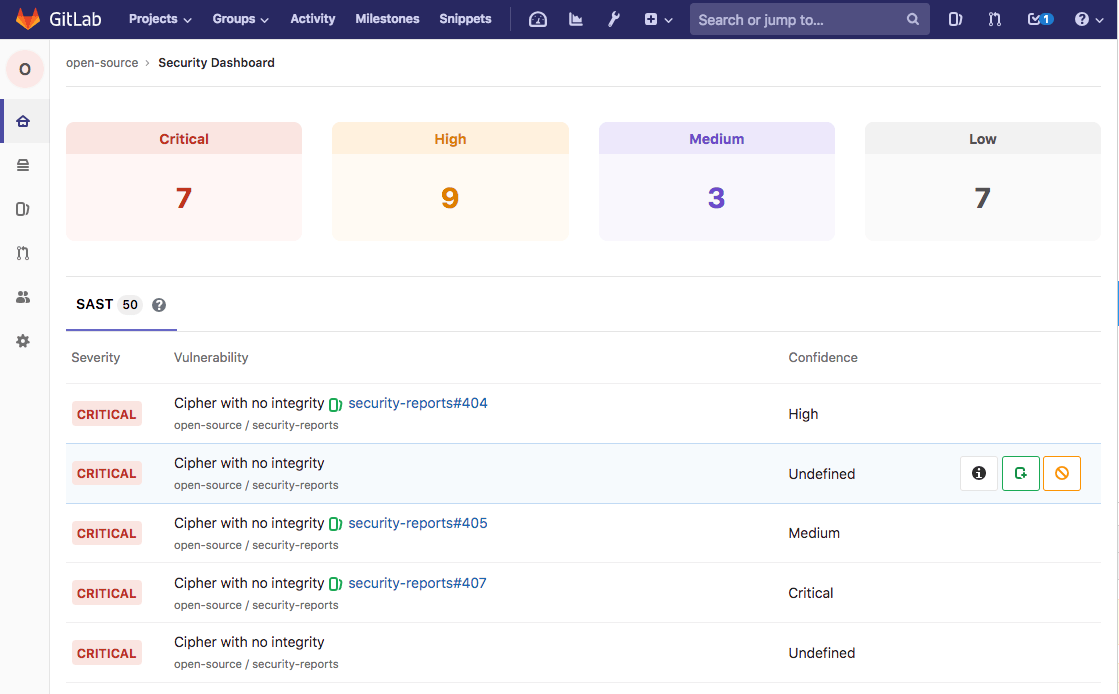
GitLab is a DevOps platform that integrates source code management, CI/CD pipelines, security testing, and project management into a single application. It enables teams to automate the entire software delivery lifecycle while maintaining visibility into code, pipelines, and deployment processes.
License: Commercial, some functionality licensed under MIT
Key features:
- End-to-end DevOps platform: Combines SCM, CI/CD, and deployment automation.
- Integrated security scanning: Includes tools for vulnerability and dependency scanning.
- Unified data environment: Stores code, pipeline artifacts, and project data together.
- Automated pipelines: Defines workflows for building, testing, and deploying software.
- Compliance and audit capabilities: Provides access controls, audit trails, and policy enforcement.
Source: GitLab
Conclusion
Software deployment tools are essential to modern software delivery. They manage the complexity of Continuous Delivery at scale by providing features to manage deployment orchestration, environment and configuration management, and features for security and compliance. Deployment tools reduce errors, remove toil work, and provide repeatable and reliable error-free deployments.
Learn more about Octopus Deploy
Help us continuously improve
Please let us know if you have any feedback about this page.