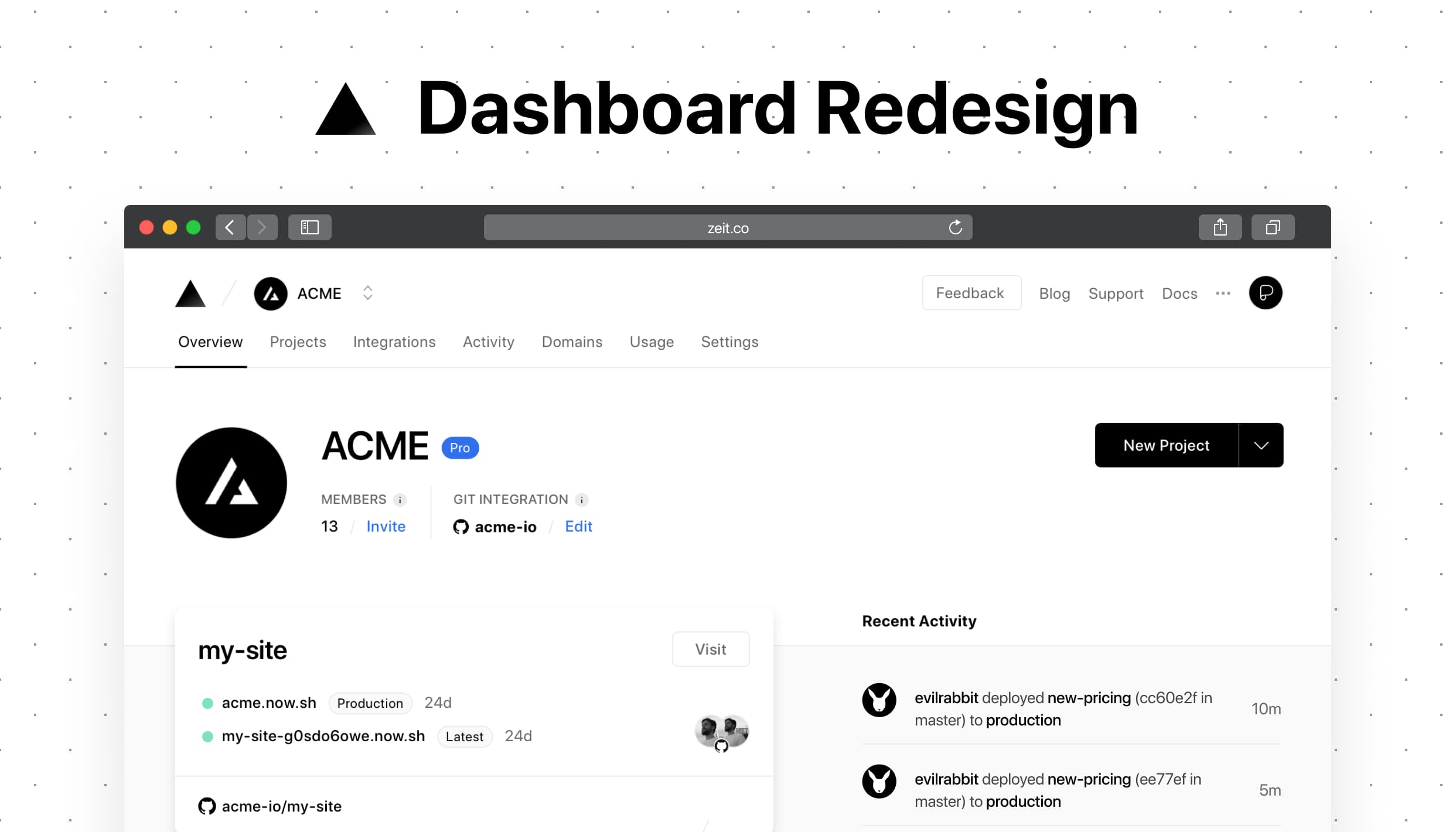
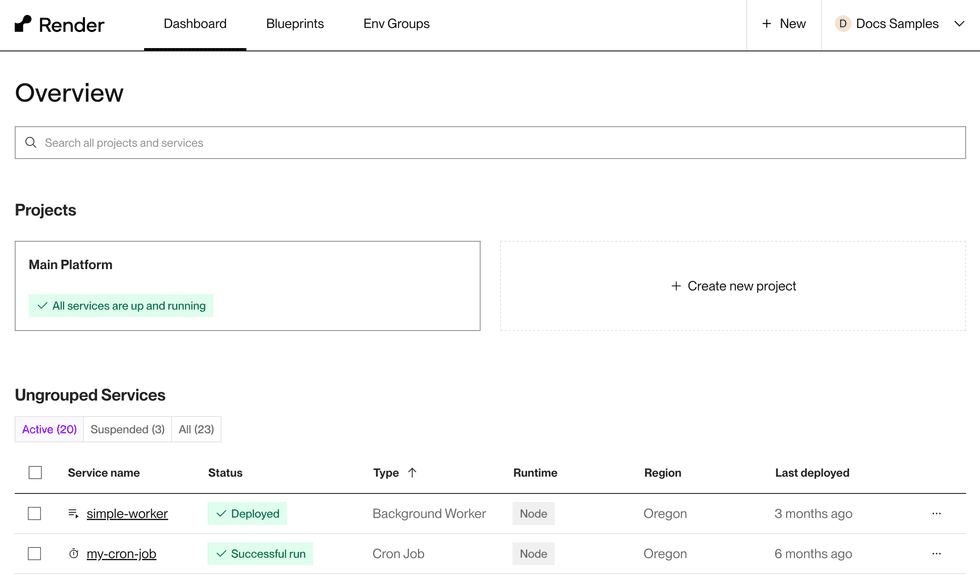
What is Heroku?
Heroku is a cloud platform-as-a-service (PaaS) that enables developers to build, run, and operate applications in the cloud. Founded in 2007, Heroku supports several programming languages, including Ruby, Java, Node.js, Python, and more.
It allows developers to deploy production-ready applications without worrying about infrastructure management. Heroku abstracts the complex backend systems such as servers, databases, and networks, enabling developers to focus on coding and application performance.
Heroku offers a variety of add-ons and third-party services to extend its functionality, including databases, logging, and monitoring. It also features an intuitive dashboard and Git-based deployment, making it suitable for both beginners and experienced developers.
Why consider Heroku alternatives? Key limitations
Heroku has several limitations that may prompt developers to consider alternatives:
- Cost: Heroku previously had a free tier, but it was discontinued in late 2022. Heroku’s current pricing can become steep, especially when scaling applications beyond the free tier. For budget-conscious projects, the expenses can quickly add up, making it necessary to evaluate the financial feasibility relative to the project’s requirements.
- Suitability for large organizations: While Heroku is useful for individual developers and small teams, it may not meet the needs of larger enterprises without considerable modifications to the development process. Large-scale applications might require more control and customization than Heroku can offer, and the platform’s documentation might lack the depth needed for complex enterprise-level implementations.
- Sleep mode: Heroku apps with a single dyno experience downtime when there’s no traffic for an hour. This “sleep” mode can hinder organizations that rely on immediate availability, requiring the use of multiple dynos to maintain continuous operation, which can further increase costs.
- Resource limitations: Heroku provides a limited selection of instance types, each with specific memory, CPU, and computing restrictions. These limitations can constrain performance and scalability options for more demanding applications.
- Reliance on add-ons: Heroku does not offer static IP addresses. This requires reliance on third-party static IP add-ons, complicating network configurations and increasing dependency on external services.

Dan is a seasoned leader in the tech industry with a strong focus on open source initiatives. Currently serving as VP of Open Source at Octopus Deploy, contributing as an Argo maintainer, co-creator of Open GitOps, and leveraging extensive experience as a co-founder of Codefresh, now part of Octopus Deploy.
Notable Heroku alternatives and competitors
1. DigitalOcean App Platform
DigitalOcean App Platform is a fully managed cloud platform that simplifies the process of building, deploying, and scaling applications. It allows developers to quickly bring their apps from code to production with minimal complexity.
Key features:
- Ease of deployment: Supports publishing source code from Git repos, container images, or Docker Hub.
- Flexible scaling: Smart autoscaling to manage traffic spikes efficiently.
- Cost-effective pricing: Offers simple, low-cost pricing with shared or dedicated instances and a free tier for static sites.
- Security: Provides built-in SSL certificates, DDoS protection, and automatic OS patching.
- Quick deployment: Deploys directly from GitHub and GitLab with automatic redeployment on updates.

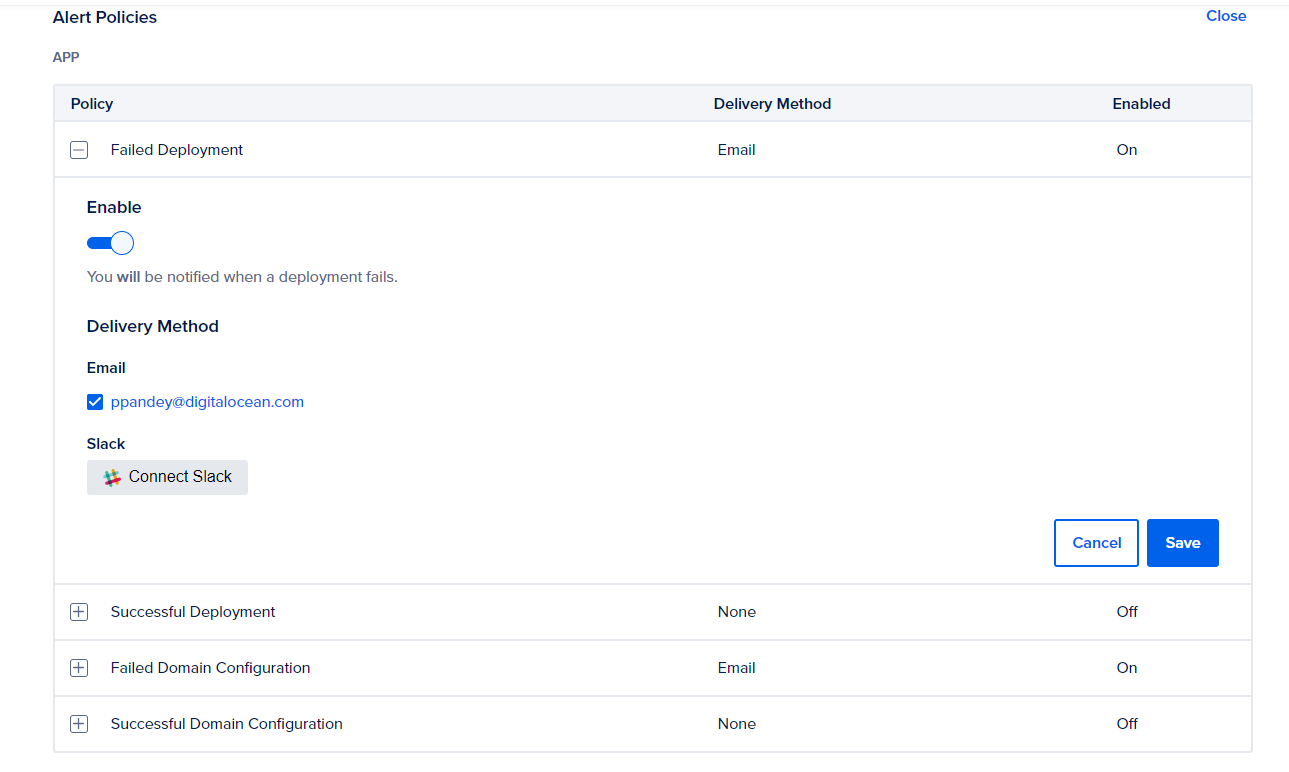
Source: DigitalOcean
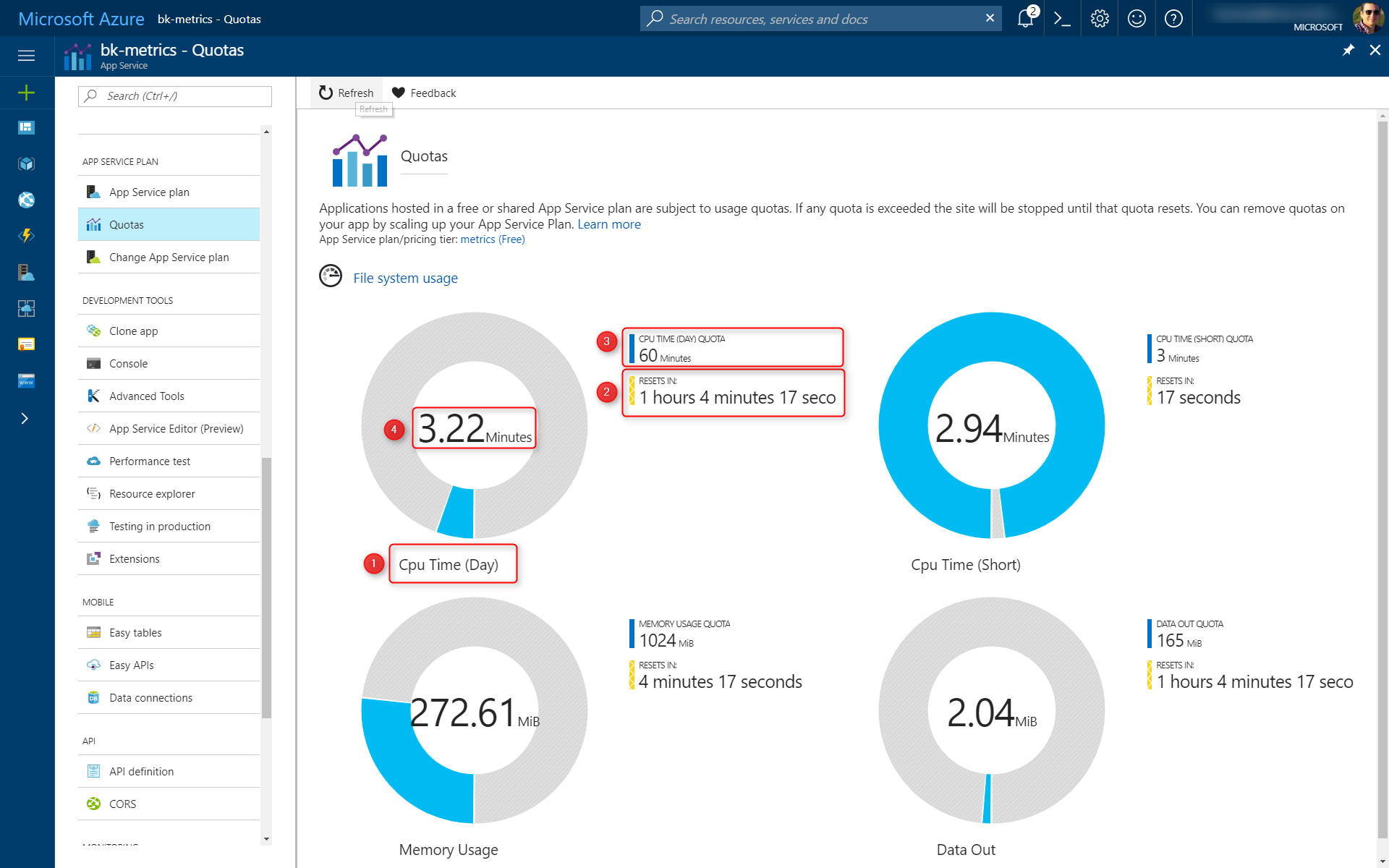
2. Azure App Service
Azure App Service is a managed platform-as-a-service that enables developers to quickly build, deploy, and scale web apps and APIs globally. This service allows developers to focus on application development and management without the burden of handling infrastructure.
Key features:
- Language support: Includes support for ASP.NET, ASP.NET Core, Java, Node.js, PHP, and Python, with options for containers running on both Windows and Linux.
- Automated deployment and scaling: Simplifies operations with automatic workload management, reducing time, effort, and costs while ensuring reliable performance.
- Built-in security: Protects apps with built-in security features, compliance certifications, and zero trust principles, which include extensible authentication and authorization.
- High availability: Guarantees app availability with a 99.95% uptime service-level agreement (SLA), ensuring resilience during unexpected outages.
- Container support: Supports containerization of apps and APIs, allowing hosting of custom Windows or Linux containers.

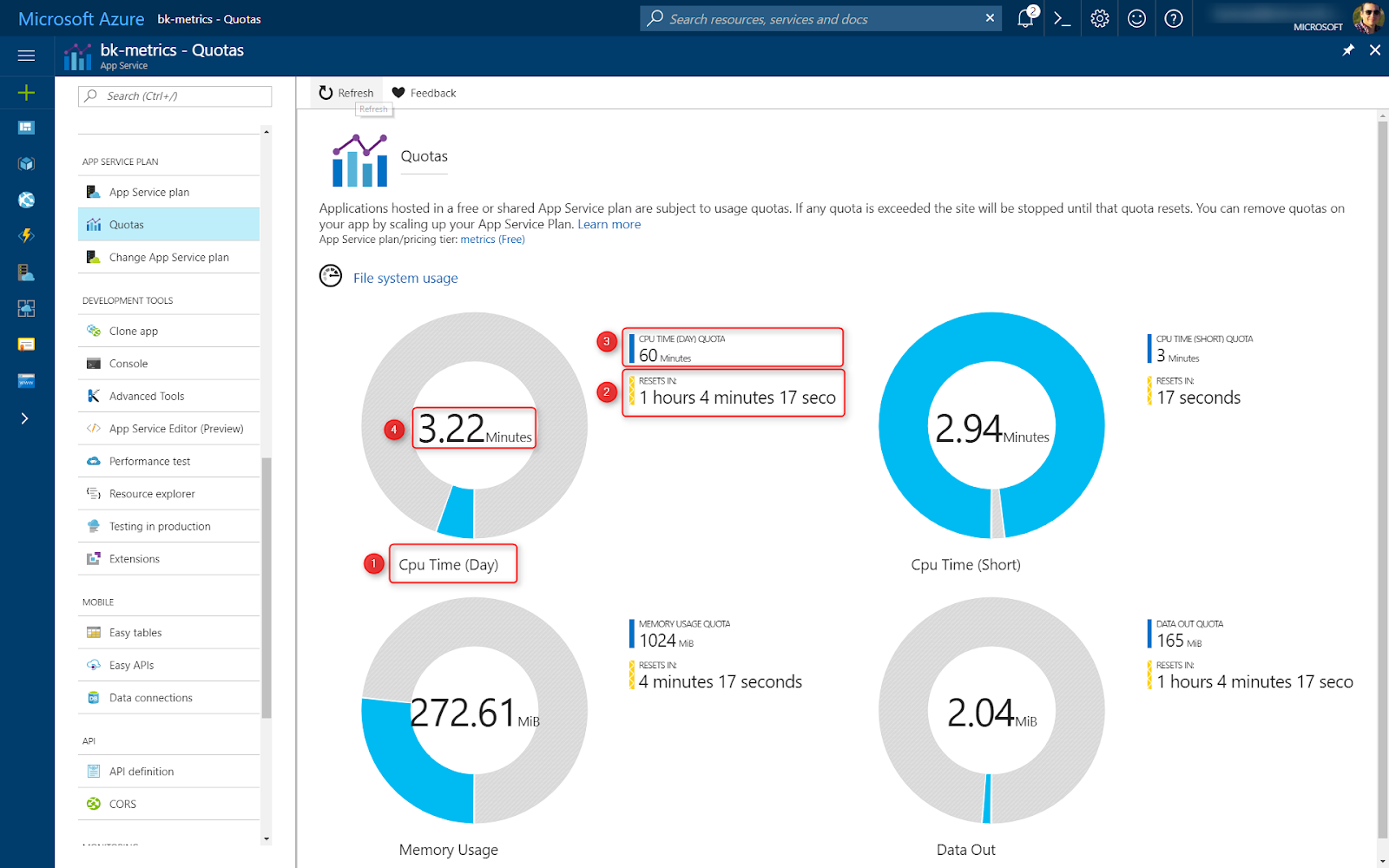
Source: Microsoft
3. AWS Elastic Beanstalk
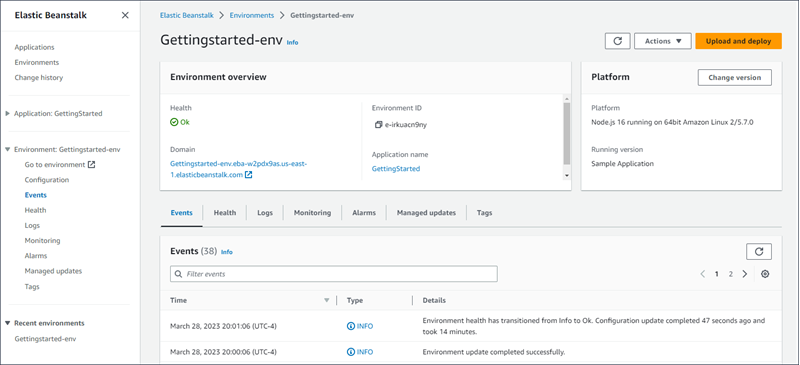
AWS Elastic Beanstalk is a fully managed service that simplifies the process of deploying, managing, and scaling web applications and services on the AWS cloud. It abstracts the underlying infrastructure, allowing developers to focus on writing code without needing to manage servers, load balancers, or scaling.
Key features:
- Multi-language support: Compatible with Go, Java, .NET, Node.js, PHP, Python, and Ruby applications.
- Simplified deployment: Automates capacity provisioning, load balancing, scaling, and application health monitoring, reducing management complexity.
- Flexible management interfaces: Provides management through the Elastic Beanstalk console, AWS Command Line Interface (AWS CLI), and the high-level eb CLI.
- Integrated AWS services: Automatically provisions AWS resources such as Amazon EC2 instances to run applications.
- Application monitoring: Offers detailed metrics, events, and environment status available through the console, APIs, or CLI.
Source: Amazon
4. Google App Engine
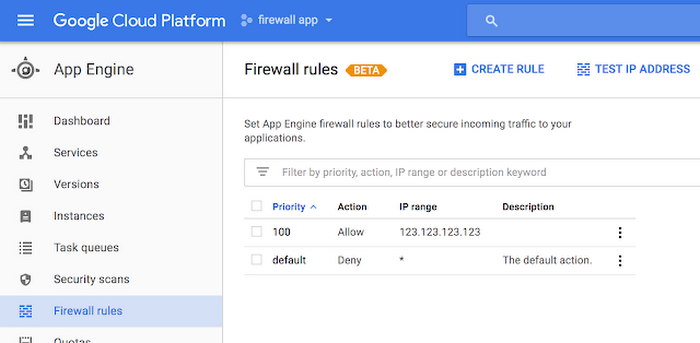
Google App Engine is a fully managed PaaS that enables developers to build and deploy scalable web applications and services. It offers a flexible environment where applications are composed of multiple services, each capable of running different versions and handling various performance settings.
Key features:
- Multi-service architecture: Supports multiple services within a single application, allowing developers to organize and deploy microservices independently.
- Flexible versioning: Enables deployment of multiple versions of each service, supporting easy rollbacks, testing, and traffic splitting.
- Automatic scaling: Automatically adjusts the number of instances based on traffic, ensuring consistent performance and cost-efficiency.
- Integrated Google Cloud services: Natively integrates with other Google Cloud services such as Datastore, providing a cohesive ecosystem for application development.
- Customizable runtimes: Offers both standard and flexible environments, supporting a range of programming languages and custom runtimes.
Source: Google
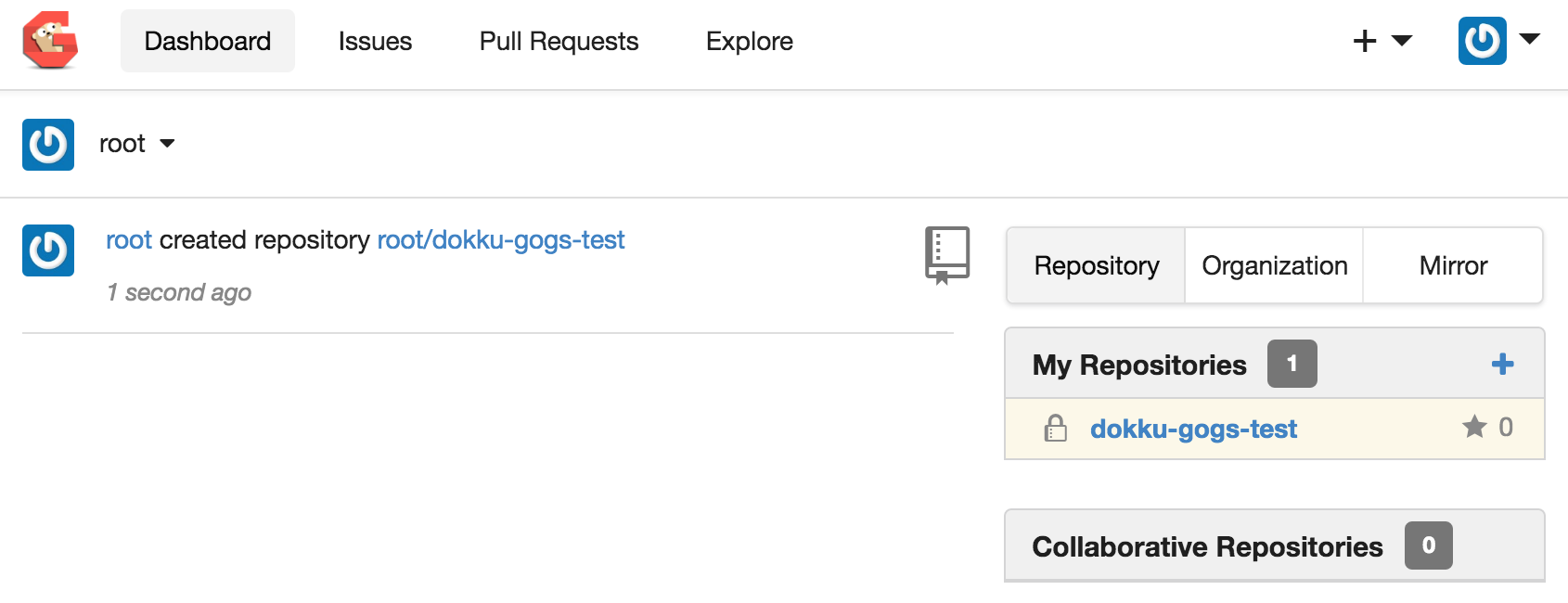
5. Dokku
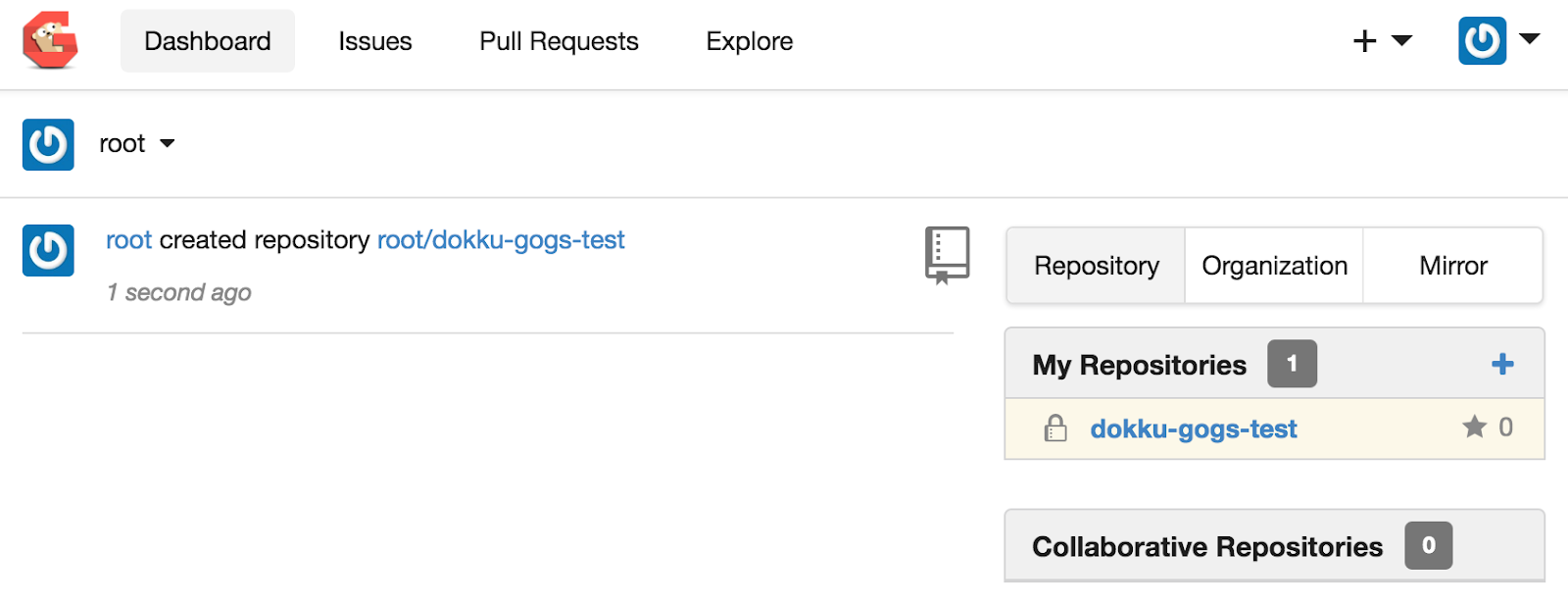
Dokku is an open-source PaaS that simplifies the deployment of applications on an organization’s own servers. Based on Docker, it provides a lightweight, extensible solution for managing application deployments, making it suitable for developers who prefer control over their infrastructure without the complexity of traditional PaaS solutions.
Key features:
- Docker-powered deployments: Uses Docker containers to encapsulate applications, ensuring consistent environments across development and production.
- Heroku-compatible: Provides a Heroku-like experience, allowing developers to use the same buildpacks and deployment workflows.
- Extensibility: Supports a range of plugins to extend functionality, including databases, storage, and caching solutions.
- Git-based deployments: Enables simple deployment via Git, automatically building and running applications upon push.
- Resource management: Allows configuration of CPU and memory limits for containers, optimizing resource usage.

Source: Dokku
6. Platform.sh
Platform.sh is a platform-as-a-service for developers to accelerate the build and deployment of applications while ensuring reliability and security. It offers an optimized developer experience through automated infrastructure provisioning and a Git-based process, supporting over 100 frameworks and 14 programming languages.
Key features:
- Optimized developer experience: Automates infrastructure provisioning and uses a Git-based workflow, supporting a range of frameworks and languages.
- Reliable and scalable: Adapts to application needs with a scalable architecture, ensuring resources are available during peak traffic and offering features like CDN and auto-scaling.
- Security: Provides security measures including anti-malware, software updates, and vulnerability scanning.
- Developer workflow tools: Enhances productivity with a Git-based system, YAML configuration, CLI, APIs, and a Web Console UI, supporting a flexible, autonomous workflow.
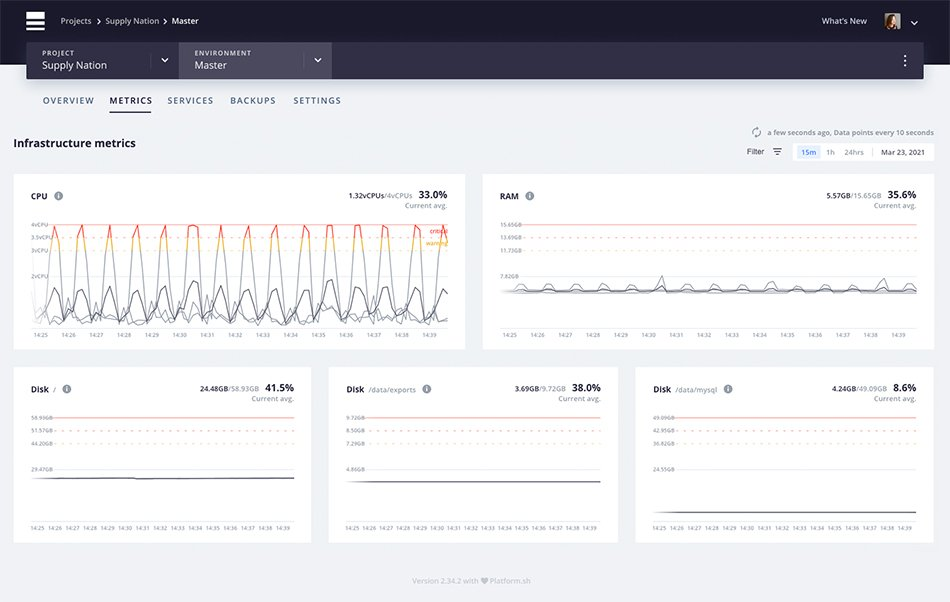
- Observability suite: Provides real-time monitoring and profiling to optimize application performance, with Blackfire technology for continuous code performance scanning.
Source: Platform.sh
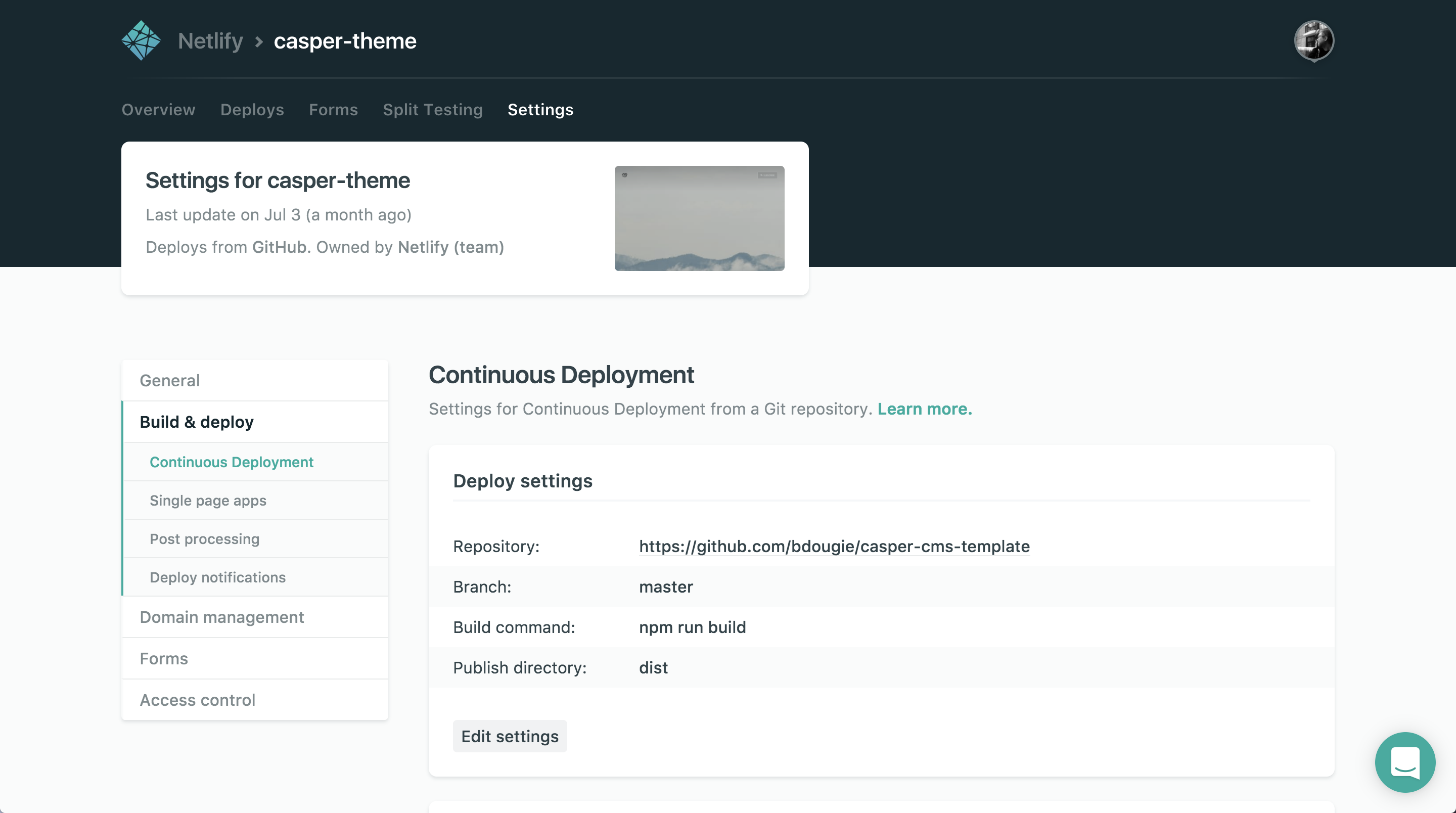
7. Netlify
Netlify is a platform for the delivery of dynamic web experiences. It handles orchestration, simplifies workflows, and provides real-time updates across infrastructure, workflows, websites, and teams.
Key features:
- Frontend cloud (Netlify Core): A frontend cloud solution that supports modern frameworks, enabling faster build and deployment of digital solutions.
- Data unification layer (Netlify Connect): Unifies content from any source, allowing web teams to create high-quality websites, online stores, and applications.
- Intuitive visual editor (Netlify Create): Provides an easy-to-use editor for digital teams to autonomously perform content and website updates quickly.
- Orchestration: Simplifies and unifies workflows across teams and infrastructure, enhancing productivity and collaboration.
- Real-time updates: Ensures real-time updates across infrastructure and workflows, keeping everything synchronized.
Source: Netlify
8. Railway
Railway is a cloud platform for building, shipping, and monitoring applications. It eliminates the need for a dedicated platform engineer by providing essential infrastructure components with sensible defaults. Railway allows developers to quickly start new projects, manage deployments, and scale easily.
Key features:
- Quick start: Deploy applications rapidly from repositories, images, or templates, with support for a range of programming languages.
- Fast builds: Uses Nixpacks to build code up to three times faster than other platforms.
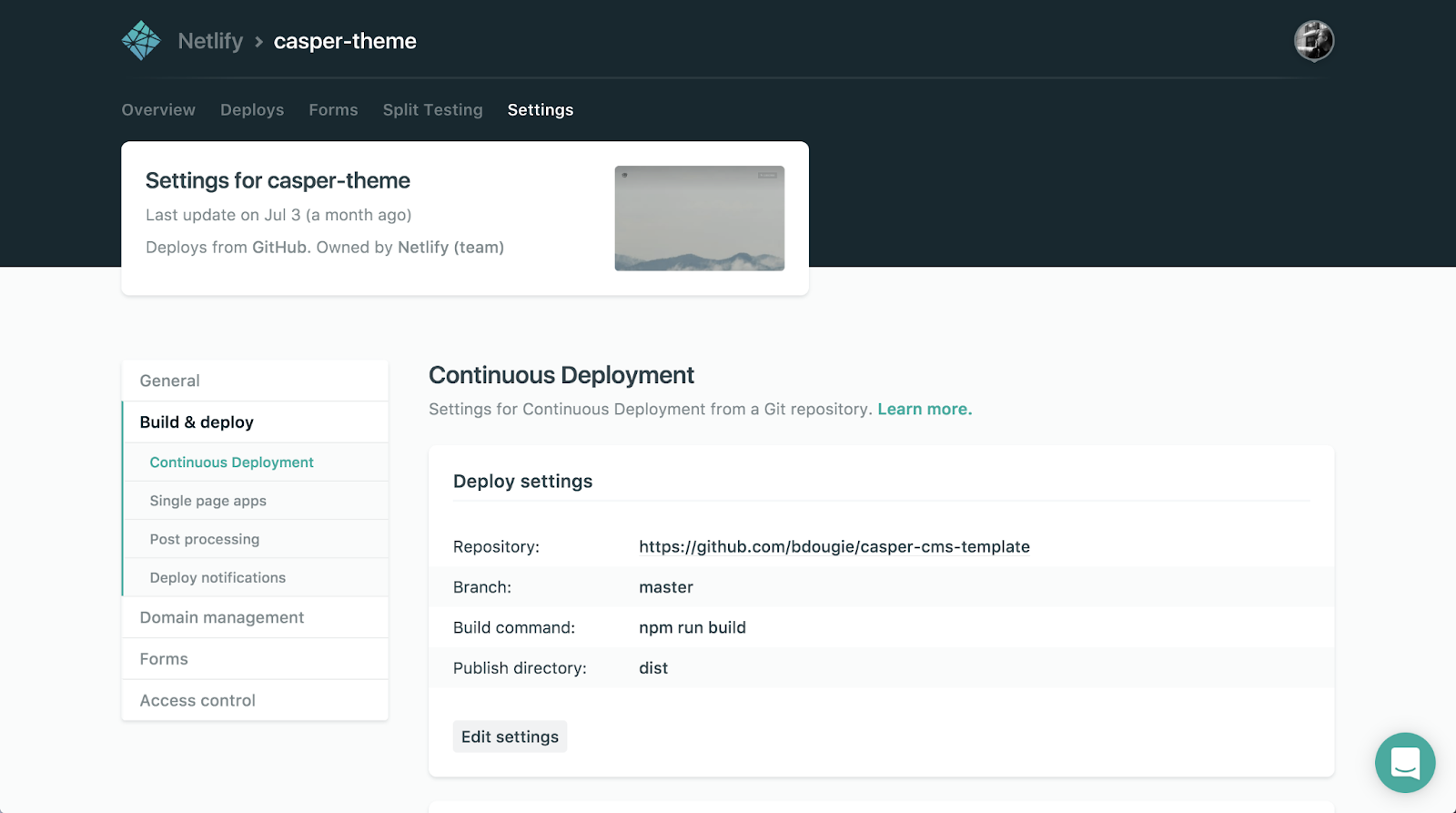
- Automated deployments: Push code to a repository to trigger automatic builds and deployments to a live URL, eliminating the need for Continuous Integration setups.
- Secure secrets management: Stores and manages secrets securely, accessible via the CLI.
- Service networking: Automatically assigns unique internal network addresses to services within projects.
- Infrastructure composition: Allows developers to compose volumes and services, define projects as templates, and optionally use YAML.

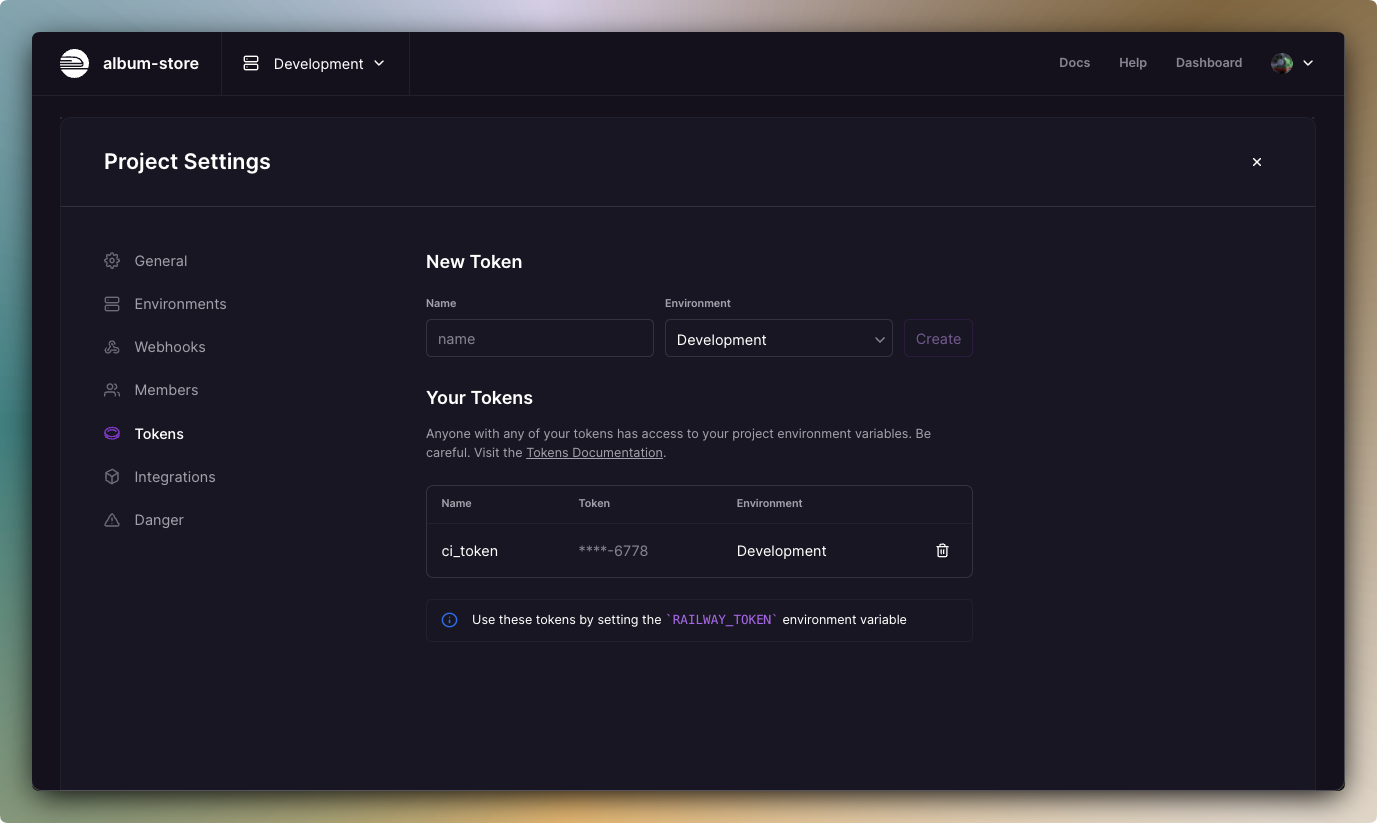
Source: Railway
9. Fly.io
Fly.io is a platform that aims to simplify the deployment and scaling of applications globally. It offers developers the capability to deploy applications close to their users, reducing latency and enhancing performance. With Fly.io, users can build, deploy, and operate full-stack apps and databases.
Key features:
- Global deployment: Deploys applications to multiple regions worldwide, ensuring low latency and high availability for users.
- Persistent storage: Supports stateful applications with built-in volumes, allowing for persistent data storage.
- Automatic scaling: Automatically scales applications up or down based on demand, optimizing resource usage and cost.
- Integrated CDN: Provides a content delivery network (CDN) that accelerates the delivery of static assets, improving load times.
- Multi-region databases: Allows deployment of databases across multiple regions, ensuring data redundancy and resilience.

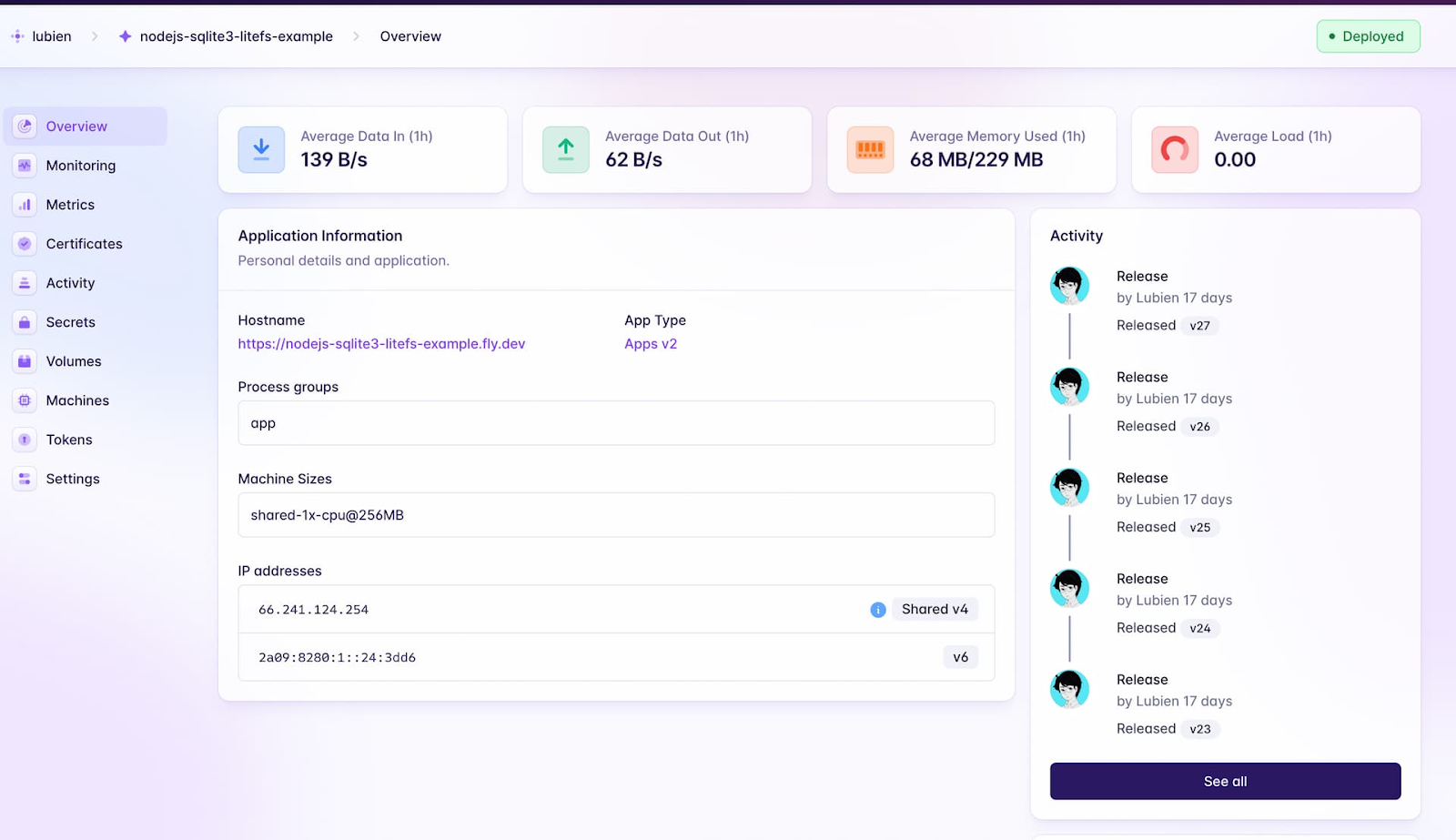
Source: Fly.io
10. Vercel
Vercel is a platform for web development, providing developers with the tools and cloud infrastructure necessary to build, scale, and secure fast and personalized web applications. It offers integration with popular frameworks, instant global deployment, and security features.
Key features:
- Git-connected deploys: Deploys from Git or a CLI in seconds, transitioning from localhost to live URLs effortlessly.
- Collaborative pre-production: Teams can work together on a production-grade UI, enhancing collaboration and efficiency.
- Frontend observability: Lightweight, privacy-friendly analytics provide real-time insights to upgrade post-launch workflows.
- Instant rollbacks: Enables safe deployment, with the ability to instantly rollback to previous deployments.
- Enterprise monorepos: Maintains high quality and velocity with conformance tools that support enterprise-level projects.

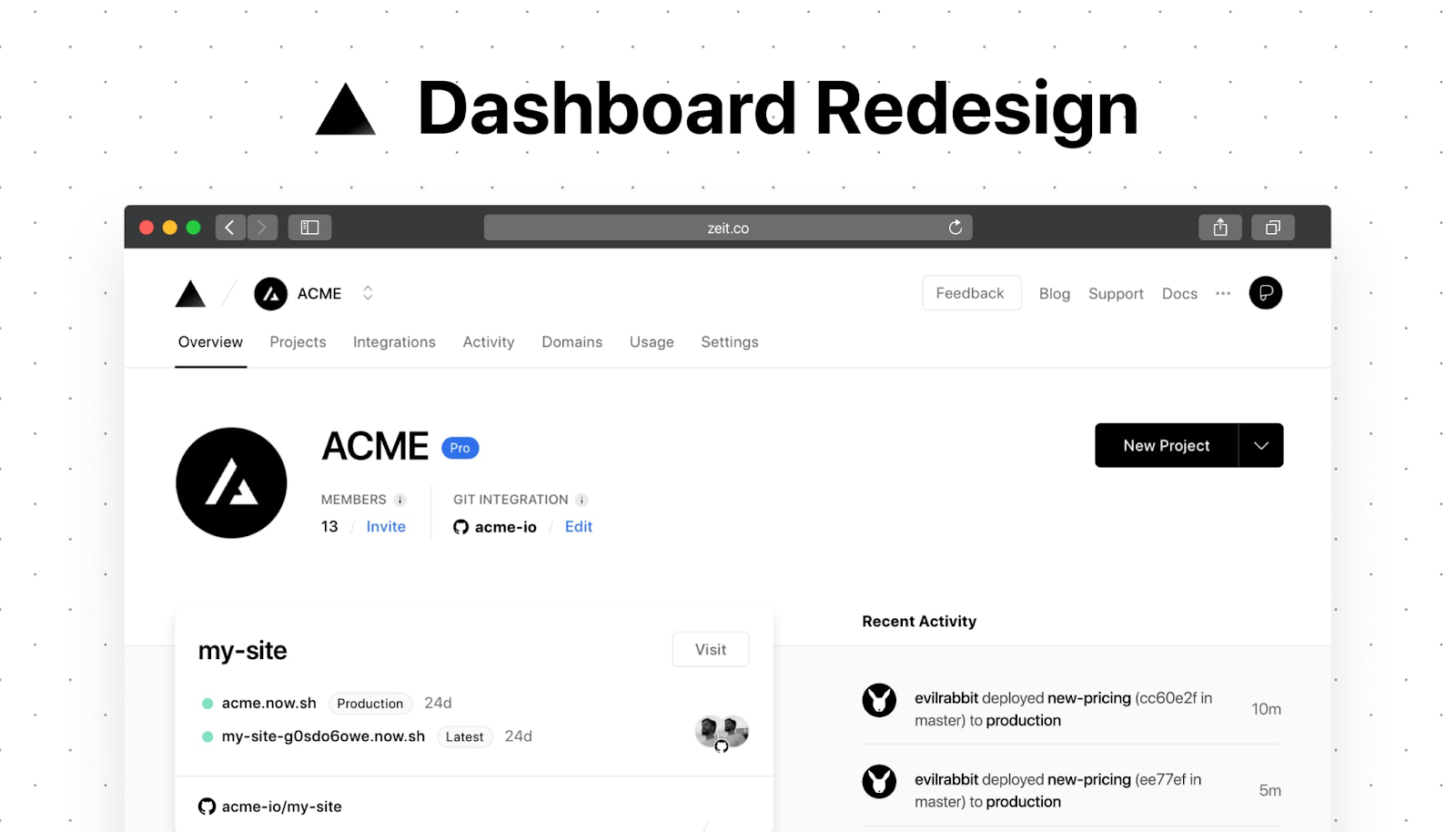
Source: Vercel
11. Render
Render is a platform to simplify the process of building, deploying, and scaling applications. It supports various stack configurations and offers a complete path to production, from the initial user to handling billions.
Key features:
- Service variety: Quickly spins up web services, static sites, cron jobs, and more with flexible configurations.
- Rapid deployment: Users can link their repository and go live within seconds, with automatic redeploys on every code push.
- Native language runtimes: Supports managed environments for Node.js, Python, and Ruby, or deploys any application using Docker images.
- Enterprise-grade data stores: Provides highly available PostgreSQL databases and managed Redis caches with point-in-time recovery.
- Load-based autoscaling: Automatically adjusts the number of service instances based on traffic patterns.
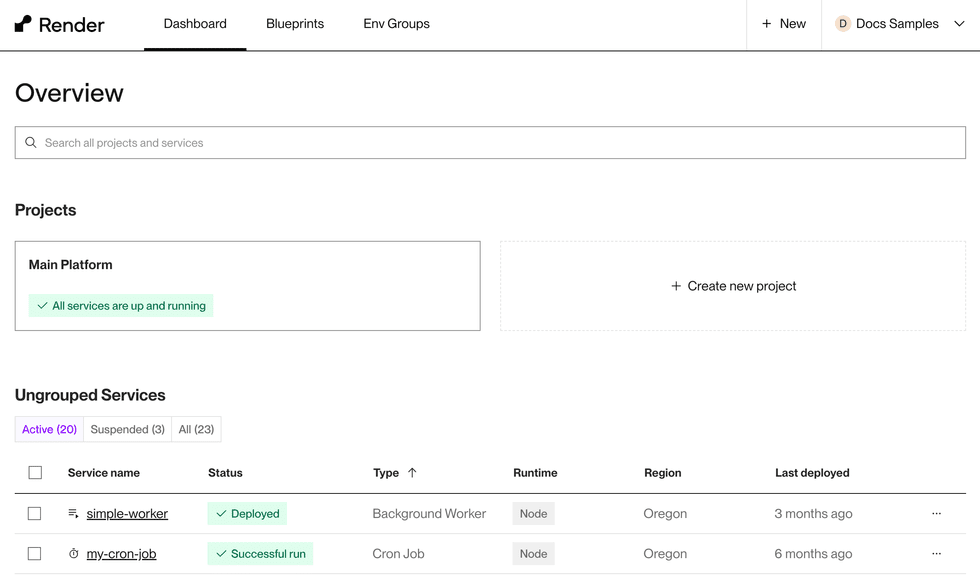
Source: Render
Help us continuously improve
Please let us know if you have any feedback about this page.