What is GitOps?
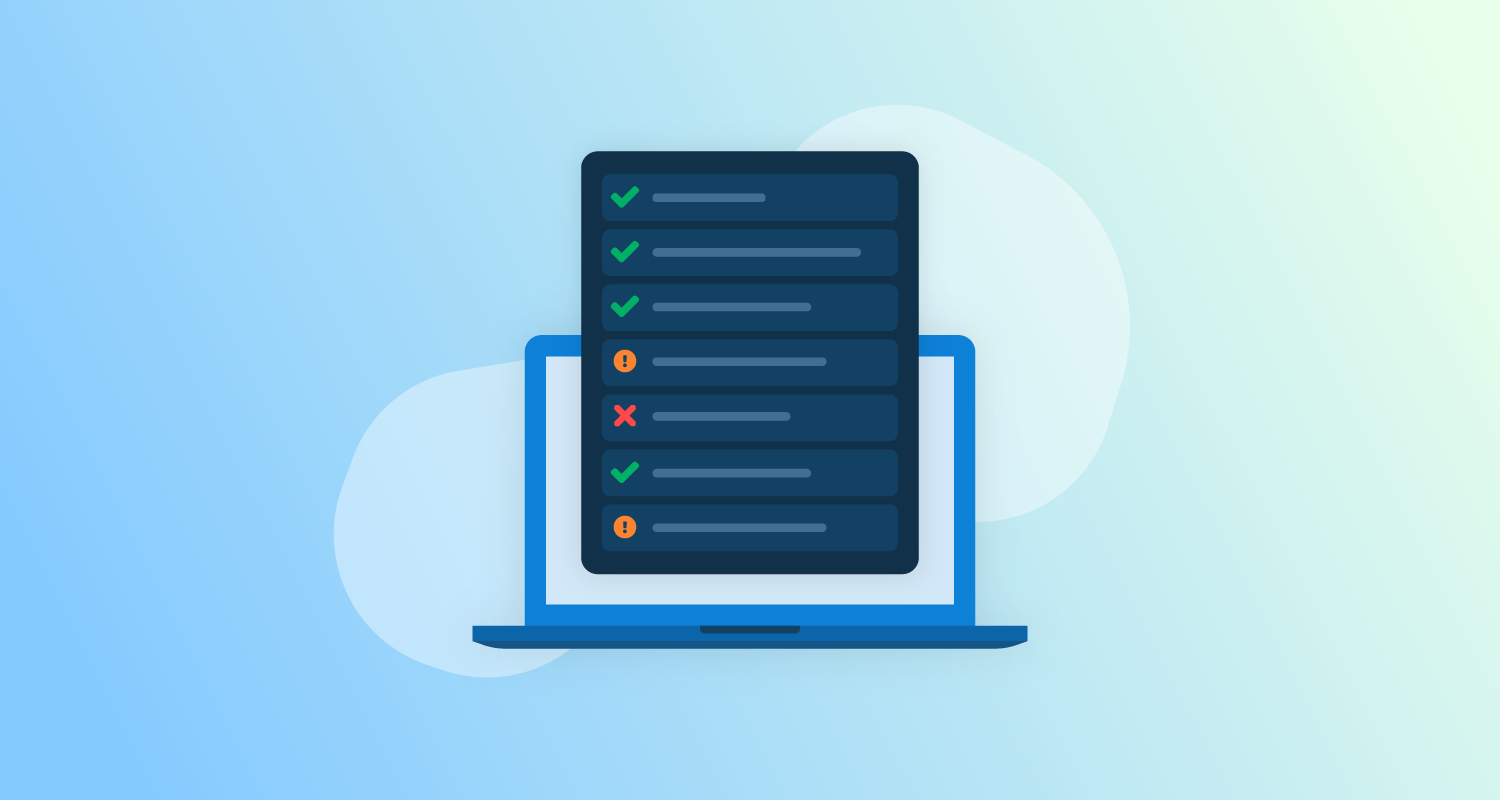
GitOps is a paradigm that helps automate application deployment and infrastructure provisioning. It typically involves using Git, an open source version control system, as a single source of truth for declarative infrastructure and applications. Here is how the GitOps process generally works:
- Automation—the GitOps process is triggered by changes in a Git repository and automatically deploys applications and infrastructure.
- Auditability—a Git repository is a source of truth representing the full system state, with a detailed audit trail of changes.
GitOps aims to improve the developer experience by letting teams use their familiar software development tools to manage application and infrastructure changes. While GitOps does not require specific tools, dedicated tools can help developers adopt GitOps faster and more easily. In addition, GitOps tools relevant to a team’s scenario can provide additional benefits, which otherwise might require heavy customization of existing tools.
Why are GitOps tools important?
GitOps tools can help you with the following scenarios:
- Continuous deployment (CDep) for Kubernetes—lets you push applications rapidly and eliminates the need for several deployment management systems.
- Continuous delivery (CDel) for Kubernetes—lets you rapidly build, test, and deploy software via incremental updates.
- Runtime pipelines—let you read and write files to Git, load container images, and update container repositories.
- Continuous monitoring—GitOps tools can continuously monitor for configuration drift and automatically reconcile any changes that differ from the Git repository. They help you gain control over application and configuration changes while helping you easily roll back to previous working versions.
- Visibility—provide insights into status of the GitOps application, their synced status, and reconciliation processes.
Related content: Read our guide to GitOps branching strategy
6 common GitOps tools
1. Codefresh
Codefresh is a modern Kubernetes and GitOps solution powered by Argo, bringing the best open-source tools to a reliable enterprise-grade DevOps toolchain. Codefresh provides a secure and thoroughly validated runtime letting you fully tap the power of Argo Workflows, Events, CD, and Rollouts. The best practices of GitOps are built into Codefresh while still giving teams the flexibility and control they need.
Deployment model: cloud, hybrid, and on-premises
License: commercial, based on the open source Argo project
Features:
- All of the benefits of Argo (see above)
- Enterprise-grade Argo runtime with all Argo components
- Optional hosted runtime for Argo CD
- Centralized management control plane for all Argo runtimes
- Customized Argo Workflows and Events for CI and CD
- Integrated dashboard for Dora metrics
- Unified Argo user interface with end-to-end traceability
- Comprehensive dashboards for tracking releases and deployments
- Insights into images, build artifacts, and their environment usage
- Detailed performance breakdown of resource usage during workflows
- Codefresh Hub for Argo Workflows for reusable Workflows templates
- Built-in integration with popular secret management tools
- Cross-application single sign on with centralized management
- Integration with issue management like Jira
- Integration with other CI systems such as Jenkins, GitHub Actions etc.
- GitOps Argo Autopilot runtime installer
- Additional security validation and compatibility testing for Argo components
- Award-winning support and professional services
2. Argo CD
Argo is a set of open source tools for Kubernetes, helping developers quickly and securely deliver software in a GitOps pattern. Argo CD simplifies application deployment and lifecycle management by automating deployment. It also makes rollbacks easier and more auditable for troubleshooting purposes.
Argo CD is a Kubernetes-native Continuous Deployment tool built for GitOps. It keeps all configuration logic in Git to let developers use existing code development, review, and approval workflow already connected to Git-based repositories.
Deployment model: on-premises
License: open source
Repo: https://github.com/argoproj/argo-cd
Features:
- Automatically deploys applications to their target environments
- Manages and handles multi-cluster deployments
- Supports multiple configuration management and templating tools, including Helm, Kustomize, Ksonnet, plain-YAML, and Jsonnet
- Supports SSO integration with OIDC, OAuth2, SAML 2.0, LDAP, GitHub, GitLab, LinkedIn, and Microsoft
- Enforces strong authorization with RBAC and multi-tenancy policies
- Rolls back applications to any configuration in the Git commit history
- Analyzes resource health status
- Automatically detects and visualizes configuration drift
- Automatically syncs applications to their desired state
- Offers real-time visibility into application activity via the web UI
- Supports webhook integration with GitHub, GitLab, and BitBucket
- Supports rollouts of complex deployments with PreSync, Sync, and PostSync hooks
- Provides access tokens
- Maintains audit trails for API calls and application events
- Overrides Ksonnet and Helm parameters in Git

3. Flux CD
Flux can automatically ensure that the state of a Kubernetes cluster matches the configuration in Git. It employs a cluster operator to trigger deployments in Kubernetes, eliminating the need to use a separate CD tool.
Flux monitors your image repositories, detects new images, and triggers deployments. It uses this data and a configurable policy to update the running configuration to the desired state.
Deployment model: cloud
License: open source
Repo: https://github.com/fluxcd/flux
Features:
- Deployments—you can use Flux to deploy apps using various methods, including canaries, A/B rollouts, and feature flags.
- Resources management—Flux includes built-in infrastructure and workload dependency management and can manage all Kubernetes resources.
- Integration—Flux works with various Git providers, including GitHub, Bitbucket, GitLab, CI workflow providers, and container registries.
- Multi-tenancy—Flux supports multiple Git repositories and uses Kubernetes RBAC through impersonation. It uses Cluster API to offer out-of-the-box multi-cluster infrastructure and apps.
Flux does not require CI access to Kubernetes clusters. Changes are atomic and transactional, and Git keeps an audit log.
4. Jenkins X
Jenkins X is an opinionated open source CI/CD and automated testing tool for cloud native applications deployed with Kubernetes. It offers various features, including built-in GitOps, pipeline automation, and preview environments.
Jenkins X uses Jenkins as the core CI/CD engine and the Jenkins pipeline to automate CI. Jenkins can only assemble CD with custom scripts, isolated release operations, and manual configuration. Jenkins X automates this process, adding complete support for automating CD, including staging and production environments in Kubernetes.
CloudBees offers a commercial CI/CD solution powered by Jenkins X and based on Google Cloud Platform.
Deployment model: on-premises
License: open source

5. Weave GitOps Core
Weave GitOps Core is an open source CD tool for Kubernetes and cloud native applications. Weave GitOps is a CD runtime for GitOps based on the CNCF Flux project.
Deployment model: cloud
License: open source
Repo: https://github.com/weaveworks/weave-gitops
Features:
- Git-based CD—all cluster changes are based on PR and commit to let effective and auditable delivery use instant rollbacks.
- Kubernetes-native—Weave GitOps is designed to work with Kubernetes.
- Declarative automation—helps ensure that the cluster state is continuously reconciled according to the required configuration.
- Integration—Weave GitOps includes built-in integrations for various tools, including Helm, GitHub, GitHub Actions, Kustomize, and GitLab.
WeaveWorks provides Weave GitOps Enterprise, a commercial solution based on the open source Weave GitOps Core.

6. Werf
werf is an open source command-line interface (CLI) tool written in Go. It aims to simplify and speed up the application delivery process. It facilitates GitOps by letting developers describe the configuration of an application and storing this file in a Git repository that serves as a single source of truth.
Deployment model: cloud
License: open source
Repo: https://github.com/werf/werf
Features:
- Builds Docker images—werf uses Dockerfiles or an alternative built-in builder based on custom syntax.
- Deletes unused images—werf ensures the Docker registry does not contain unused images.
- Deploys applications to Kubernetes—werf uses a Helm-compatible chart with customizations, rollout tracking, log output, and error detection.
werf does not cover all CI/CD needs. Instead, it helps create pipelines you can embed into existing CI/CD systems.
Help us continuously improve
Please let us know if you have any feedback about this page.