Octopus implements a queue of running background tasks. Sometimes, a task may hang, or be canceled, but never actually finish canceling. This prevents any new tasks from beginning, and new tasks will eventually appear as Timed Out.
When a task is queued, you’ll see a list of tasks that it is waiting on in the task log:
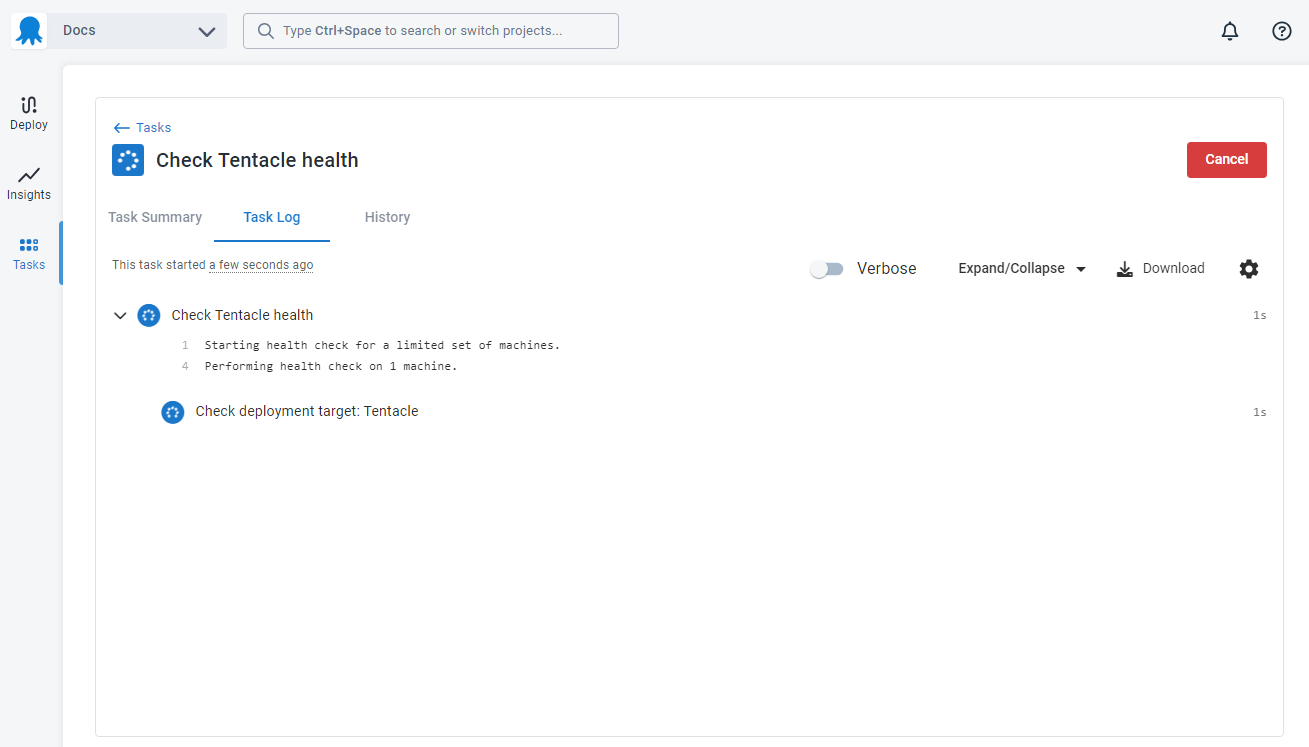
You can navigate to any of these tasks, and then click the Cancel button in the top right corner on the executing/waiting/queued task (you may need to click it twice). This will mark the blocked task as Failed and then allow your new task to proceed.
Abandon a stuck task
If a deployment or runbook run never finishes canceling, you can abandon it. Once a task has been canceling for more than 10 minutes, an Abandon button appears on the task page. Abandoning records the task as Canceled so it stops blocking work waiting on it, but it only changes what Octopus records: any scripts or steps already running on your deployment targets keep running untracked, the usual cancellation clean-up is skipped, and the action can’t be undone. Treat it as a last resort when the stuck task is causing more harm than the inconsistency it leaves behind. You’ll need the TaskCancel permission for the task’s project and environment.